On the Web User Interface click Quick Setup. On the sub-menu
click the Wireless tab.
By default, the Wireless features is enabled.
If you wish to hide the SSID from active scans, simply tick the
Non-Broadcast SSID check box.
Input your desired SSID or Wireless Network Name.
a.
b.
c.
d.
3.5 CONFIGURING THE 2.4GHz and 5.0GHz WIRELESS
The Web User Interface allows you to configure the 2.4GHz and 5.0GHz
wireless bands. Kindly read and follow the definitions and instructions
below in configuring your wireless bands.
NOTE: The 5.0GHz SSID can only be detected if your end device supports
5.0GHz wireless interfaces.
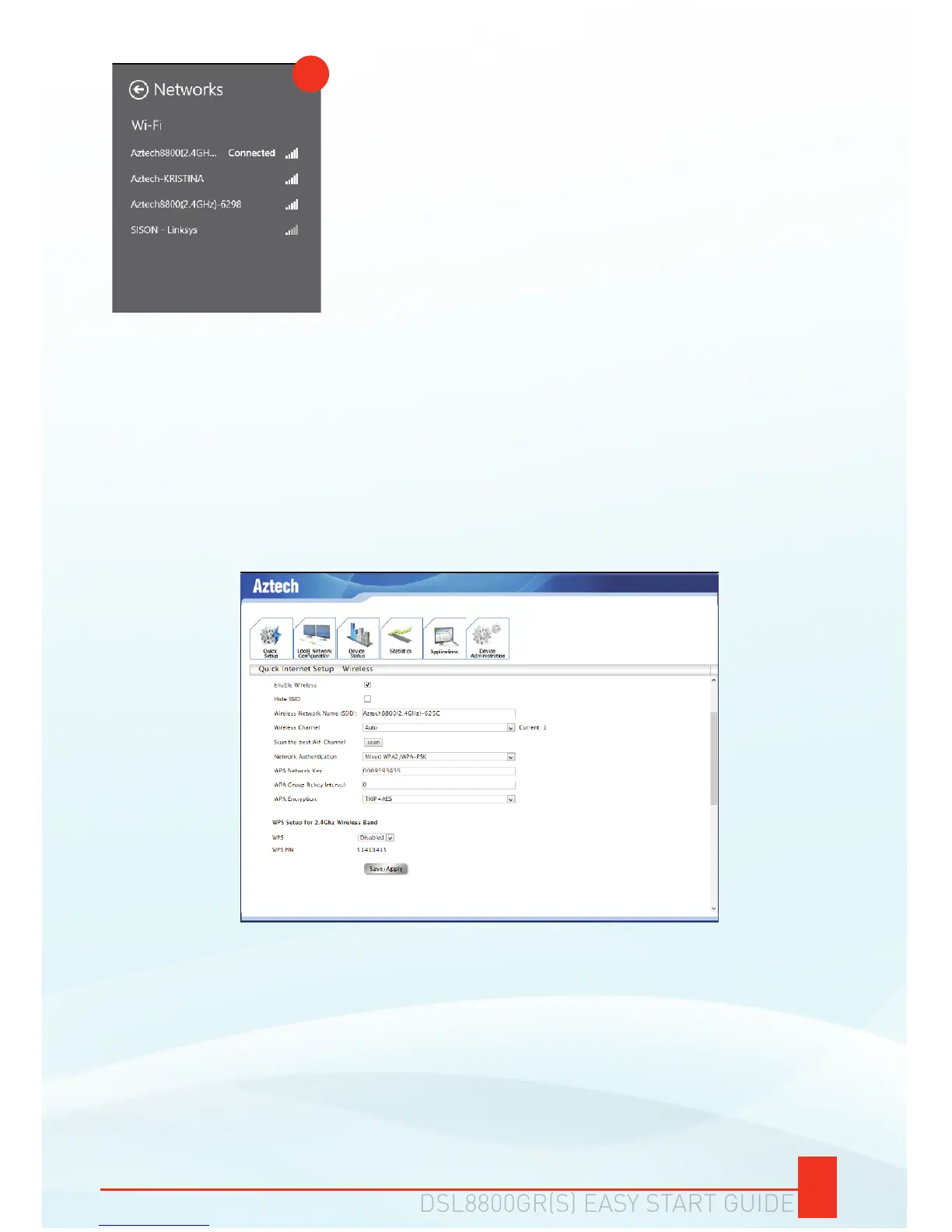
The status Connected would be displayed
beside your wireless network name indicating
a successful connection.
g.
g


 To Next Page