SMS Service
12
You can use your DECT telephone to send, receive
and track SMS messages. You can send SMS
messages either another fixed SMS-capable telephone
or a mobile telephone.
You must subscribe to your Network Provider’s Caller
Display and SMS Messaging services so that you can
use the SMS Services and you must not withhold your
telephone number.
The Telkom Caller Services required are IdentiCall and
Home SMS. Call 10219 fo further details.
If you register for SMS Messaging, messages to your
number will be delivered in text. If you are not
registered for text messaging, messages to your
number will be converted to voice and delivered to your
number as voice calls.
Sending a text message
Writing a text message
Go to SMS / EDIT SMS.
Replace sentence with "To change the character case
to uppercase, press and hold the . After releasing
the key all characters entered will be in uppercase.
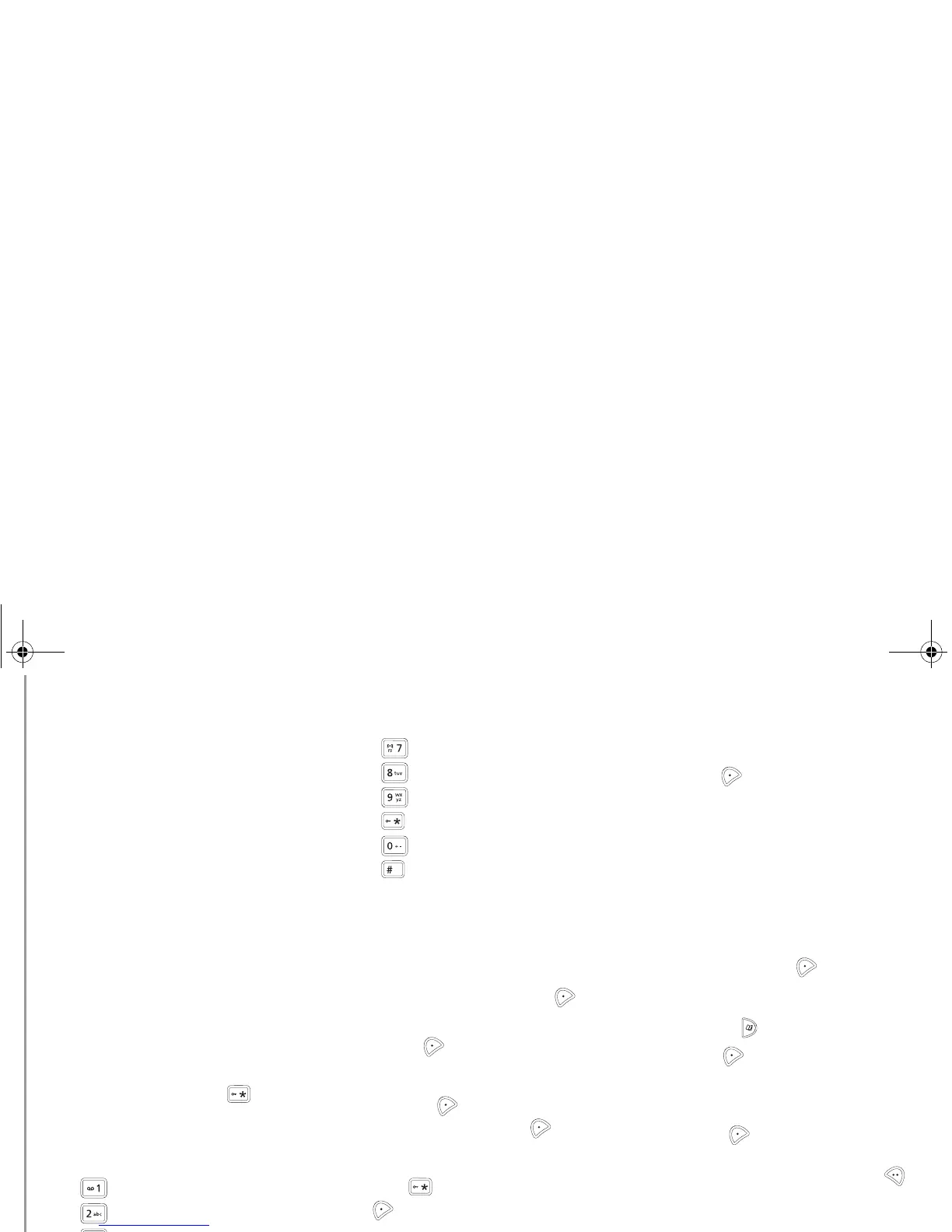
Alphanumeric keypad key correspondence depending
on the activated mode (capital letters or small letters).
’, 1, #, ,, ., :, ?, _, *
a, b, c, 2
d, e, f, 3
g, h, i, 4
j, k, l, 5
m, n, o, 6
p, q, r, s, 7
t, u, v, 8
w, x, y, z, 9
special characters
space, 0, /, +, @, -, $, &, %
#
Making a correction
If you enter the wrong character, press .
You can also move through the text to delete
characters or insert new ones.
Set the cursor to the position where you want to insert
or delete a character and press Select .
Select INSERT CHAR. or DELETE CHAR..
Press Valid. .
Uppercase/lowercase
Press Select . Select CAPITAL LETTER
or SMALL LETTER. Press Valid. .
Special characters
Press the button, select the desired character,
use to confirm.
List of special characters:
Sending an SMS
Press Select to select the type of delivery.
You can choose between the following options:
- SEND: to send a message.
- STORE: to save your text as a draft. It can be sent
at a later time.
- CANCEL: to permanently delete the text message
that you just entered.
To transmit message
Select SEND. Press Valid. .
Enter or look up the number to be called in the
phonebook (key ).
Press Valid.
.
A confirmation screen appears.
• If the information is accurate. Press
Confirm .
• To change the phone number, edit or modify your
text message, press Modify. Press Edit .
At the end of the transmission.
• To save the message (in the SMS messages
sent folder), press Yes .
• If you do not want to save the message, press
No .
SMS Service
LU Azurite D32T- EN.book Page 12 Mercredi, 9. décembre 2009 2:37 14



 To Next Page