9
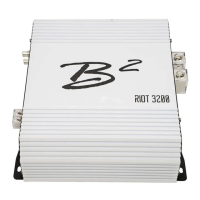
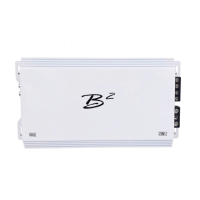
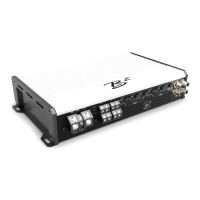
The Falcon / The Osprey
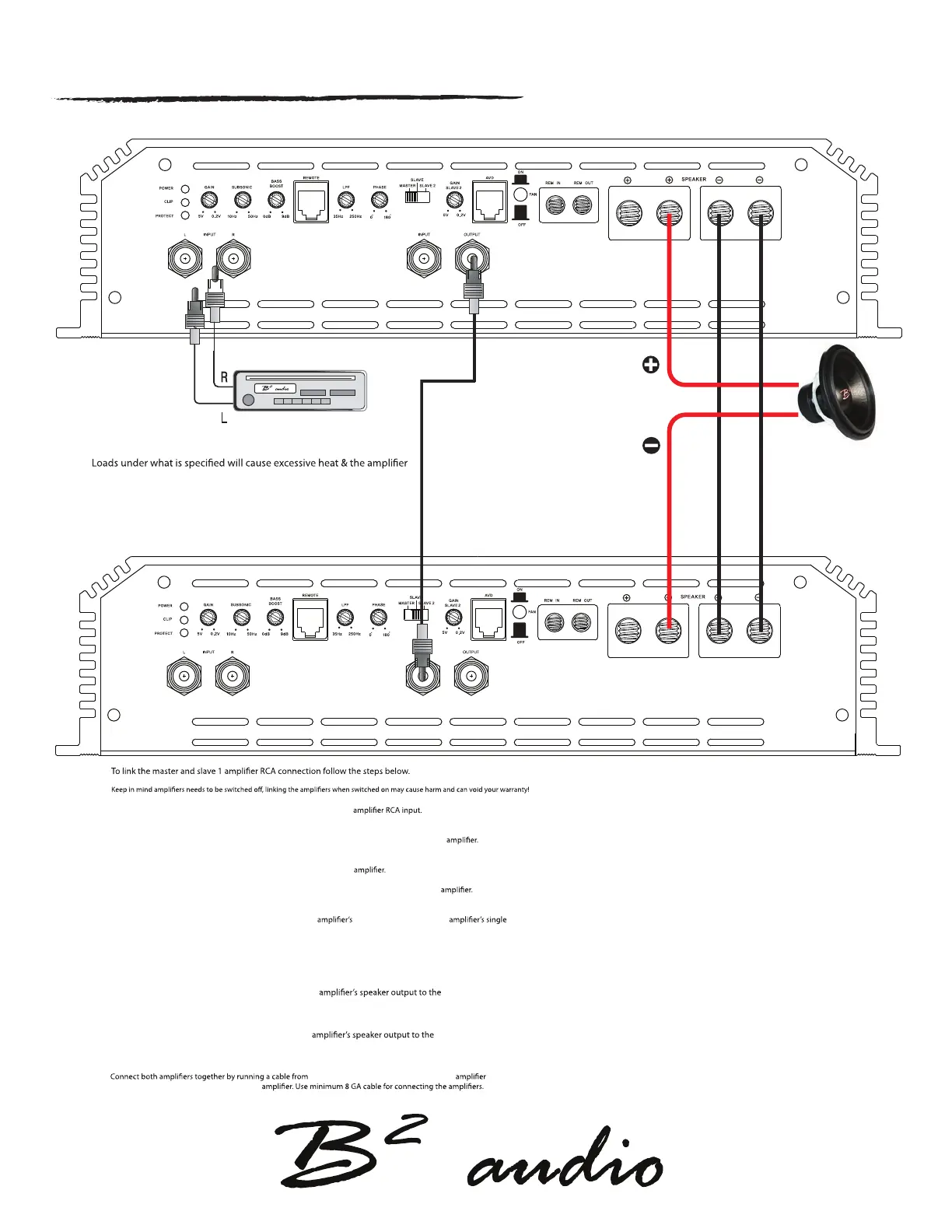
Speaker impedance 2 Ohm ~ 8 Ohm
will reach thermal at a faster rate & will eventually go into protect.
Impedance load under 2 ohm is not warranted in strapped mode!
Strapped control panel setting / speaker wiring
step 1.
Run the
positive (+) speaker cable from the master
positive terminal (+) of the subwoofer.
step 2.
Run the positive (+) speaker cable from the slave
negative terminal (-) of the subwoofer.
Step 3.
negative speaker output on master
to negative speaker output on slave
Step 1. Connect RCA from Head Unit / output source into master
If only one output is available, then use a Y-split to connect both L & R.
Step 2. Locate the Master / Slave switch on the right side of the control panel on the Master
Set the switch to Master position.
step 3. Connect a single RCA from the RCA OUT on the master
Step 4. Locate the Master / Slave switch on the right side of the control panel on the Slave
Set the switch to Slave position.
Step 5. Connect the single RCA cable from the Master
Rca out to the slave RCA IN.
strapped speaker connection


 To Next Page