EasyManua.ls Logo

BabySense V24R US - User Manual

BabySense V24R US
16 pages
Print Icon
To Next Page IconTo Next Page
Loading...
Second Camera is supplied
only with model V24R_2US
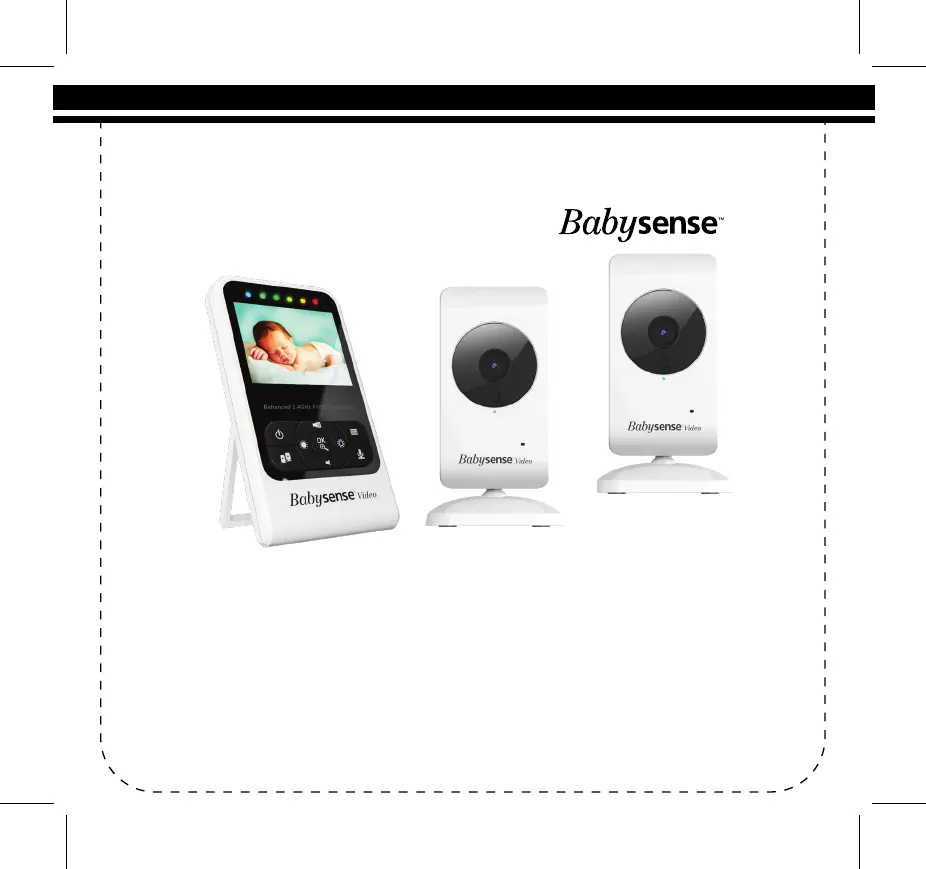
Video Baby Monitor
By
User Manual
Wireless Digital Video Baby Monitor
Watch, Listen and Talk to Your Baby
For any product related queson please contact us at service@hisense.co.il
or Toll Free Number (833) 568-2229
www.babysensellc.com
Model: V24R_US (Video Baby Monitor with one cameras)
V24R_2US (Video Baby Monitor with two cameras)

Questions and Answers

Summary

Warnings and Safety Instructions

Safety Instructions for AC Power Adapter

Provides essential safety guidelines for using the AC power adapter with the baby monitor.

Safety Instructions for Li-ion battery

Outlines critical safety precautions for handling and charging the built-in Li-ion battery.

Information on disposal of battery and product

Details responsible disposal methods for the product and its battery in accordance with regulations.

Pack Contents

Product Overview

Parent Unit overview

Details the features and buttons of the Parent Unit, including power, volume, and menu controls.

Baby Unit overview

Explains the components of the Baby Unit, such as infrared LEDs, lens, and power connections.

Icons overview

Illustrates and defines common icons used on the monitor's screen for signal, volume, and status.

Operating the monitor

Turning ON the Baby Unit

Step-by-step guide on how to connect and power on the Baby Unit (camera).

Turning ON the Parent Unit

Instructions for powering on the Parent Unit, including battery and adapter connection.

Charging the Parent Unit

Details the process and indicators for charging the Parent Unit's rechargeable battery.

OSD (On-Screen-Display) mode operation

Parent Unit Screen ON;OFF (Audio only mode)

Instructions on how to turn the Parent Unit's LCD screen on or off for audio-only mode.

Volume adjustment

Guides users on increasing or decreasing the audio volume on the Parent Unit.

Brightness adjustment

Explains how to adjust the brightness level of the Parent Unit's LCD screen.

Scan Mode - Automatic switching between the paired Baby Units

Details how to activate automatic screen switching between multiple paired Baby Units.

Digital zoom & Pan; Tilt

Instructions for using digital zoom, pan, and tilt features to adjust the camera view.

Talk To Baby

How to use the two-way talk function to communicate with the baby via the Baby Unit.

Infrared Night Vision (Automatic)

Describes the automatic infrared night vision function for clear viewing in dark conditions.

Menu Operation

Pairing the Baby Unit with Parent Unit

Step-by-step guide to pair the Baby Unit with the Parent Unit for initial setup or re-pairing.

ECO Setting

Explains the ECO mode for reducing sound and video transmission to save power.

Temperature Unit Setting

How to select the preferred unit (Celsius or Fahrenheit) for temperature display.

Lullaby and White Noise Setting

Instructions for playing lullabies or white noise remotely from the Parent Unit.

Night Light

Details on how to activate and deactivate the night light on the Baby Unit remotely.

Maintenance

Customer Support

Warranty Terms

Troubleshooting

Technical Data

BabySense V24R US Specifications

General IconGeneral
Wireless Technology2.4GHz FHSS
DisplayColor LCD
Screen Size2.4 inches
CameraYes
Number of Cameras1
ExpandableUp to 4 cameras
Night VisionYes
RangeUp to 900 feet (open space)
Two-way TalkYes
Temperature SensorYes
Power SourceRechargeable battery
Sound ActivationYes
Wall MountableYes
VOX ModeYes
TypeVideo
FeaturesLow Battery Alert, Out-of-Range Alert

Related product manuals