Page 36 of 50
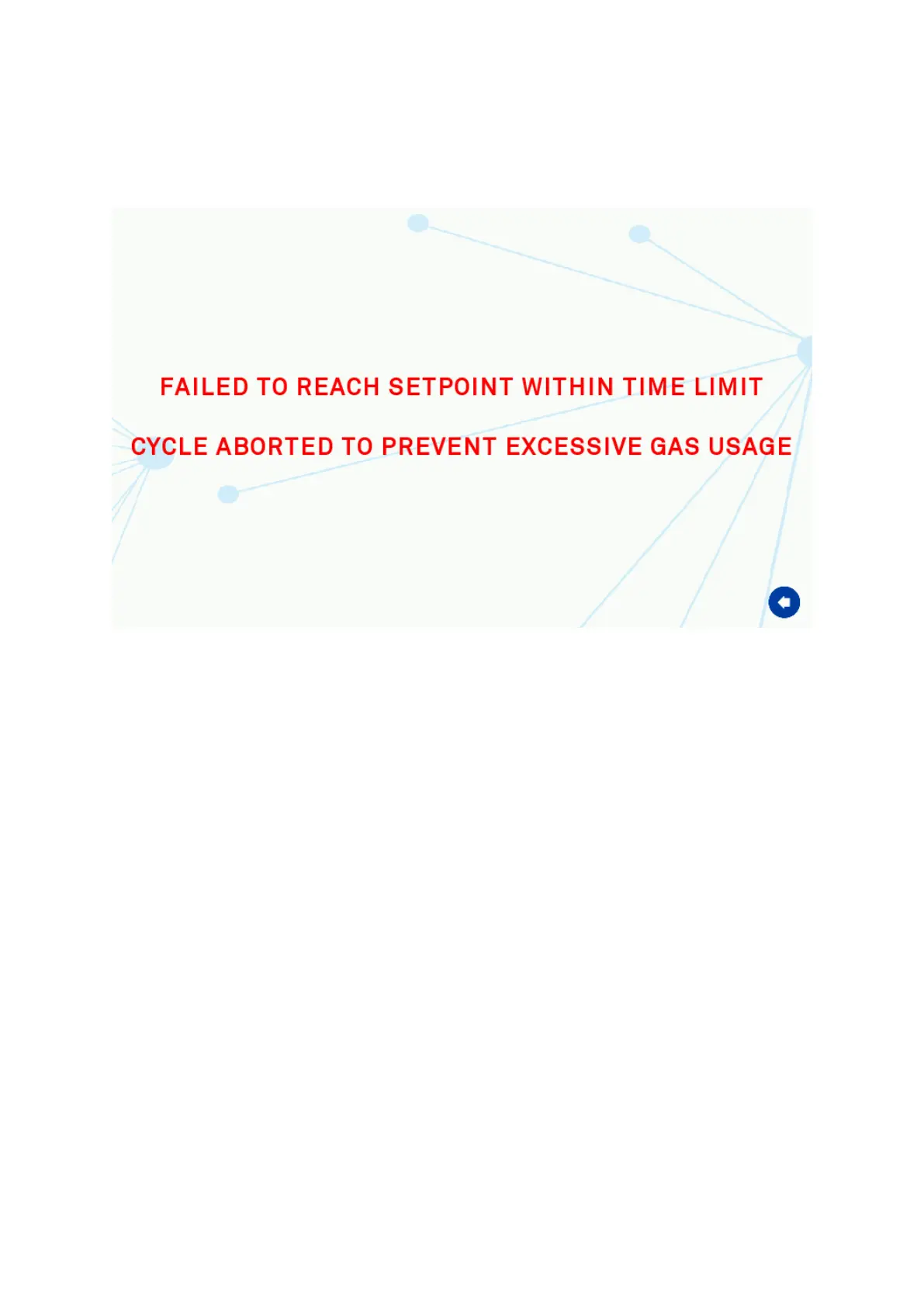
Set-Point Failure Alarm Screen
This alarm actives if the gas set-points have not been reached with 3 hours of mixing. This
will also disable the gas control of the workstation to avoid excessive gas usage as it
indicates an issue with the gas tightness of the workstation.
Screen 15: Gas Mix Time Limit Warning Screen
The alarm can be dismissed by pressing the back arrow at the bottom right of the screen.
Once this has been done please check the procedure in the section ‘Excessive Gas Usage’
for checking the gas integrity of the workstation.


 To Next Page