Water Flow Adjustment
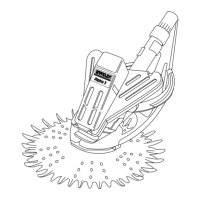
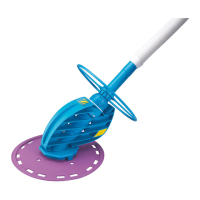
For proper performance, the water flow through the RANGER
™
MUST be regulated.
Step 6: Remove the RANGER
™
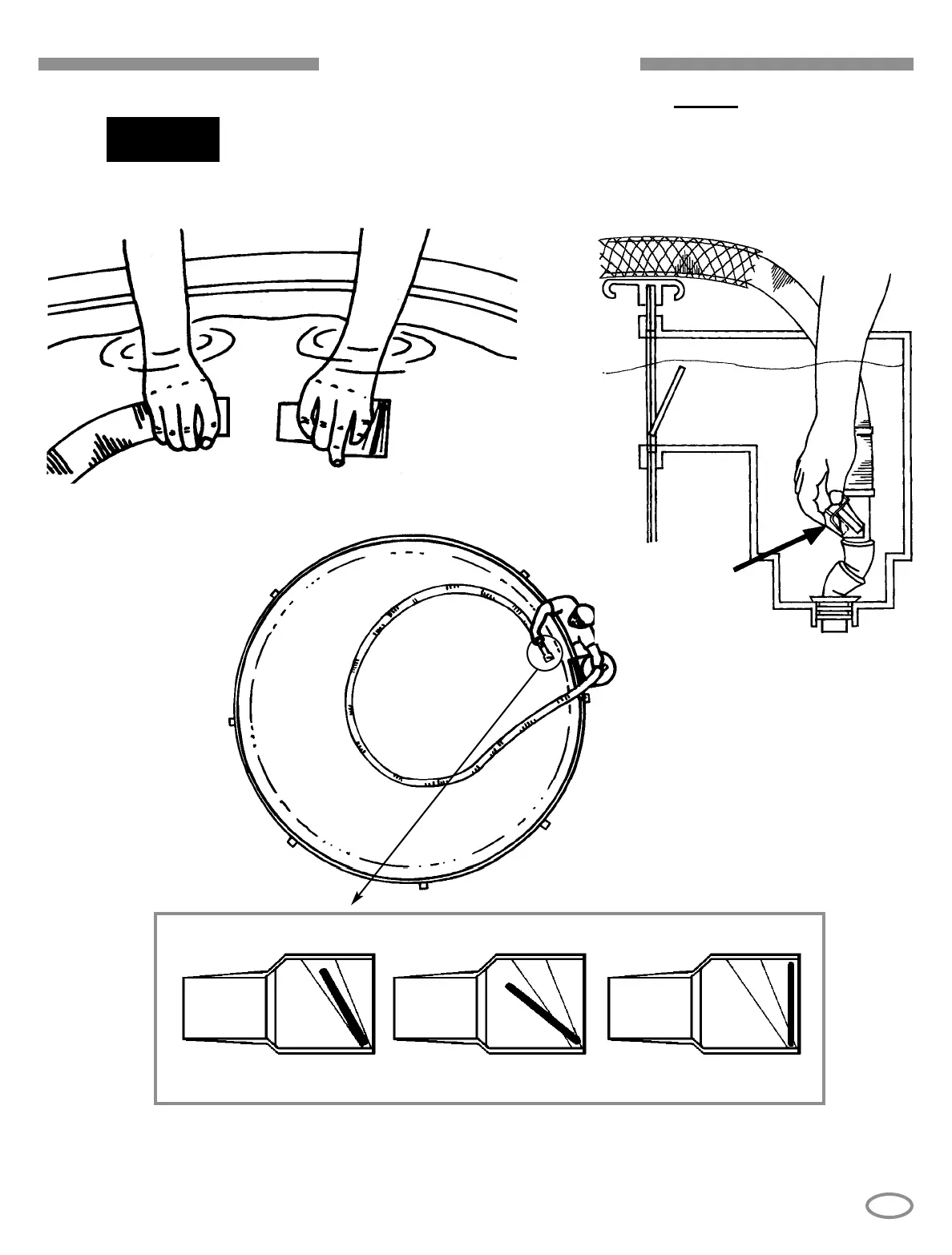
head from the hose and attach the Pool
Pulse
™
(Part No. 44805) to the hose underwater. Adjust regulator
valve as shown.
Adjust the regulator valve until the blue indicator of the Pool Pulse
™
falls into the
clear range (when it is viewed from the side). Turn the valve cap clockwise to
increase flow; turn the cap counter-clockwise to decrease flow through the cleaner.
IDEAL TOO HIGH
TOO LOW
VA LV E
CAP
POOL PULSE
TM
9


 To Next Page