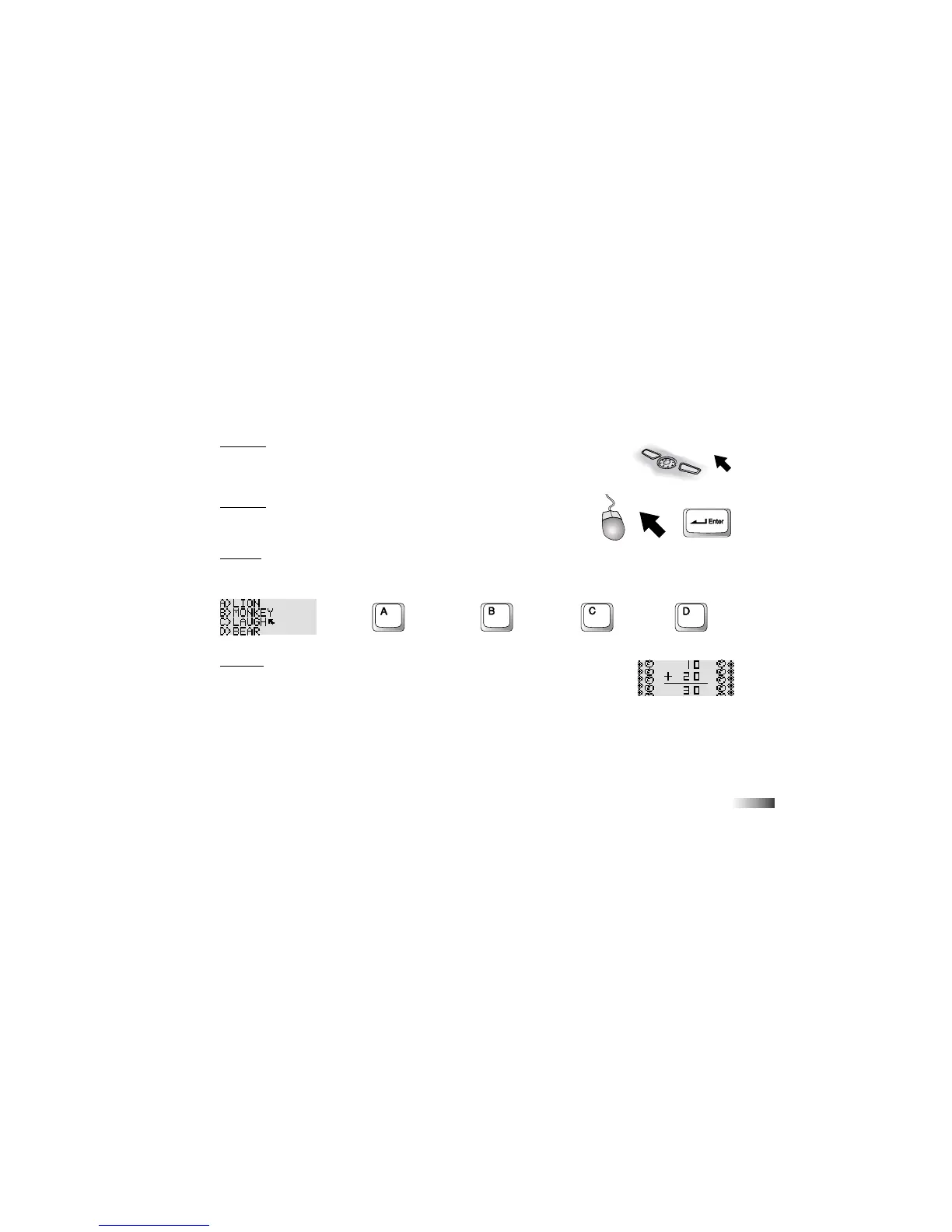
Method 1
1. Press the arrows on the directional cursor button to move the arrow cursor over the
chosen object.
2. Press the left cursor button once.
Method 2
1. Use the mouse to move the arrow cursor over the chosen icon.
2. Press the left button on the mouse once.
Method 3
Press the letter key that corresponds to the choice.
a >
LION
b >
MONKEY
c >
LAUGH
d >
BEAR
Method 4
In some cases, you do not need to make a selection. Use the keyboard to type in your
answer at the flashing cursor.
AWESOME ADDITION



 To Next Page