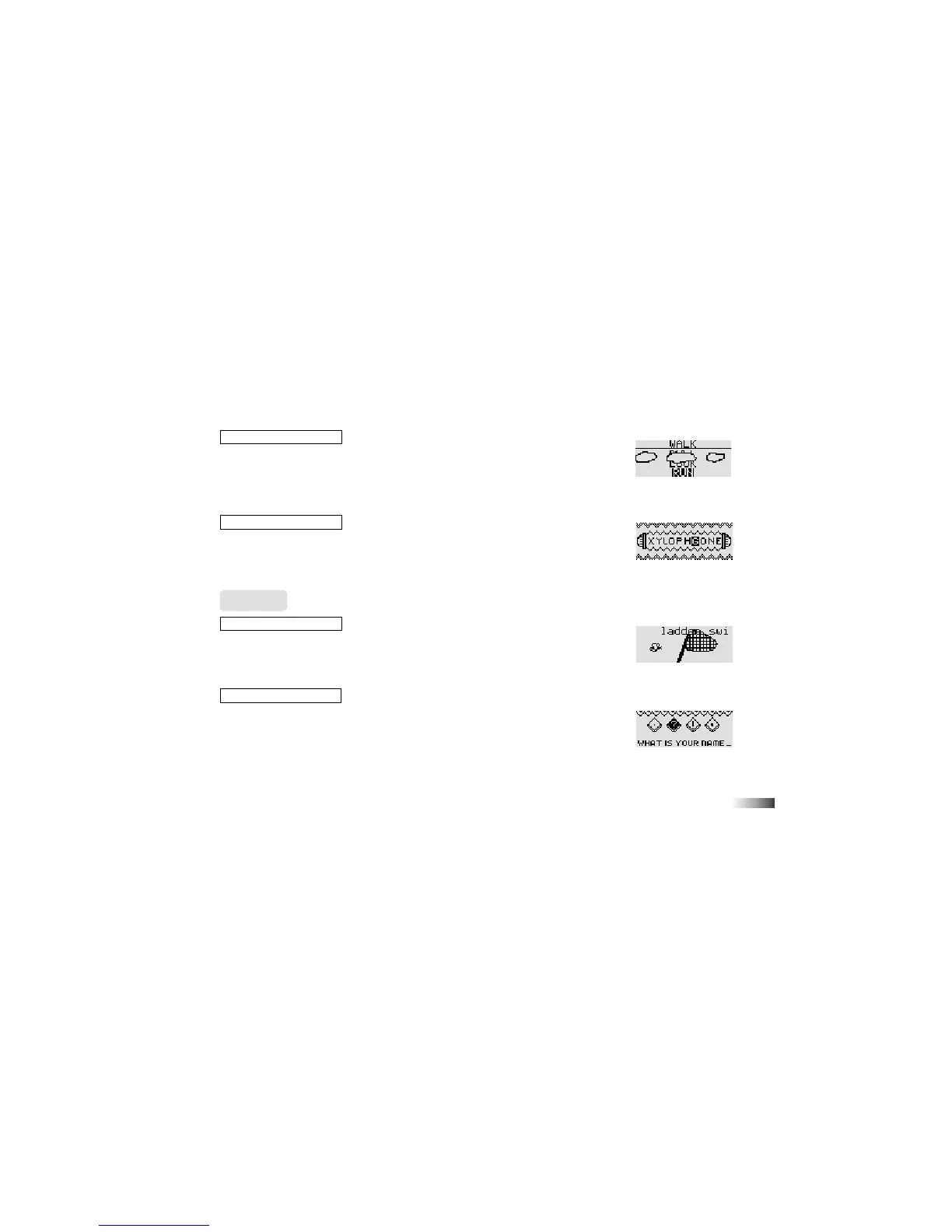
(09) Cloud Cover
You have to find the word that has the opposite meaning from the word at the
top of the screen.
Words scroll down from behind clouds in the middle of the screen. When the
word you want appears at the bottom of the screen press the left cursor key or
the [Enter] key to select it.
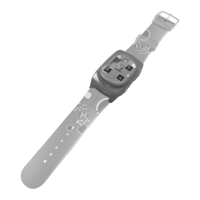
(10) Word Squeeze
Remove a letter from the displayed word to form a new word. Select the letter
with the directional cursor key. Press the [Enter] to confirm your choice.
You can also select the letter by moving the arrow cursor over it with the mouse.
Press the left mouse button to confirm your choice.
Grammar
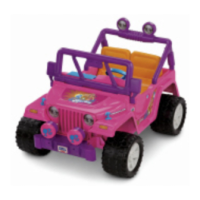
(11) Word to Word
Identify different types of words. Listen carefully to the instruction prompt. It will
ask you catch nouns, verbs or adjectives.
Different words scroll across the top of the screen. Identify the word you want to
catch and press the [Enter] key or the left cursor key when the word is above the net.
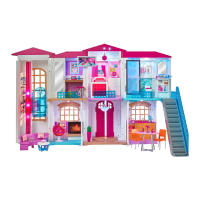
(12) Punctuation Puzzle
A sentence with missing punctuation scrolls across the bottom of the screen.
There are four punctuation marks above it. Select the mark you think would
make the sentence correct and move the arrow cursor over it with the mouse or
directional cursor key.
Press [Enter] or the left cursor key to confirm your selection.
(10)
(11)
(09)
(12)



 To Next Page