(01)
NET WORD MAGIC LETTERS
Method 5
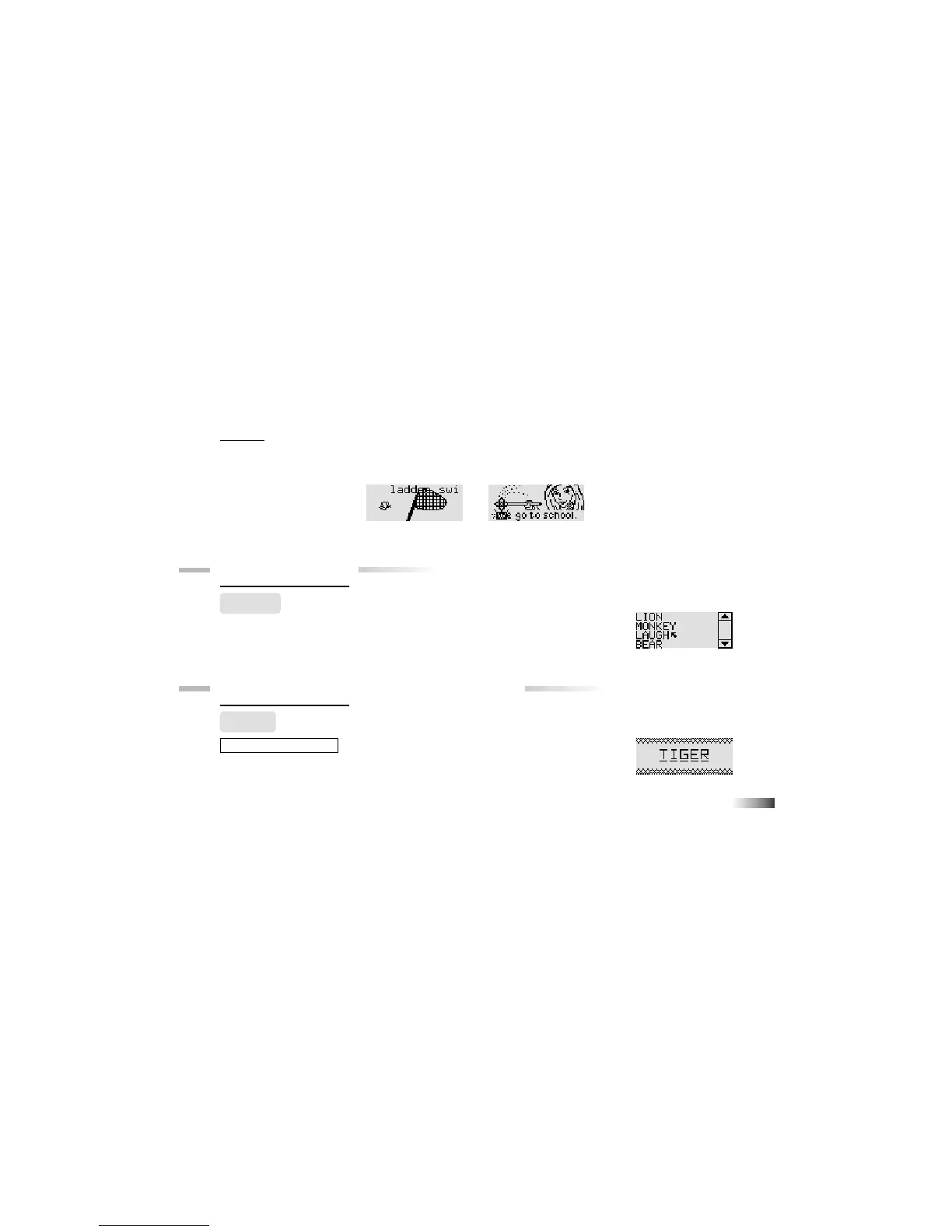
For some games you can press [Enter] or the cursor key when the object you want to select
is in the right place in the screen. (See the game instructions for details).
Chapter 8
Chapter 8
Scrolling
Sometimes there is more information than can be displayed on the screen.
In such cases, there is a scrollbar. Move the cursor arrow over the arrow tips
on the scroll bar, and press the left cursor button.
Chapter 9
Chapter 9
(Games and Game Codes)
(Games and Game Codes)
Spelling
(01) Spell It
An animated vocabulary word is displayed and you are asked to spell the word.
Type the word into the spaces using the letter keys.



 To Next Page