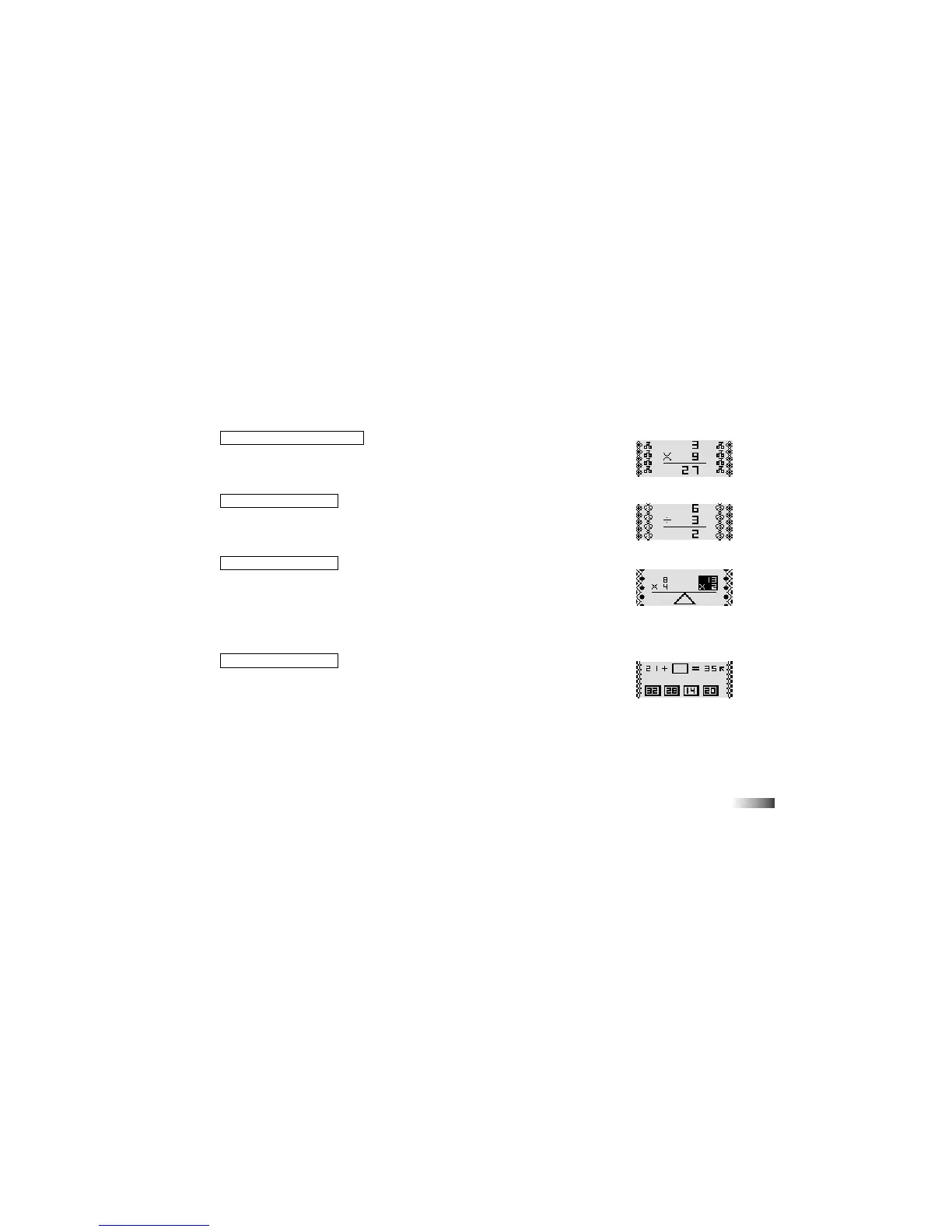
(22) Multiplication Madness
Work out the answer to the equation and type it in using the number keys.
The answer is submitted from right to left (units, tens, hundreds). If you want
to change the direction of entry, press the space bar before you type your answer.
(23) Division Diva
Work out the answer to the equation and type it in using the number keys.
The answer is submitted from left to right (hundreds, tens, units). If you want to
change the direction of entry, press the space bar before you type your answer.
(24) Balancing Act
Listen carefully to the instruction prompt. It will ask you find the equation with
either the largest or the smallest value.
Select the equation with the directional cursor key and submit it with the [Enter]
key or the left cursor key.
You can also use the mouse to select an equation. Press the left mouse button to
select the equation underneath the arrow cursor.
(25) Missing Equation
An equation with a missing number is displayed on the screen. Select the number
to fill the gap from the row of numbers at the bottom of the screen. Move the arrow
cursor with the mouse or the directional cursor key. Select the number by pressing
the left mouse button or the left cursor key.
(22)
(23)
(24)
(25)



 To Next Page