(44)
(45)
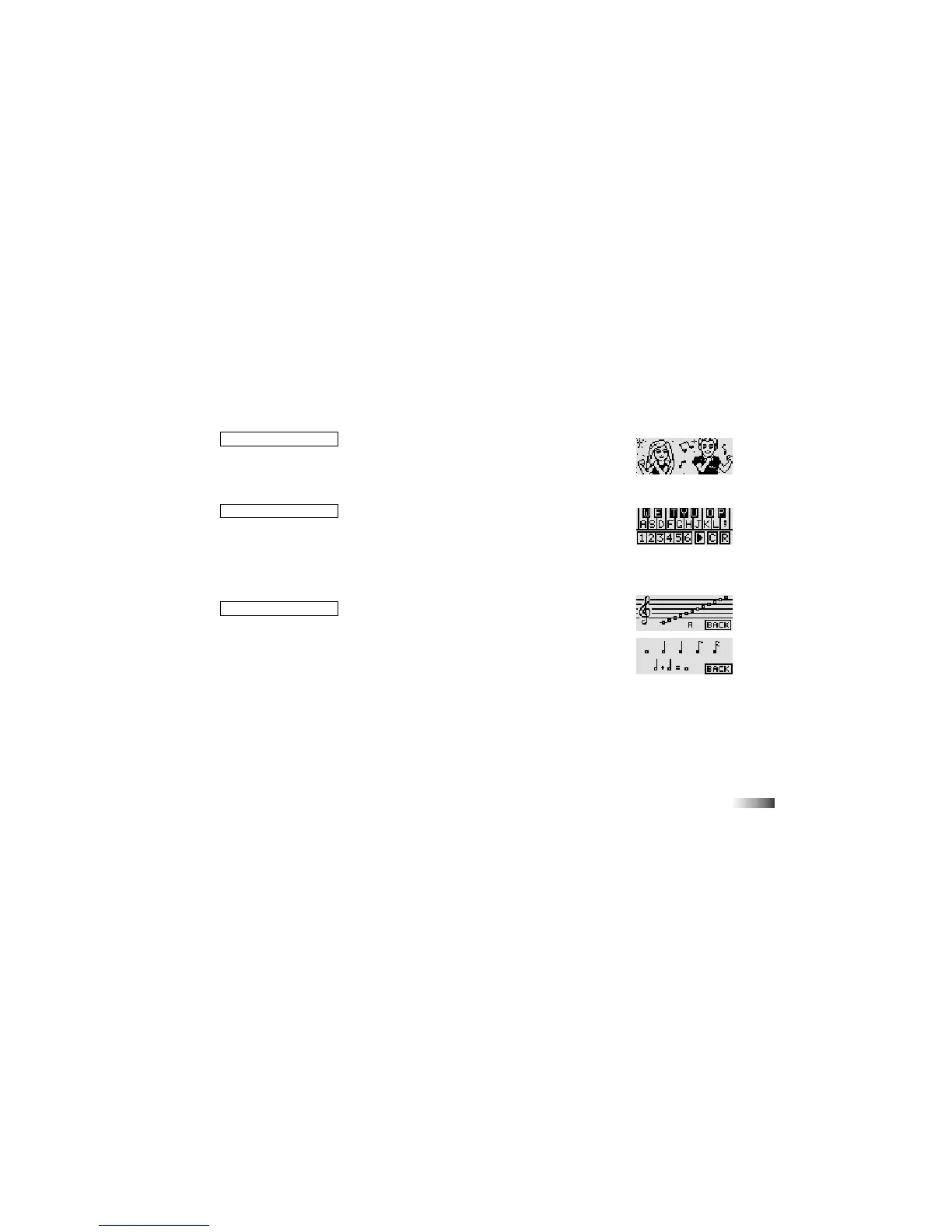
(43) Dancin’ DJ
Choose a melody to listen to. Scroll through the list of songs with the directional
cursor keys, left and right. Press [Enter] or the left cursor key to select the melody.
When the melody is playing you can make Barbie
®
and her friend dance by pressing
different letter keys.
(44) Music Maestro
Write a piece of music one note at a time. Press the numbers 1 to 6 to choose
different instrument sounds. Use the letter keys corresponding to the notes on the
screen to play your melody.
Add a rest (pause) by clicking the R button with the arrow cursor. The C button will
clear the pattern and the triangular play button will playback the rhythm you have
written.
(45) Tune Time
Learn music with Barbie
®
!
First select whether you want to learn note names or note lengths by clicking on
the game type button with the arrow cursor.
Note Names: Select whether you want to learn treble clef notes or bass clef notes by
clicking on one of the staves.
Click on a note and Barbie
®
will tell you what the note is called.
Note Lengths: Click on one of the different note types to hear what length it is.
(43)



 To Next Page