1313
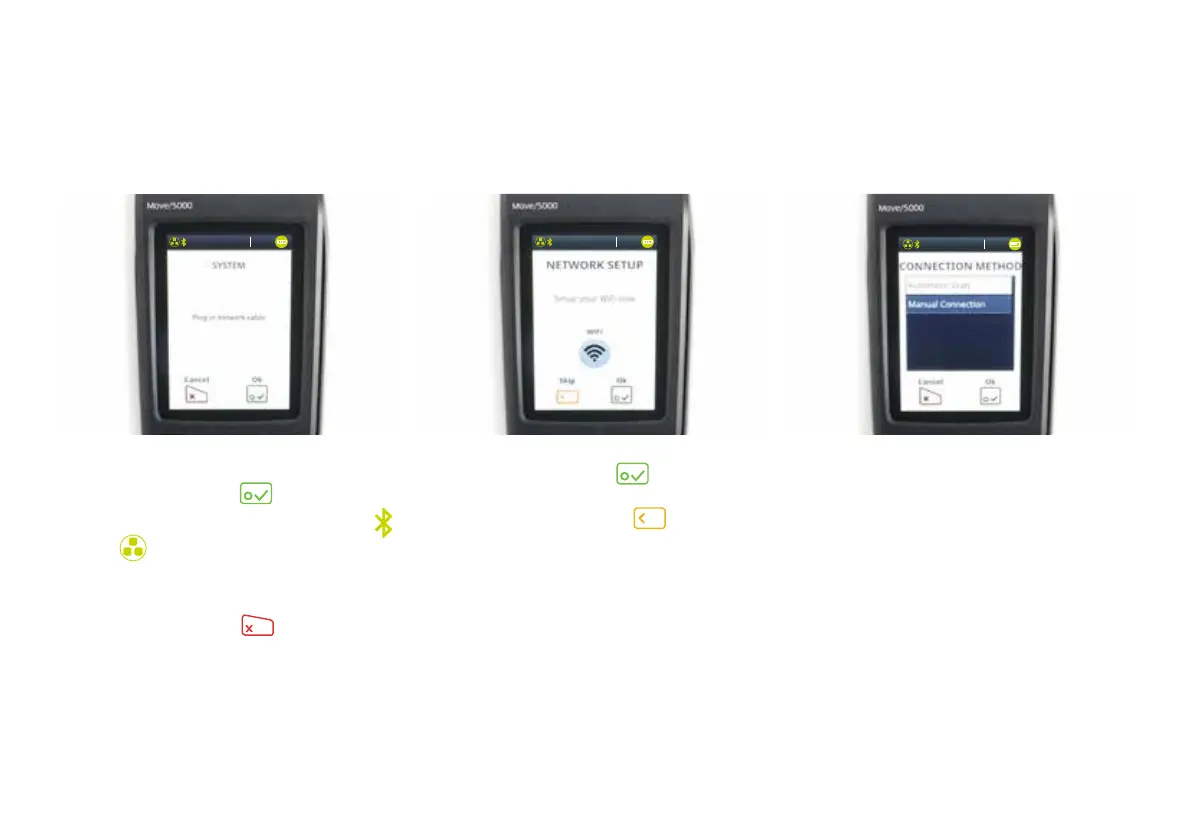
4) Your network cable should already be
plugged in, so tap
.
Bluetooth is now installed and the
and
symbols at the top of the
screen will go green.
If you do not wish to connect via
Bluetooth (IP), tap
.
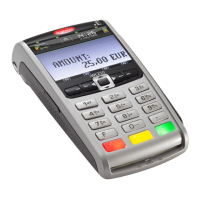
6) If you connect to Wi-Fi, you’ll
see the above connection
method screen. When you see
this, select ‘Automatic Scan’.
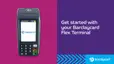
5) To set up Wi-Fi, tap
. If you
don’t want to connect your terminal
via Wi-Fi, you can tap
to skip
this step.
13:3 7
03/10/2018
13:3 7
03/10/2018
13:3 7
03/10/2018


 To Next Page