1. Fan replacement kit
Image 1-13
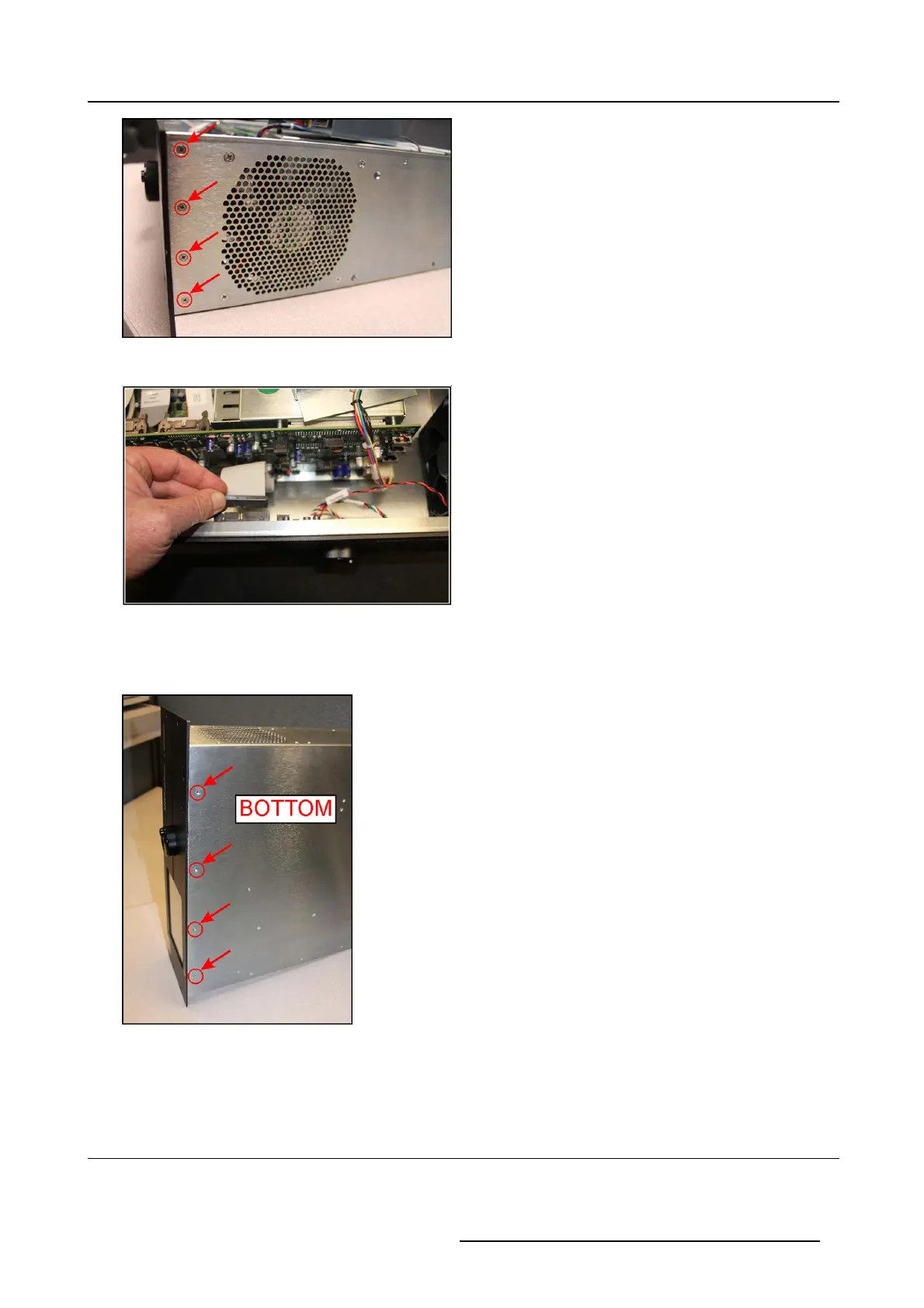
3. Insert the ribbon cable back into the socket.
Image 1-14
Note: be care ful not to bend pins.
4. C arefully turn the processor on its side.
5. Install four 4–40 x 3/16” flat-head Phillips screws in bottom p late.
Image 1-15
6. P lace the processor back dow n.
7. Inspe ct the processor to make sure t hat a ll c onnectors are properly seated and the screws and nuts are tight.
1.9 Install the top cove r
Necessary tools
#1 Phillips screwdriver
R59770891 AP20 & AP24 FAN REPLACEMENT KIT 28/09/2015
7



 To Next Page