EasyManua.ls Logo

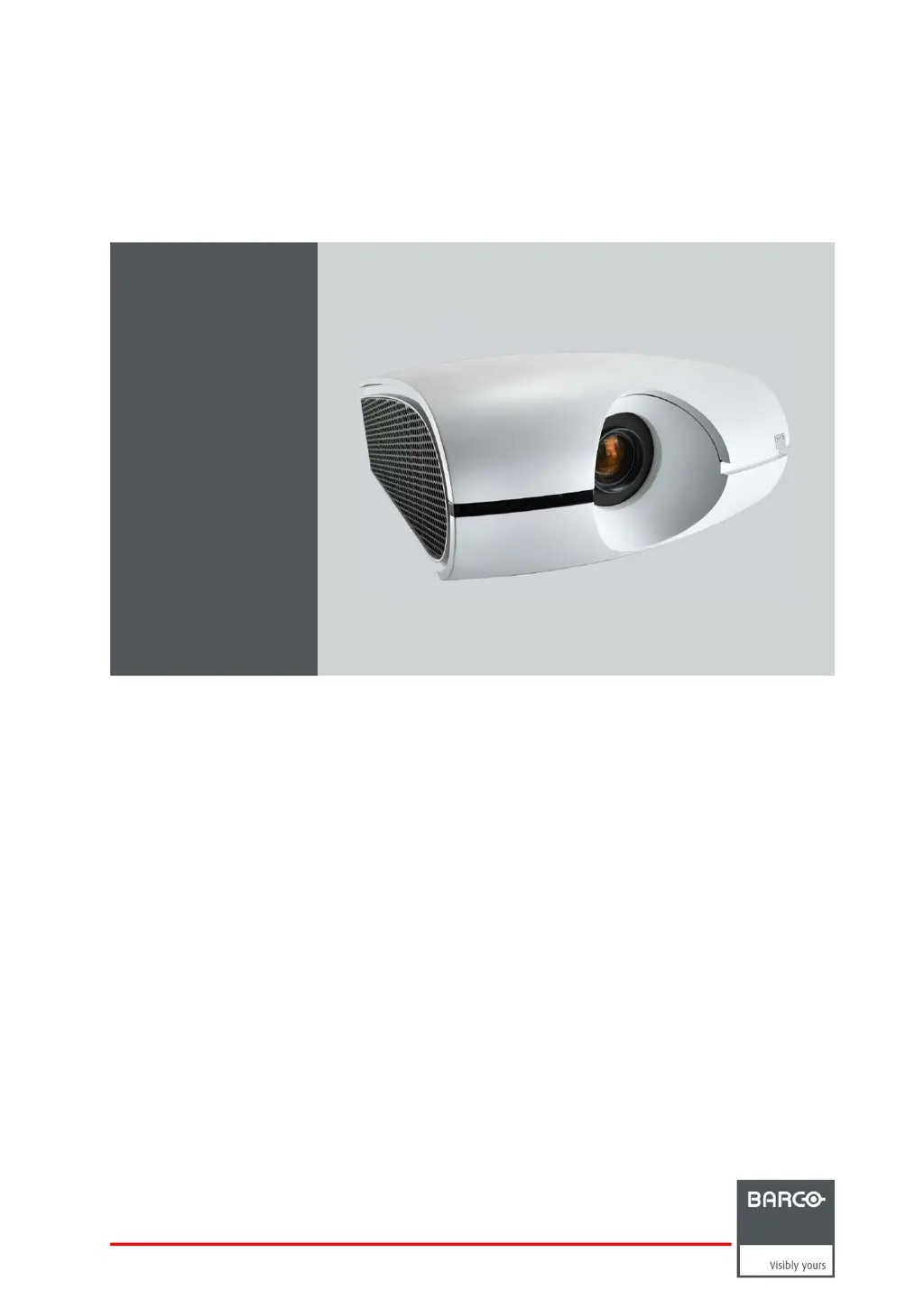
Barco PHXG-91B - User Manual

Barco PHXG-91B
143 pages
Print Icon
To Next Page IconTo Next Page
Loading...
PHxx series
User and Instal lation manual
R5905597/02
20/05/2014

Table of Contents

Other manuals for Barco PHXG-91B

Questions and Answers

  • K
    Krystal KnoxAug 12, 2025
    Why does my Barco Projector ask for a password?
    • W
      Willie HollandAug 12, 2025
      If you see a password screen on your Barco Projector, it means the PASSWORD FUNCTION in the FEATURE menu has been set to DISPLAY INPUT. You need to enter the password or contact the person in charge of managing the projector to unlock it.
  • M
    Mark NealAug 16, 2025
    Why does my Barco PHXG-91B say 'HIGH TEMP WARNING'?
    • V
      vchavezAug 16, 2025
      If the Barco Projector displays 'HIGH TEMP WARNING', it means the ambient temperature is too high or the intake/exhaust vents are blocked. Try to eliminate the causes of the rise in ambient temperature. Also, remove any objects blocking the intake or exhaust vents.
  • A
    anthony41Aug 20, 2025
    Why does my Barco PHXG-91B Projector power turn off by itself?
    • P
      perrywilliamAug 20, 2025
      If your Barco Projector's power turns off unexpectedly, it might be due to blocked intake or exhaust vents, or the lamp may be deteriorating. First, remove any obstructions from the vents, then wait for the fans to stop, unplug the projector for 10 minutes, plug it back in, and press the power key. Also, ensure that AUTO POWER OFF is set to OFF. If the lamp is old, it might need replacing.
  • J
    Joshua HughesAug 25, 2025
    What to do if no image appears on Barco PHXG-91B screen?
    • W
      williamsmithAug 25, 2025
      If no image appears on the screen of your Barco Projector, try the following: * Press any key to cancel BLANK. * Ensure the lens cap is removed. * Allow up to 2 minutes for the lamp to light up; if it doesn't, wait a few minutes and try again. * If the projector was turned off before the lamp cooled down, wait for the fan to stop before turning it back on. * Set SCART INPUT in the FEATURE menu to OFF. * Check that the intake vent is clean. * Verify the cables connected to external devices are not broken. * If using an extension cable, test with the supplied cable. If images display correctly with the supplied cable, add an RGB signal amplifier to the extension cable.
  • S
    Shelby RodriguezAug 27, 2025
    Why don't the buttons on my Barco PHXG-91B Projector work?
    • C
      Crystal MartinAug 27, 2025
      If the keys on your Barco Projector (except for the POWER key) don’t function, it's likely because the PASSWORD FUNCTION in the FEATURE menu has been set to MENU ACCESS. To resolve this, either cancel the password lock or contact the projector's administrator.
  • P
    Paul WallaceAug 31, 2025
    How to fix Barco Projector menu when it can't be used?
    • J
      John OwenAug 31, 2025
      If the menu on your Barco Projector isn’t working, it could be due to microcomputer malfunction caused by noise. To fix this, turn off the lamp by pressing the POWER key, wait about 2 minutes, and then unplug the power cord from the wall outlet. Wait about 10 minutes, plug the power cord back in, and try again.
  • T
    Thomas WallaceSep 4, 2025
    How to fix distorted projected images on Barco PHXG-91B?
    • T
      Traci JacksonSep 4, 2025
      If your Barco Projector images are distorted, adjust the projector and the screen so that they are perpendicular to each other.
  • H
    Heather RochaSep 8, 2025
    Why isn't my Barco PHXG-91B remote control working properly?
    • G
      George PhillipsSep 8, 2025
      This mark appears when ineffective operation is carried out. This isn’t a product malfunction. To improve remote control function with your Barco Projector: * Ensure the batteries are correctly loaded and not weak. * Check the remote control sensor isn’t exposed to direct sunlight or fluorescent light. * Use the remote control within its operational range, at least 10 cm away from the projector. * Verify the projector isn’t controlled by another device connected to the REMOTE 1 IN terminal. * Ensure the REMOTE 2 IN and OUT terminals are not in use.

Barco PHXG-91B Specifications

General IconGeneral
Resolution1920 x 1200 (WUXGA)
TechnologyDLP
Brightness9000 lumens
Projection TechnologyDLP
Light SourceLaser
Input ConnectorsHDMI
Weight24 kg
Dimensions286 mm
Light Source Life20, 000 hours (typical)

Related product manuals