EasyManua.ls Logo

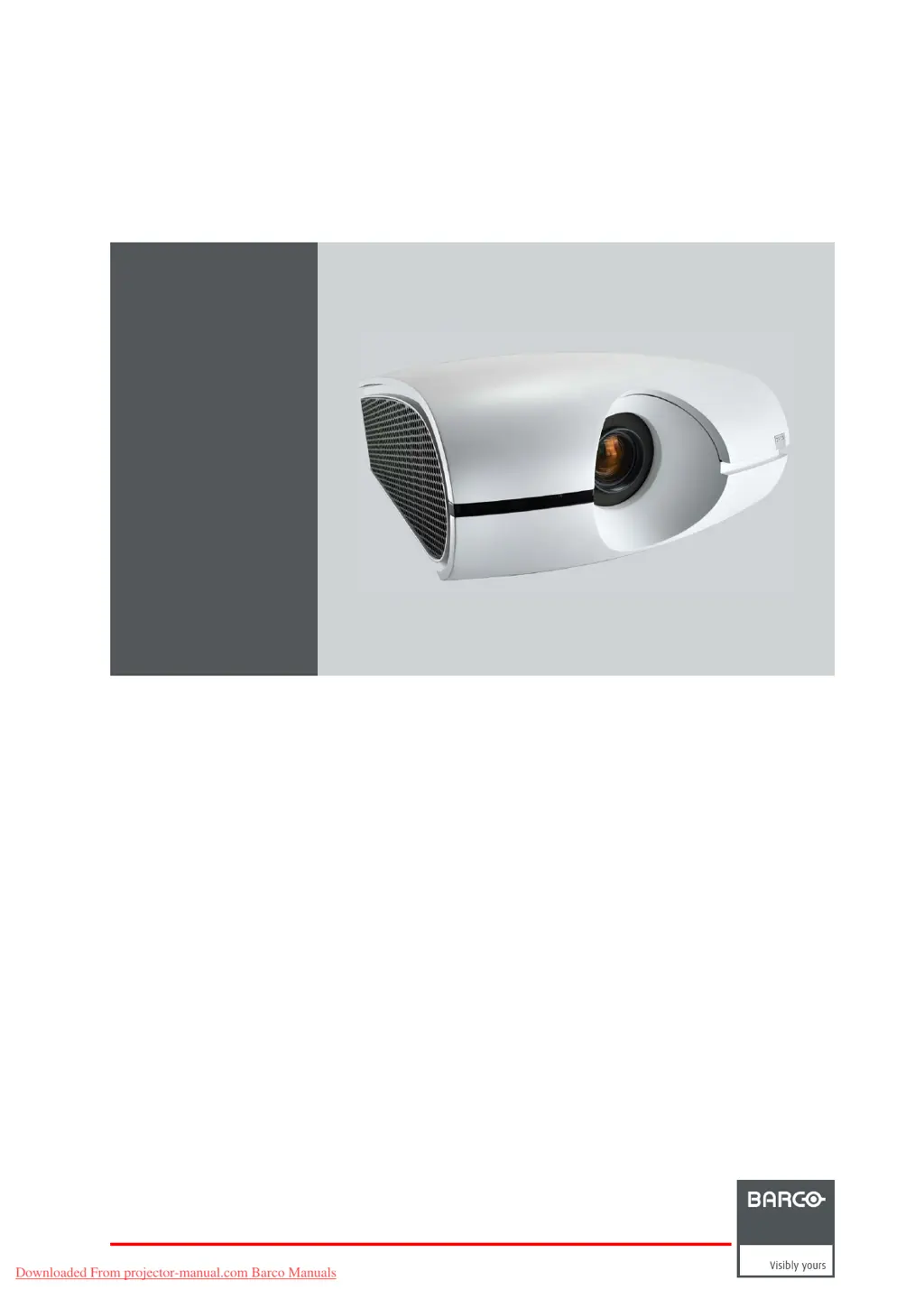
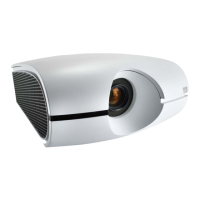
Barco PH series - User Manual

Barco PH series
143 pages
Print Icon
To Next Page IconTo Next Page
Loading...
PHxx series
User and Instal lation manual
R5905597/02
20/05/2014
Downloaded From projector-manual.com Barco Manuals

Table of Contents

Questions and Answers

  • C
    Cody HernandezAug 14, 2025
    What to do if the password screen appears on my Barco Projector?
    • S
      Shannon FrancisAug 14, 2025
      If the password entry screen appears on your Barco Projector, enter the password or contact the person in charge of managing the projector.
  • K
    Kimberly HubbardAug 20, 2025
    Why does my Barco PH power turn off by itself?
    • S
      samantha80Aug 20, 2025
      If your Barco Projector turns off unexpectedly, it might be due to the intake and/or exhaust vents being blocked. To resolve this: 1. Remove any obstructions from the intake and/or exhaust vents. 2. Wait for the intake and/or exhaust fan to stop. 3. Unplug the power cord from the wall outlet. 4. Wait about 10 minutes. 5. Plug the power cord back into the wall outlet. 6. Press the POWER key. Also, ensure that AUTO POWER OFF is set to OFF. If the lamp is old, it may extinguish after a short period of illumination.
  • J
    Joseph RiosAug 25, 2025
    How to fix a “HIGH TEMP WARNING” on my Barco PH?
    • P
      pevansAug 25, 2025
      If your Barco Projector displays a “HIGH TEMP WARNING”, it means the ambient temperature is too high or the intake/exhaust vents are blocked. Eliminate any causes of the rise in ambient temperature. Also, remove any objects blocking the intake or exhaust vents.
  • B
    Benjamin RodriguezAug 27, 2025
    Why can’t I use the menu on my Barco PH Projector?
    • S
      Samantha CombsAug 27, 2025
      If you can't use the menu on your Barco Projector, it could be due to microcomputer malfunction caused by noise. Try turning off the lamp by pressing the POWER key, wait approximately 2 minutes, and then unplug the power cord from the wall outlet. After waiting about 10 minutes, plug the power cord back in and try again. Note that grayed-out items cannot be selected, depending on input signal presence and type, among other conditions.
  • C
    coreysimpsonAug 31, 2025
    How to fix obscured projected images on a Barco PH?
    • K
      kimberly59Aug 31, 2025
      If the projected images from your Barco Projector are obscured: * Ensure the output resolution of your computer matches the projector's resolution. Contact your computer manufacturer for instructions on changing the output resolution. * If images and texts are obscured during keystone adjustment, use the projector without applying keystone adjustment. * If SUPER RESOLUTION is ON, try setting it to OFF.
  • X
    xroweSep 3, 2025
    What to do if resolution settings don't match on my Barco PH?
    • D
      David TuckerSep 3, 2025
      If the resolution setting on your computer differs from what's displayed in the INFORMATION menu on the Barco Projector: * Display images with many characters, such as a text document, to maximize screen brightness, then execute AUTO POSITION. * Perform RESOLUTION (MEMORIZE) in the SIGNAL menu. * Note that depending on the computer, images may output at a different resolution than the setting. Consult your computer manufacturer in such cases.
  • D
    Derrick FrederickSep 6, 2025
    How to adjust highlights and shadows on Barco PH images?
    • W
      wileymariaSep 6, 2025
      If the projected images from your Barco Projector have blown-out highlights or blocked-up shadows: * Adjust the input level of the ADVANCED menu in the IMAGE menu. * Set COLOR ENHANCER in the IMAGE menu to a setting like STANDARD or sRGB.
  • T
    Theresa ThomasSep 9, 2025
    How to eliminate noise around the image on a Barco Projector?
    • K
      Kimberly WardSep 9, 2025
      If noise appears around the image on your Barco Projector, especially with content like DVDs, try decreasing the setting value of OVER SCAN in the SIGNAL menu. Alternatively, adjust the setting value of SHUTTER in the USER menu of the SIGNAL menu.
  • J
    Jason RiosNov 16, 2025
    What to do if no image appears on the screen of my Barco PH Projector?
    • C
      Carrie LoveNov 16, 2025
      If no image appears on the screen of your Barco Projector, try the following: * Press any key to cancel BLANK. * Ensure that the lens cap is removed. * Note that it can take approximately 2 minutes for the lamp to illuminate. * If the lamp doesn't light up initially, wait a few minutes and try again. * If the projector was turned off before the lamp sufficiently cooled down, the fan might start, and the POWER key might not function after plugging in the power cord. Wait for the fan to stop, then press the POWER key to turn the STATUS Led back on. * Set SCART INPUT in the FEATURE menu to OFF. * Verify that the intake vent is clean. * Check the cables connected to external devices for damage. * If using an extension cable, replace it with the supplied cable to check. If im...

Barco PH series Specifications

General IconGeneral
BrandBarco
ModelPH series
CategoryProjector
LanguageEnglish

Related product manuals