EasyManua.ls Logo

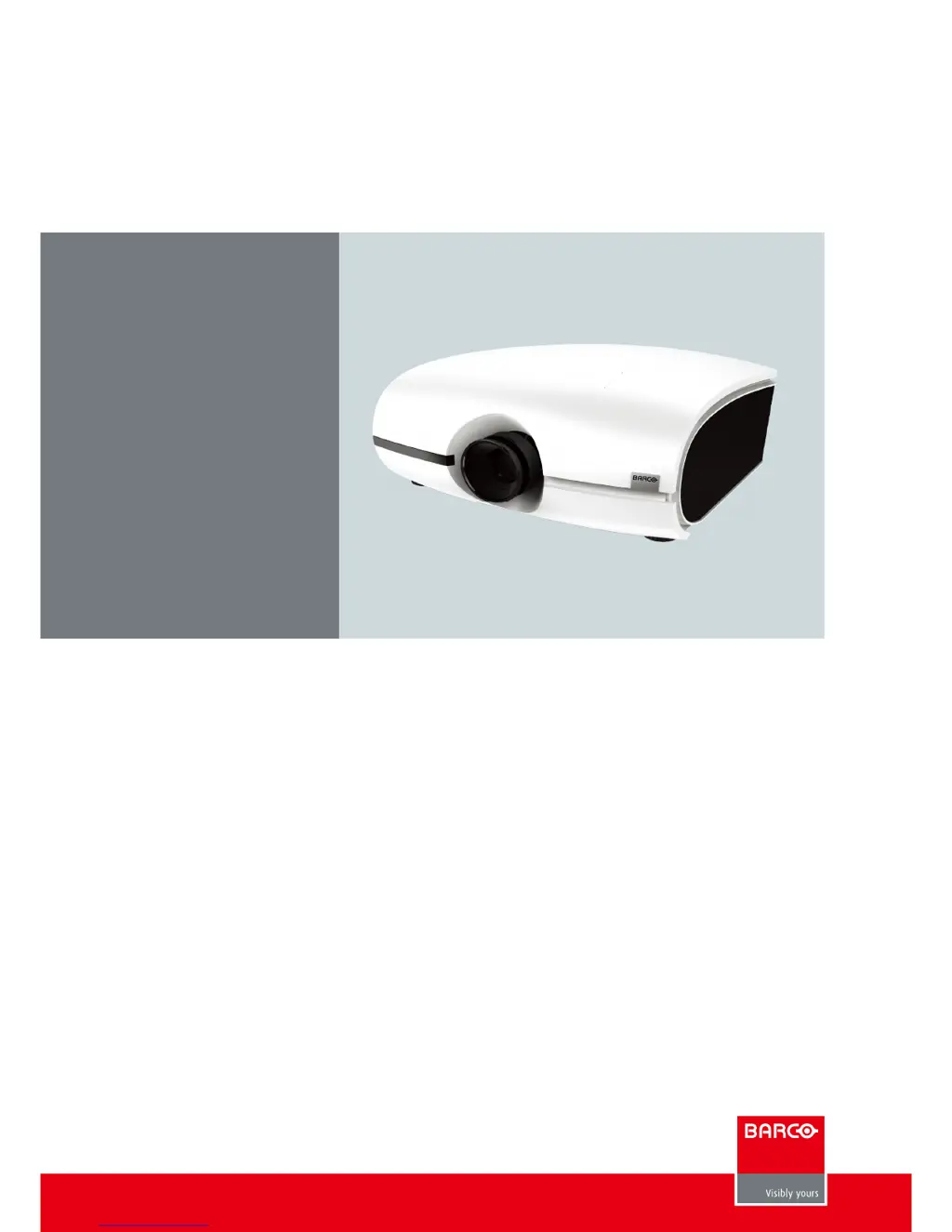
Barco PFWX-51B - User Manual

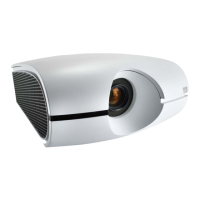
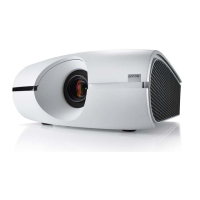
Barco PFWX-51B
82 pages
Print Icon
To Next Page IconTo Next Page
Loading...
8VHUPDQXDO
PFWX-51B & PFWU-51B
8VHUPDQXDO

Table of Contents

Other manuals for Barco PFWX-51B

Questions and Answers

  • T
    theresaholmesSep 18, 2025
    How to fix Barco Projector image flashes occasionally?
    • Z
      zvalenzuelaSep 22, 2025
      If the image from your Barco projector flashes occasionally, make sure the connector and the input device have been properly connected and check to see if the input device is in normal working order, as the cables might not have been properly connected or the input device itself may be faulty.
  • M
    Michelle LewisAug 25, 2025
    How to fix a Barco PFWX-51B that won't turn on?
    • J
      John HernandezAug 25, 2025
      If your projector isn't turning on, first ensure that the power cord is securely plugged into a working wall outlet. Check that the AC socket is functional. Also, make sure the lens cover has been properly replaced.
  • Z
    zwheelerAug 25, 2025
    Why is the picture on my Barco PFWX-51B Projector so dim?
    • H
      hreyesAug 26, 2025
      A dim picture often indicates that the projector lamp needs replacing. Replace the projector lamp.
  • R
    Richard LesterAug 26, 2025
    How to fix a blurry image on my Barco Projector?
    • N
      Natalie WalshAug 27, 2025
      If the image is blurry, try adjusting the lens focus. If the temperature or humidity of the projector's environment has recently changed, turn off the projector and wait for any moisture inside to evaporate.
  • D
    David WilliamsSep 23, 2025
    How to fix colors of Barco Projector image out of place?
    • C
      caldwellloriSep 23, 2025
      If the colors of the projected image from your Barco projector are out of place (i.e., displaying red as blue), the G/Y, R/Pr, B/Pb cables from the input might have been incorrectly connected to the input. Please make sure the input source has been correctly connected to the projector.
  • J
    Jenny MendozaSep 23, 2025
    How to fix broken or split in halves image on Barco Projector?
    • E
      Elizabeth BeckerSep 23, 2025
      If the DVD player is connected to your Barco projector as the input source but the image appears broken or split in halves, and the DVD player is connected through component cables, you may have set it to progressive scan. Try disabling the progress scanning function on the DVD player.
  • E
    Evan WarnerSep 10, 2025
    What to do if Barco Projector lamp suddenly goes off?
    • M
      Mary RamosSep 10, 2025
      If the lamp on your Barco projector suddenly goes off and the picture disappears during projection, it could be because the lamp has reached the end of its service life and needs to be replaced. Check the LED indicator on the rear panel of the projector to see if it is blinking in red, which confirms this.
  • J
    Jennifer FosterSep 12, 2025
    What to do if Barco Projector image is blurry?
    • D
      dwillisSep 12, 2025
      If the image from your Barco projector is blurry, try adjusting the lens focus. Also, if the projector's environment has changed rapidly (e.g., from cold to warm), moisture may have condensed inside. If this is the case, turn off the projector and wait for the moisture to evaporate.
  • R
    Rebecca LawsonSep 3, 2025
    What to do if my Barco Projector image is broken when using a DVD player?
    • P
      pauldavisSep 3, 2025
      If the image appears broken or split in halves when using a DVD player connected through component cables, disable the progressive scanning function on the DVD player.
  • M
    michaelblackSep 1, 2025
    Why is the cooling fan on my Barco PFWX-51B Projector so loud?
    • B
      Benjamin WellsSep 1, 2025
      If the cooling fan suddenly becomes louder, it indicates that the temperature inside the projector has risen. The cooling fan will operate at a higher speed to discharge the internal heat more rapidly.

Summary

Safety Information

General Considerations for Safety

Discusses general safety guidelines and product applicability.

Important Safety Instructions

Provides crucial instructions to prevent electrical shock and personal injury.

General Projector Information

Installation Requirements

Details environmental conditions, cooling, and clean air requirements for installation.

Projector Configurations

Explains different mounting options like front/rear and table/ceiling configurations.

Installation Process Overview

Provides a brief overview of the projector setup steps for table mount front projection.

Physical Installation Guide

Lenses

Covers available projector lenses, how to remove existing, and install new lenses.

Connecting the Projector with the Power Net

Instructions on how to safely connect the projector to the power source using provided cords.

Alignment of a Table Mounted Projector

Steps to correctly align the projector horizontally and vertically on a table.

Mounting the Ceiling Mount

Guide on how to mount the projector using a ceiling mount, including necessary tools.

Projector Components and Functions

Input and Communication Ports

Details all available input and communication ports for connecting external devices.

Connecting to Other Devices

Illustrates how to connect various devices via HDMI, DVI-D, DisplayPort, etc.

Getting Started with the Projector

Powering On the Projector

Step-by-step guide on how to turn on the projector.

Powering Off the Projector

Instructions on how to safely turn off the projector and allow for cooling.

Adjusting Lens Shift

Details how to adjust the lens position using the shift levers for image alignment.

Advanced OSD Menu Functions

Activating the Advanced OSD Menu

Steps to access the advanced menu, including password entry.

Image Settings and Adjustments

Auto Image Adjustment

Function to automatically resync and adjust image size, phase, and timing.

Maintenance Procedures

Lamp Replacement Guide

Detailed procedure for replacing the projector lamp, including safety precautions.

Simple Troubleshooting Guide

Provides solutions for common projector problems and issues.

Projector Specifications

PFWU-51 B Specifications

Lists detailed technical specifications for the PFWU-51B projector model.

PFWX-51 B Specifications

Lists detailed technical specifications for the PFWX-51B projector model.

Barco PFWX-51B Specifications

General IconGeneral
BrandBarco
ModelPFWX-51B
CategoryProjector
LanguageEnglish

Related product manuals