Manual 2100-671
Page 8 of 44
Information
The information screens are used as a quick reference to
show unit A/C circuit measurements and program version.
A/C Circuit Information
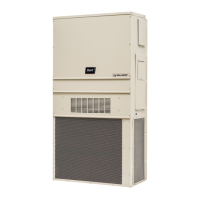
MEGA-TEC Series wall-mounted air conditioners have
two separate refrigeration circuits: Circuit 1 is the two
stage system located on the left side of the unit and
circuit 2 is the single stage system on the right side.
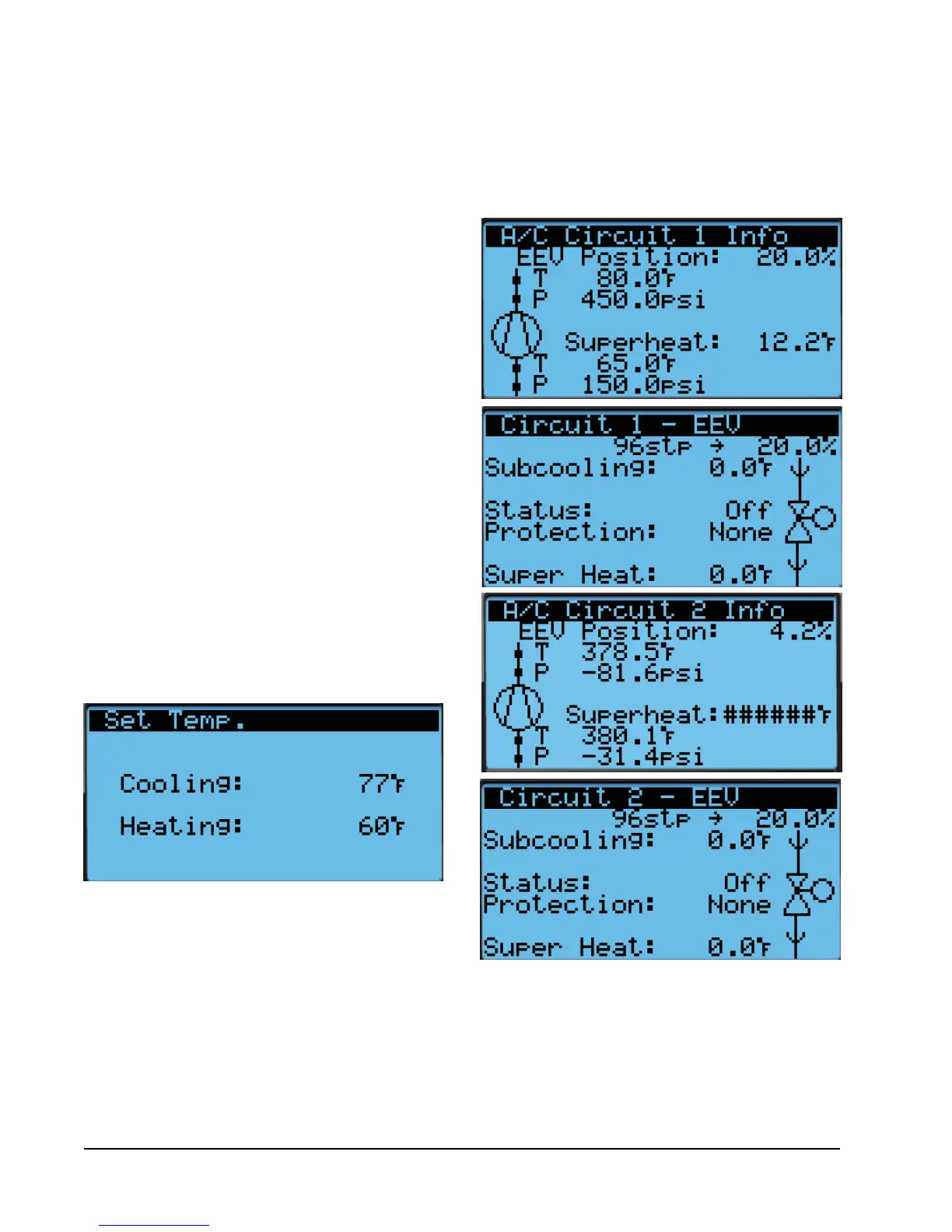
A/C Circuit Information can be found in four screens
within the information menu (see Figure 5). The
information and measurements provided are liquid line
FIGURE 4
Cool and Heat Setpoints
Quick Menu
Setpoints
From this screen, the local unit heating and cooling
setpoints, used for orphan mode only, can be changed.
Once the supervisory controller is connected, cooling
and heating setpoints will be communicated and local
cooling and heating setpoints will be replaced with the
communicated cooling and heating setpoints.
If at any time the wall-mount unit(s) loses
communication with the LC6000 controller, the wall-
mount unit(s) will go into orphan mode and operate
using the last communicated setpoints.
To verify or change the wall-mount unit cooling and
heating setpoints in orphan mode:
1. Connect the TEC-EYE diagnostic tool to the control
board located in the unit.
2. From the Status screen, press UP or DOWN key
until Quick Menu displays Setpoints icon. Press
ENTER key.
3. Press ENTER key to scroll to the selected choice
(see Figure 4).
4. Press UP or DOWN key on desired value until value
displays correctly.
5. Press ENTER key to save and scroll to next
parameter.
6. Press ESCAPE key until Main Menu screen is
displayed.
FIGURE 5
A/C Circuit Measurements
temperature, liquid line pressure, condensing saturated
temperature, suction line temperature, suction line
pressures, suction saturated temperature, super heat,
sub-cooling and electronic expansion valve position.


 To Next Page