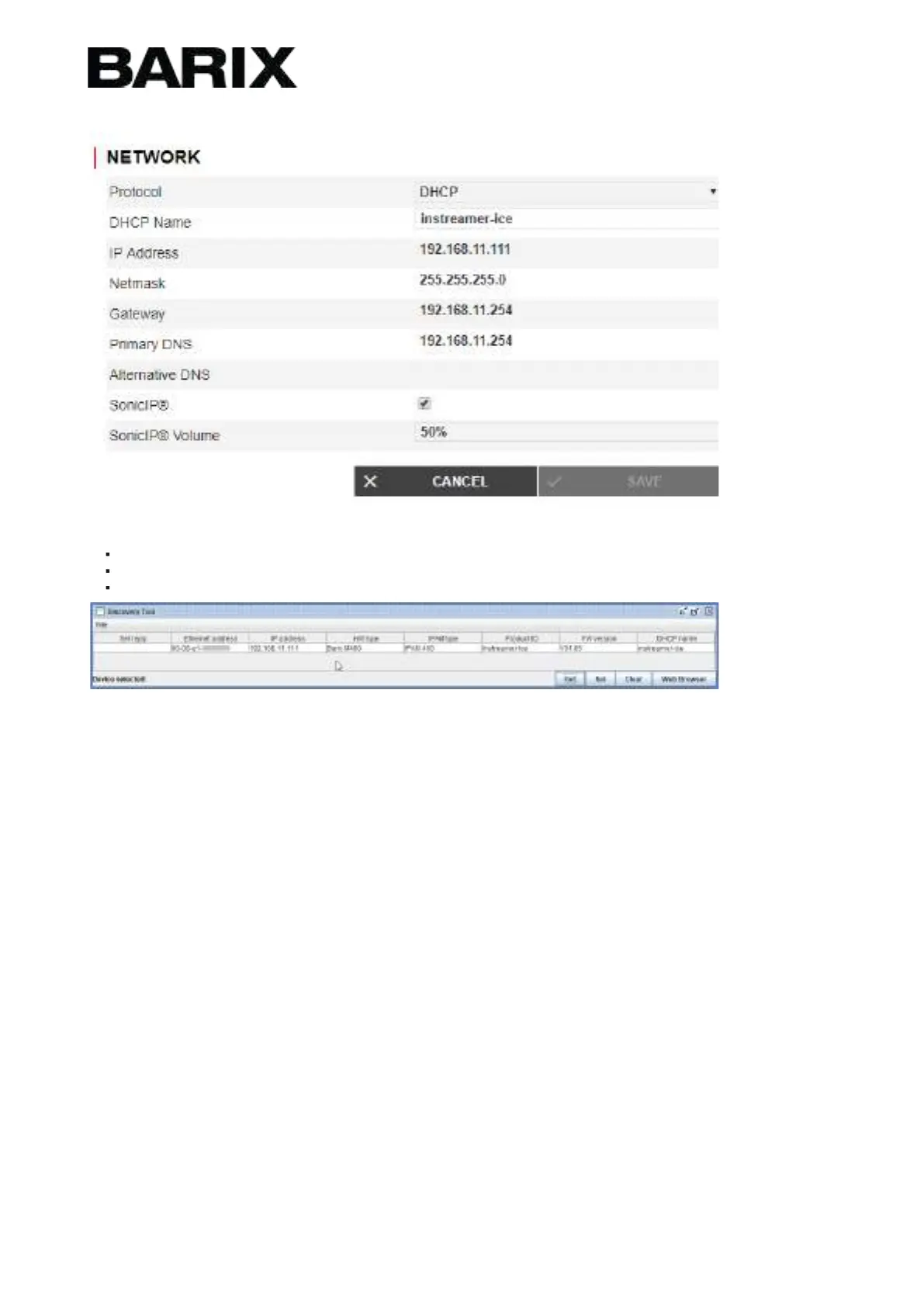
If you choose a static IP address following parameters should be set:
IP Address
Netmask
Gateway
Stream Configuration
Step 1
Go to "Stream" and click on "Edit".
Step 2
Define a "Stream Name". This name is only used for
internal identification.
Step 3
Define the "Stream Input" settings.
Input Channel:Choose "Mono Left" to select Input from the white connector, "Mono Right" for Input from the red connector, or
"Stereo" for their combination.
Sampling Rate:Influences the quality of the captured data - a higher figure corresponds to a better quality.
Step 4
Define the "Stream Encoder" settings
Encoder Type:Select encoding format. The available formats are MP3 and AAC
Bitrate:Select the audio compression level using the 'Bitrate' field - higher is better.
Bitrate Type:Choose between CBR (constant bitrate) and VBR (variable bitrate).
Step 5


 To Next Page