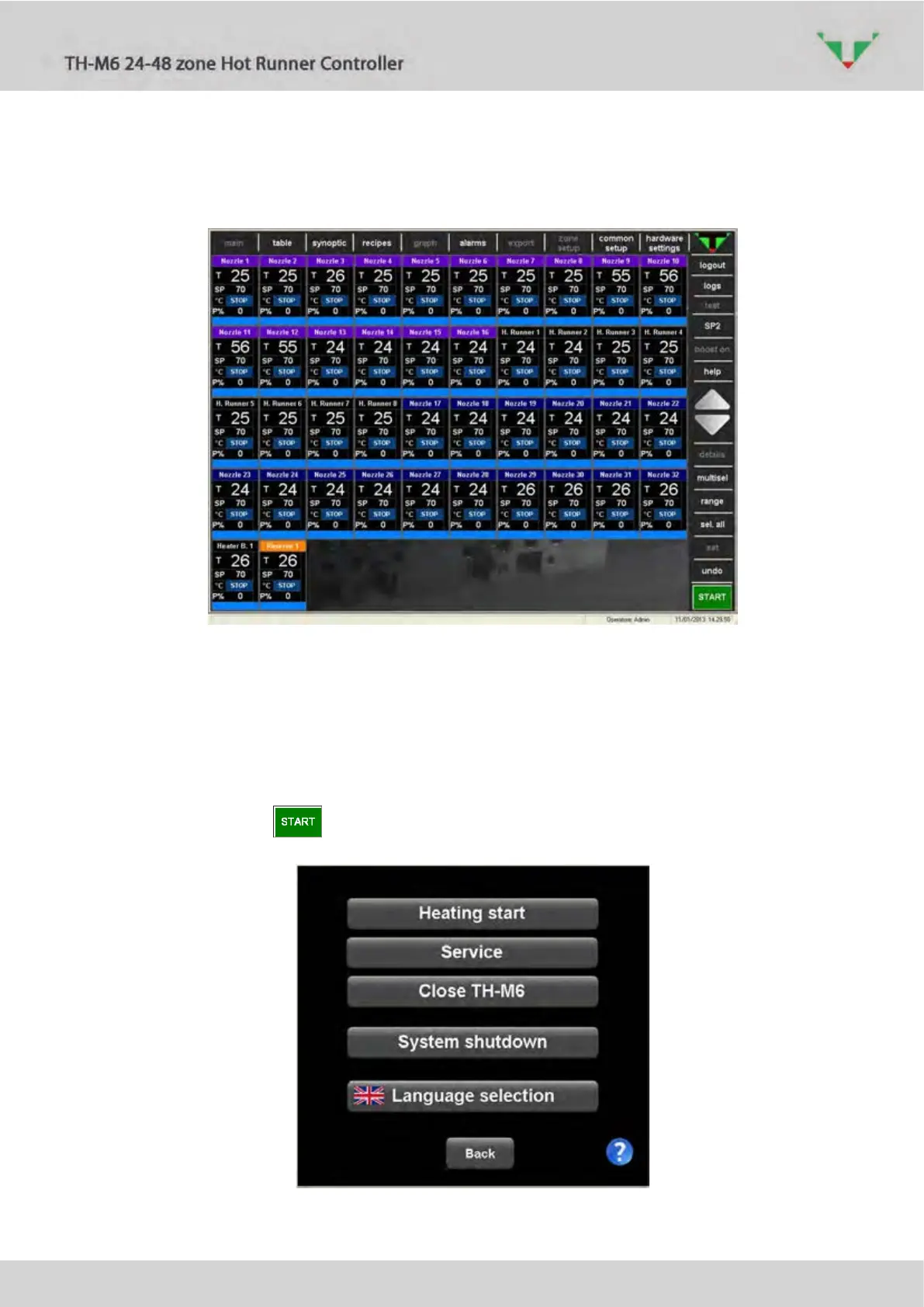
6.3 “main” environment and selection options
Figure 9: “main” page
In “main” page, each zone appears as in Figure 9 with a virtual instrument. If the controller is
equipped with a number of zones bigger than 50, scrolling buttons on the right side bar are
enabled.
6.3.1 Heating start and stop (START – STOP)
In Figure 9 is showed the page that is displayed after the login. The whole controller is in
“STOP” mode. Press the button to show the option menu of Figure 10.
Figure 10: start option



 To Next Page