Figure 19
6.3.6 How to make a selection of some zones and change regulating
parameters
It’s possible to change regulating parameters of one or more zones contemporary, even if the
controller is in “STOP” mode.
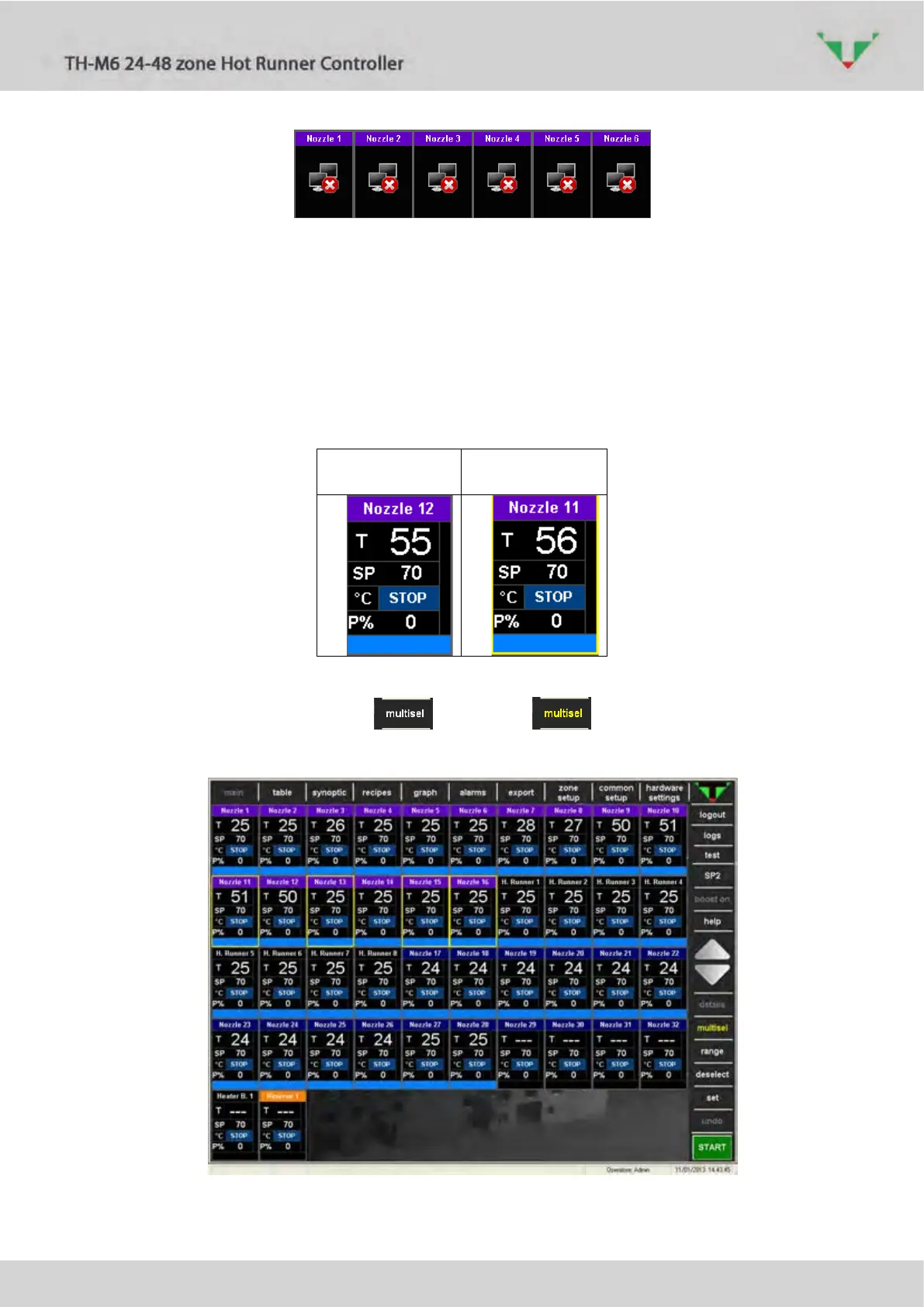
Click anywhere in the virtual instrument to select the zone. When selected, it become yellow
rimmed.
Figure 20
If the multiple selection button is enabled , more than one zone can be
contemporary selected (Figure 21).
Figure 21: multiple selection



 To Next Page