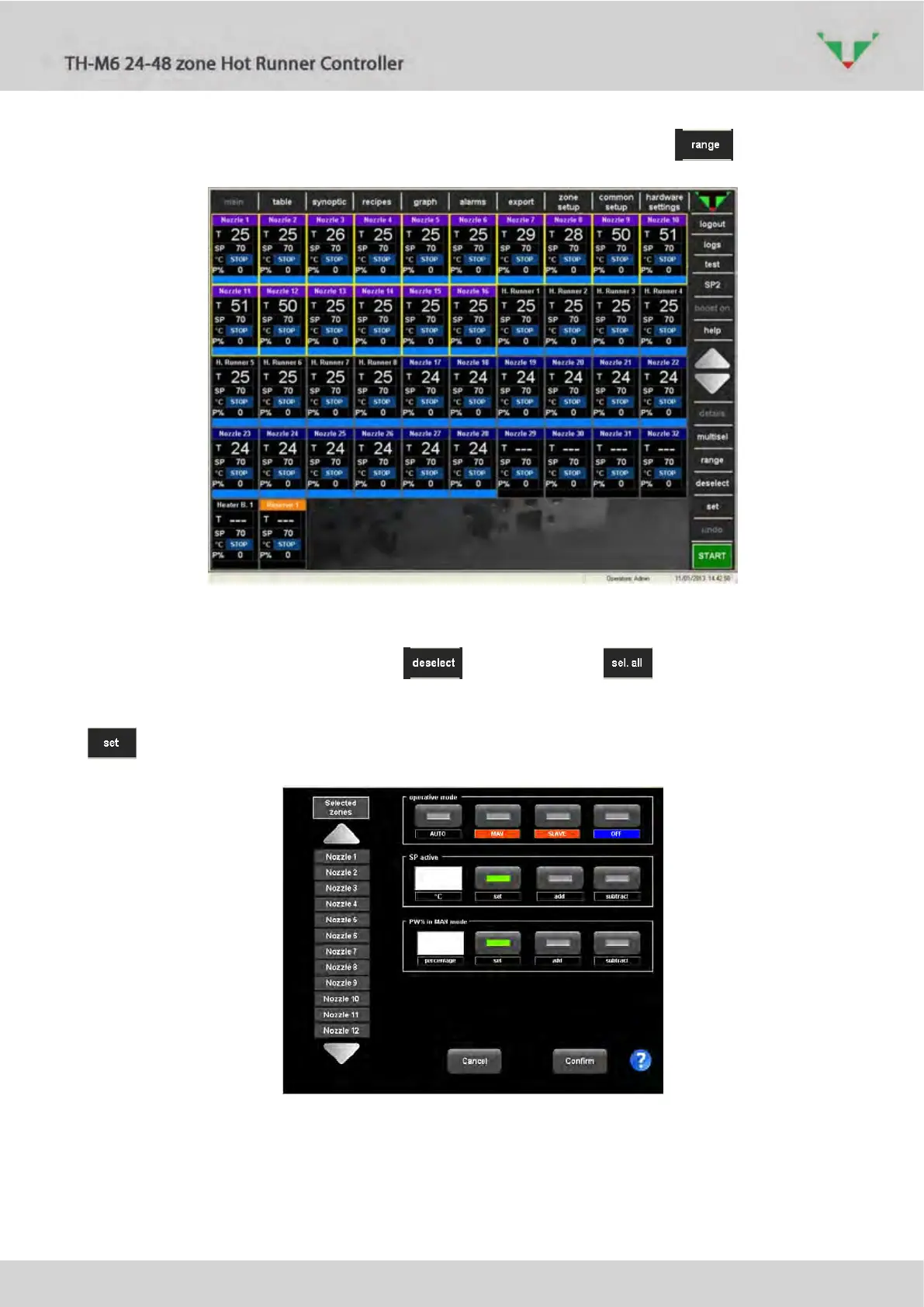
It’s possible to select all the zones between two of them if the button was pressed
before (Figure 222).
Figure 22: range between Nozzle1 and Nozzle 16
If you need to select all the zones of the controller, use the button that alternately make the
function of “clean the current selection” and of “select all” .
When at least one zone is selected, it’s possible to change the regulating parameter with the
button. The window of Figure 23 will appear.
Figure 23: set window
If you want to visualize the values active in one of the zone, just select it in the left list of
Figure 23:



 To Next Page