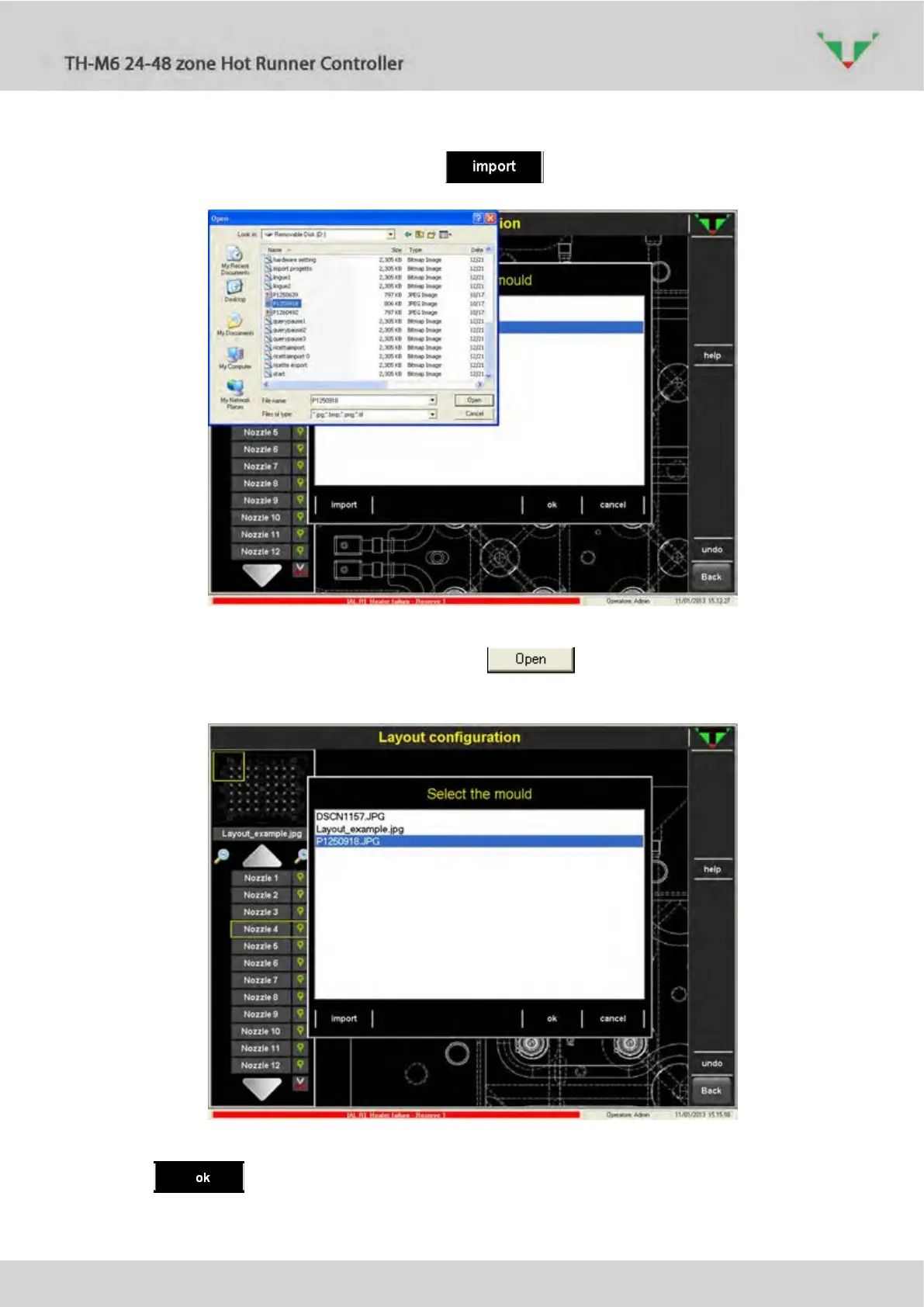
Click on the area specified by the red arrow, then select a new image from the available ones
or import it from a USB memory stick with the button.
Figure 43: background picture
Select the image that you want, then press the button. The selected picture will
be listed among the available ones:
Figure 44: imported picture
Press button to complete the selection.



 To Next Page