If you need to change only one parameter value, input the desired value directly in the page
of Figure 58, selecting the field that you want to change.
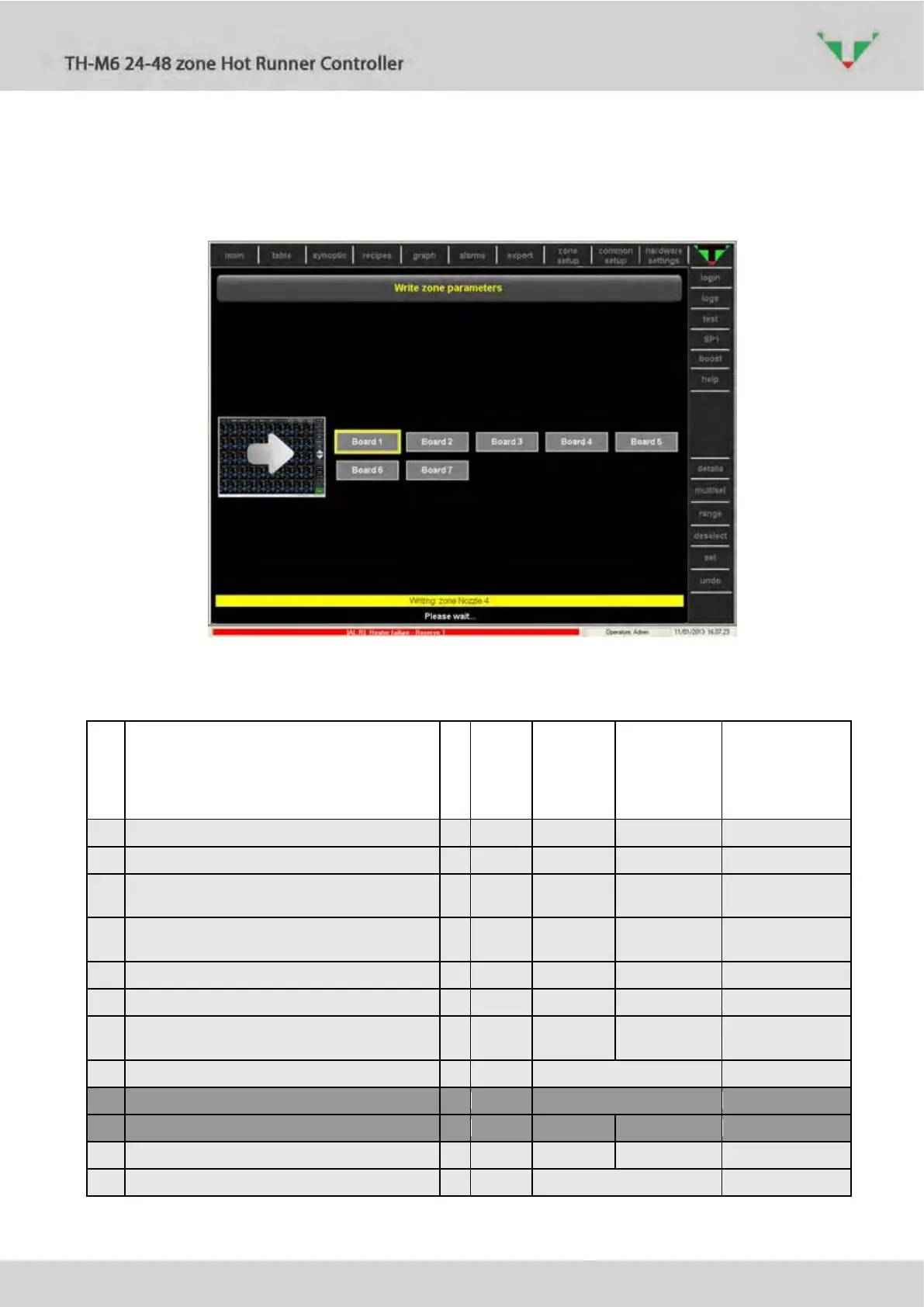
Page of Figure 63 shows that the process is in progress.
Figure 63
Table 9: zone parameters, highlighted in grey if read-only even with “Administrator” level of access.
s
Value
Value
Value
BarGraph Delta +
(Tolerance band if T>SP)
BarGraph Delta –
(Tolerance band if T<SP)
AL1 threshold (over-temperature)
Output power high limit during Soft Start
BOOST Delta
(SP icrease during BOOST phase)
TC type and temperature measuring unit
0=J/°C, 1=K/°C, 2=J/°F, 3=K/°F
Alarms enabled even if the zone status is OFF



 To Next Page