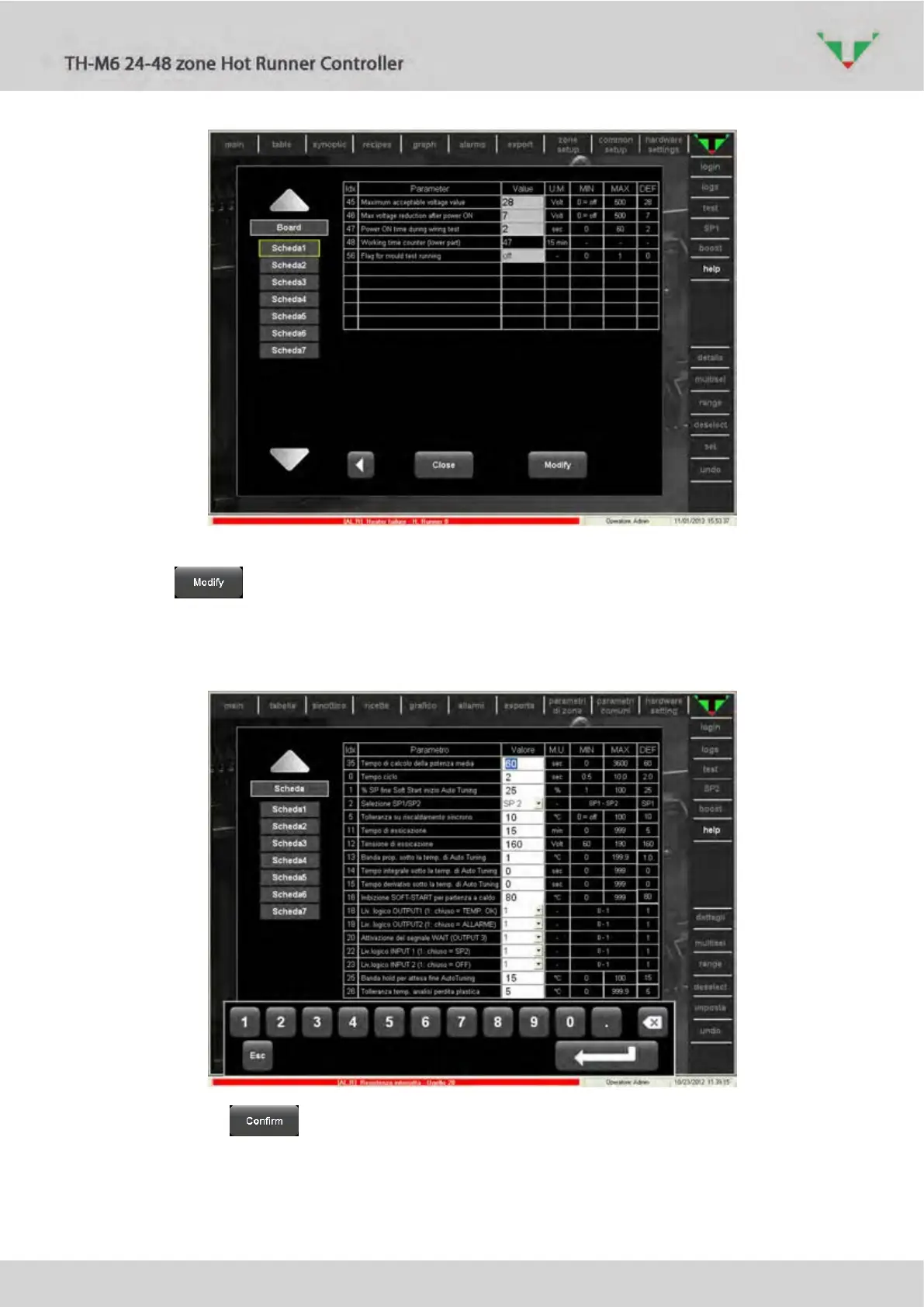
Figure 68: common parameters, page 4
Click on button, then select the parameter that you want to modify (e.g. parameter
“Time for calculation of average power” in Figure 69). Use the touch screen keyboard to input
the new value, then click on enter button.
Figure 69
Complete with button. All the common parameters (Figure 65, Figure 66, Figure 67,
Figure 68) will be written in all the boards of the controller.



 To Next Page