Table 13: exported data, per each selected zone
Current Temperature (Present Value)
Historical data (and alarms) are stored until the free space on the disk is bigger than 300MB.
Then oldest recorded data will be deleted to get fee space for the new data saving.
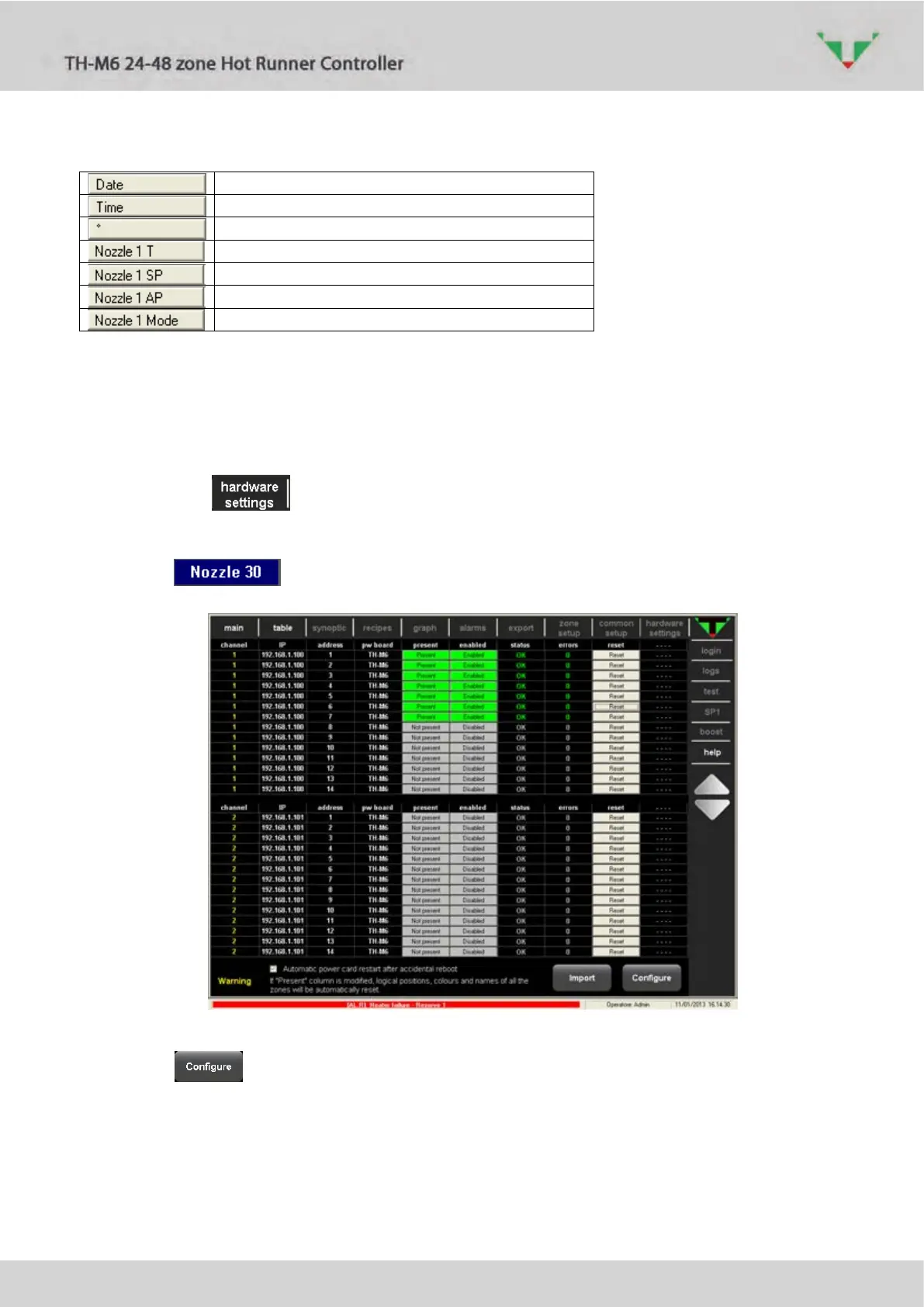
6.18 “hardware setting” environment
Click on the to access to hardware configuration of the controller. The reported
information are read-only and must be changed only if the total number of the power board
vary. Users with “Administrator” access level can change the identification label and color of
each zone: (Table 7).
Figure 81: controller hardware configuration
Click on button:



 To Next Page