APPENDIX C - Common Questions and Situations
Q. During programming of a firing, I typed a wrong number. How do I correct this?
A. Before pressing ENTER, enter zero until all zeros are displayed, then enter the correct number. If you
have already pressed ENTER, you must press enter to progress through to the end of the program then
start the program again.
Q. How do I clear the “ErrP” from the display?
A. Press the “1” key. After several seconds the current temperature will be displayed. Several other
numbers or StOP may be displayed before the current temperature.
Q. I turned on the controller and “FAIL” is displayed. What does this mean?
A. The thermocouple is not connected to the controller. When connecting the thermocouple, connect the
RED wire to the connector with RED dot and connect the YELLOW wire to the connector with the
YELLOW dot. On all thermocouples, the RED wire is always negative; the yellow wire in this case is
the positive. Also there may be a break in one of the thermocouple lead wires, if so, the thermocouple
must be replaced.
Q. How can I find out the final temperature that was reached during a cone firing?
A. At the end of a cone firing, the current kiln temperature and CPLt will be alternately flashing in the
display. Press “STOP”. Then press “Review Program”, the final temperature will display. This final
temperature will be retained until the next firing or until the controller is reprogrammed.
APPENDIX D - Firing Program Blank
Keep this page as a Master and photocopy as needed
Firing Program Number: ____________
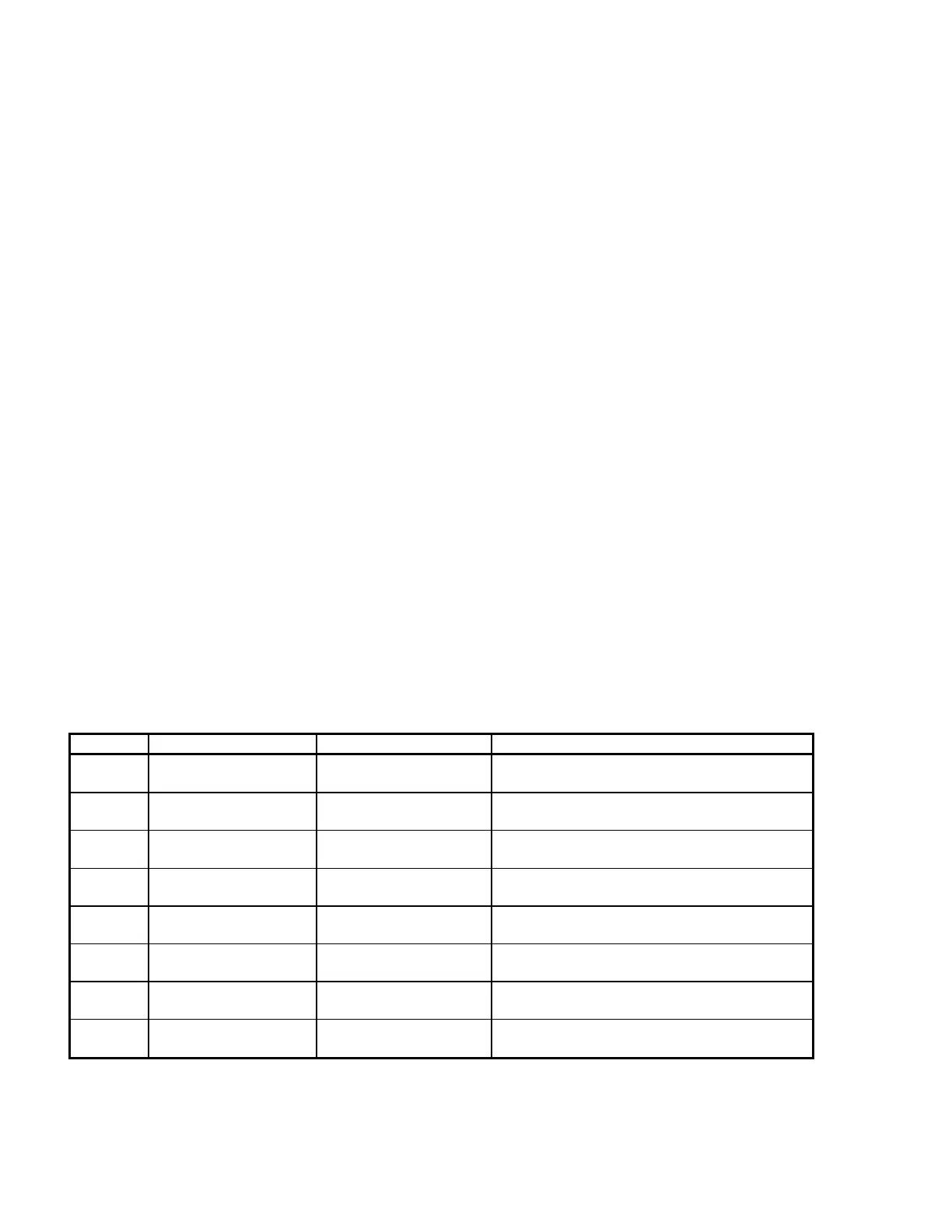
Segment Rate per Hour Temperature Hold
1
2
3
4
5
6
7
8


 To Next Page