VARY-FIRE Example
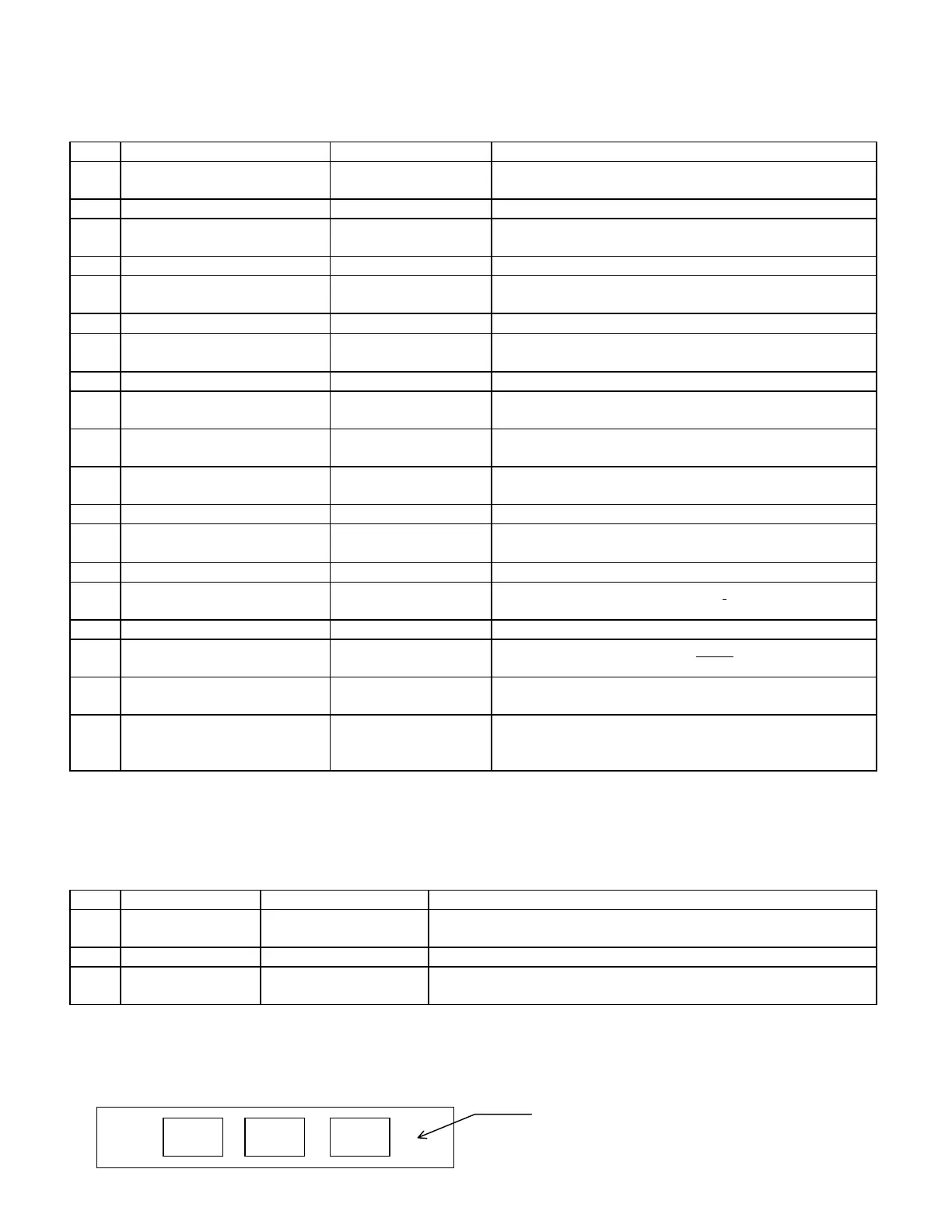
The following steps are used to program User 1 program for the firing profile above.
Step Press Display Comment
1 ENTER
PROG
alternately flashing:
USEr & No.
The display alternates between USEr and the last selected
user number.
2 1 1 Selects user (USEr) profile number 1
3 ENTER alternately flashing:
SEG & No.
The displays flashes between SEG and the number of
segments which were previously programmed
4 2 2 This is the number of segments needed for our example
5 ENTER Alternately flashing:
rA 1 & No.
The display flashes between rA 1 and the heating rate per
hour that was previously programmed
6 1, 0, 0 0100 Displays the selected rate/hour
7 ENTER Alternately flashing:
°F 1 & No.
The display flashes between °F 1 & the temperature
previously programmed
8 2, 0, 0 0200 displays the selected temperature
9 ENTER Alternately flashing:
HLd1 & No.
The display flashes between HLd 1 & the hours and
minutes which were previously programmed.
10 0 00.00 If display does not show 00.00, press 0 until 00.00 is
displayed.
11 ENTER Alternately flashing:
rA 2 & No.
The display flashes between rA 2 & the heating rate
previously programmed.
12 5, 0, 0 0500 Displays the selected rate/hour
13 ENTER Alternately flashing:
°F 2 & No.
The display flashes between °F 2 & the temperature which
was previously programmed
14 1, 5, 7, 5 1575 Displays the selected temperature
15 ENTER Alternately flashing:
HLd2 & No.
The displays flashes between HLd2 & the previously
selected hold time.
16 0 00.00 No hold time.
17 ENTER Alternately flashing:
ALAr & No.
The display alternates between ALAr & the previously
used alarm setting.
18 9, 9, 9, 9 9999 Enters the temperature at which the alarm will sound. The
alarm will be turned OFF with a setting of 9999.
19 ENTER CPL flashes then the
current temperature
CPL flashes several times indicating the program has been
completed. The current temperature then flashes in the
display.
RECALL PROGRAM is used to recall a previously programmed firing profile.
Example: To recall user program #5, use the following:
Step Press Display Comment
1 RECALL
PROG
Alternately flashing:
USEr & 1
The controller is ready to accept the desired user number.
2 5 5 Indicates the user program selected.
3 ENTER CPL flashes then the
current temperature
CPL flashes several times indicating the program has been selected. .
The current temperature then flashes in the display.
3. VIEW SECTION
View Section - Contains buttons to look up cone temperatures, review programs, view current segment, and skip
segments during Vary-Fire Programs.
Review
Program
View
Segment
Cone
Table
The view section allows you to view various
information about cone temperatures, firings and
settings.


 To Next Page