PROGRAMMING
1. CONE FIRE
The CONE FIRE mode allows you to fire to a cone number with one of four different speeds.
To use CONE FIRE:
1. Make sure the temperature is flashing. Pressing the “1” key will clear the display of errors (Err) or FAIL.
2. Press one of the 4 firing speed buttons (see appendix A to see the ramp speeds)
3. Press ENTER
4. Type the cone number you want (acceptable values are from 022 to 10).
If you type a wrong number, press zero 3 times or until all zeros appear in the display, press ENTER, then type the
correct number (only three digits are displayed at this time)
5. Press ENTER.
6. Type the hold time if you want to hold at the end of the firing or leave at zero
7. Press ENTER. CPL will be displayed briefly, then the current temperature will be flashing in the display.
8. Press START/STOP to begin firing.
NOTE: With any of the CONE FIRE modes, a preheat stage is available. During the preheat stage the
temperature is increased at a rate of 60 °F per hour until 200 °F is reached; the 200° temperature is then held for the
programmed amount of time. Preheat is automatically set to zero during cone fire programming and at the end of each
firing, so if a preheat stage is wanted, it must be reprogrammed before each cone firing. See SECTION 4 –
“OTHER” options for programming “Preheat”.
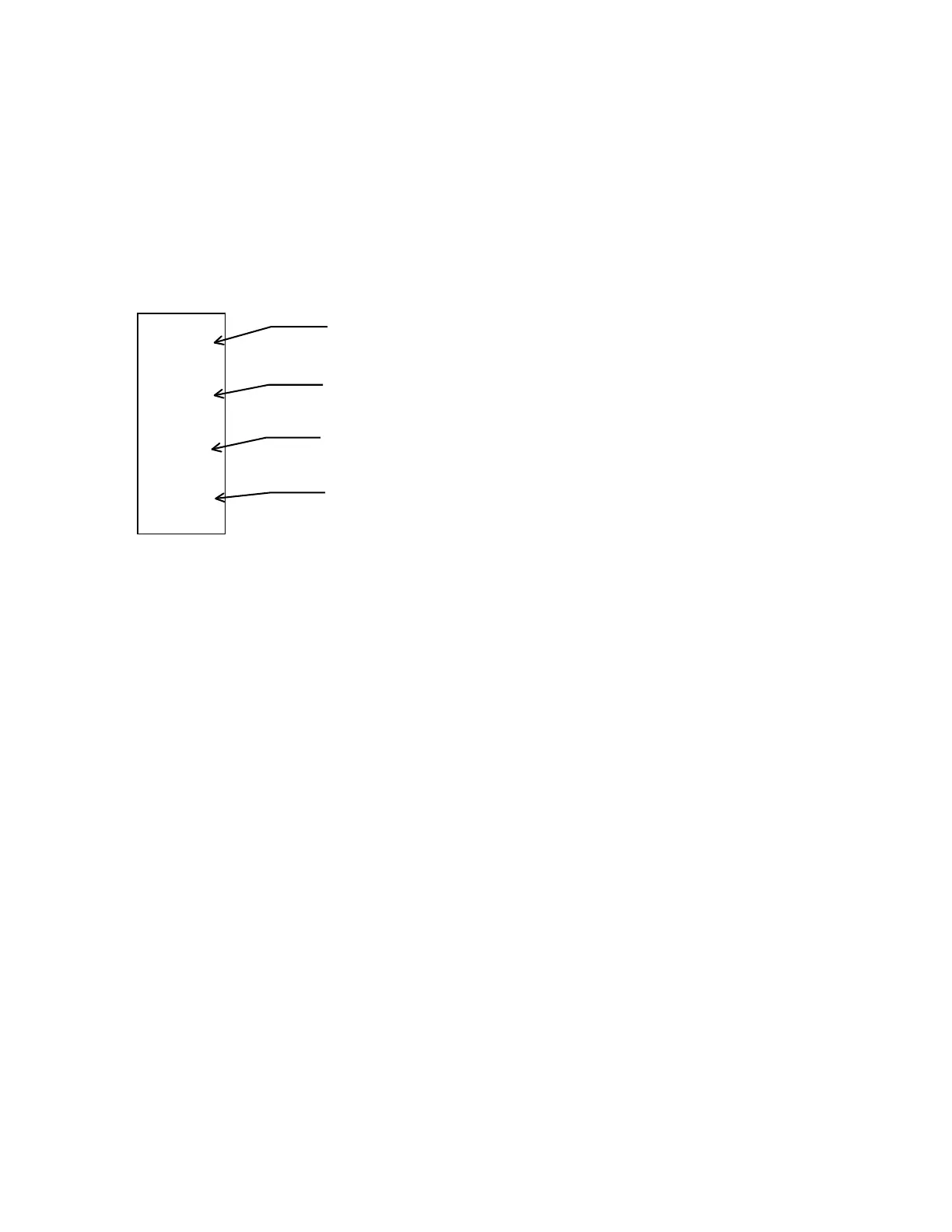
Slow
Bisque
Fast
Bisque
Slow
Glaze
Fast
Glaze
Slow Bisque - Used for setting a slow bisque firing profile.
** 13 hours to fire to cone 04.**
Fast Bisque - Used for setting a fast bisque firing profile.
** 10 hours to fire to cone 04.**
Slow Glaze - Used for setting a slow glaze firing profile.
** 7 hours to fire to cone 04.**
Fast Glaze - Used for setting a fast glaze firing profile.
** 4 hours to fire to cone 04.**


 To Next Page