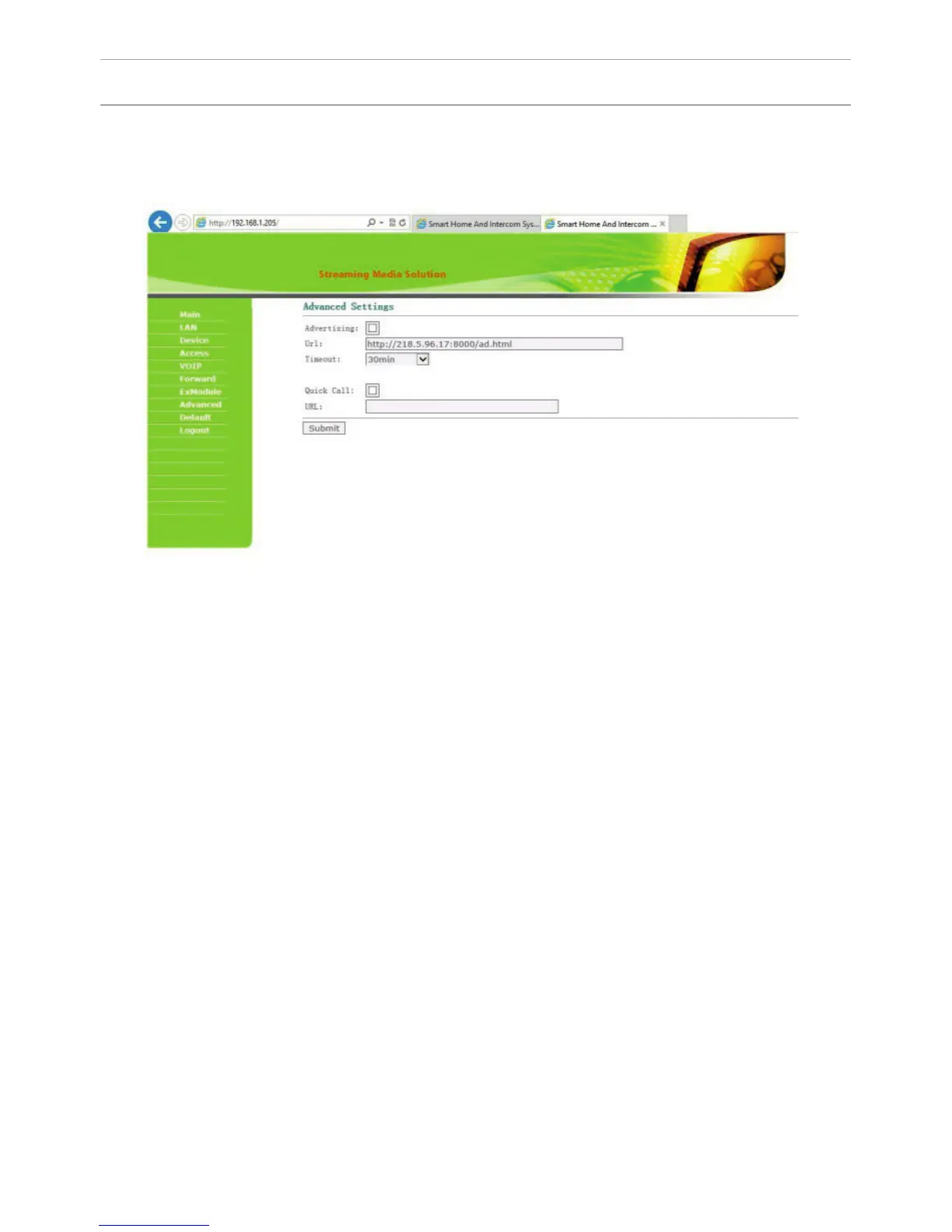
7. Advanced settings.
Select “Advanced” to enter the following interface:
Advertisement: set the advertising that will be displayed on the outdoor panel
screen when the panel goes into standby mode.
Time: set the time after which the advertising will begin to display.
Address: specify the address of the page with ads for standby mode.
Quick Call: the function of call instead of a concierge. If there is no concierge
monitor in the house, you can specify an address in this tab to which a call will
come. Set it in the format: «sip: 1234@192.168.1.101», where 1234 – is a number of
the building set in the monitor that will be used instead of the concierge monitor
and 192.168.1.101 – is the IP-address of the monitor.
SETTING THROUGH WEB INTERFACE
36



 To Next Page