CONFIGURATION VIA THE MONITOR’S
GRAPHIC INTERFACE
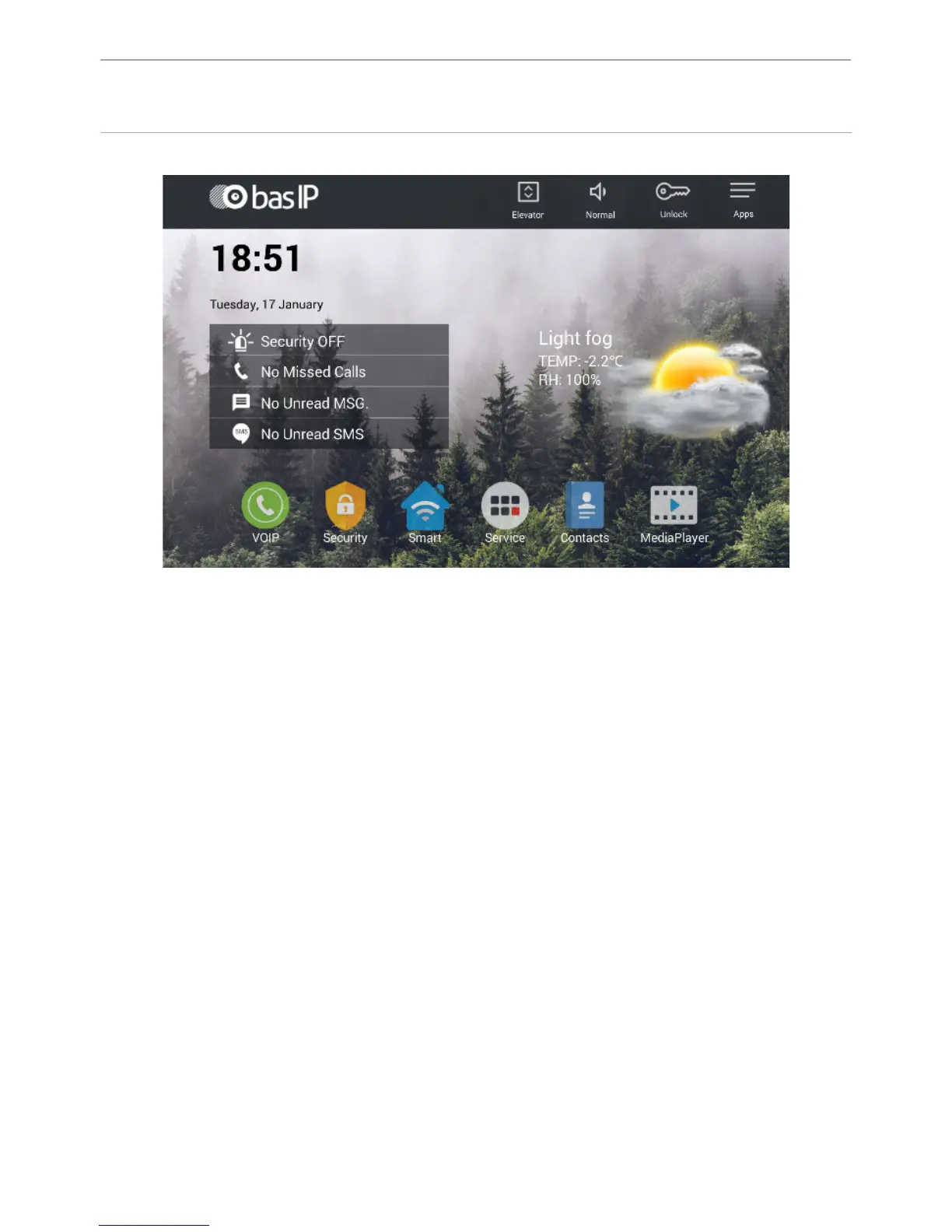
Main screen: Sequrity, VOIP, Smart, Service, Contacts, Media Player.
Status icons: Service, the SIP status, Voice recorder, Security, Mute.
The functionality of status icons:
1. Services: Order of services, access to the specied WEB-page, receiving news.
Messages and status of the local network.
2. SIP Status: lights when connected successfully to the SIP server. 3. Voice
recorder: quick access to voice records.
4. Security: blinks during when turning on the security mode, and glows during
security mode. Time of turning on security mode: 100 seconds.
5. Mute: used to activate “Do Not Disturb”.
6. Messages: quick access to the received messages menu.
7. Network Status: displays the current status of the LAN connection.
42



 To Next Page