1. Security.
Depending on the model of the internal monitor, can be from 4 to 8 loops
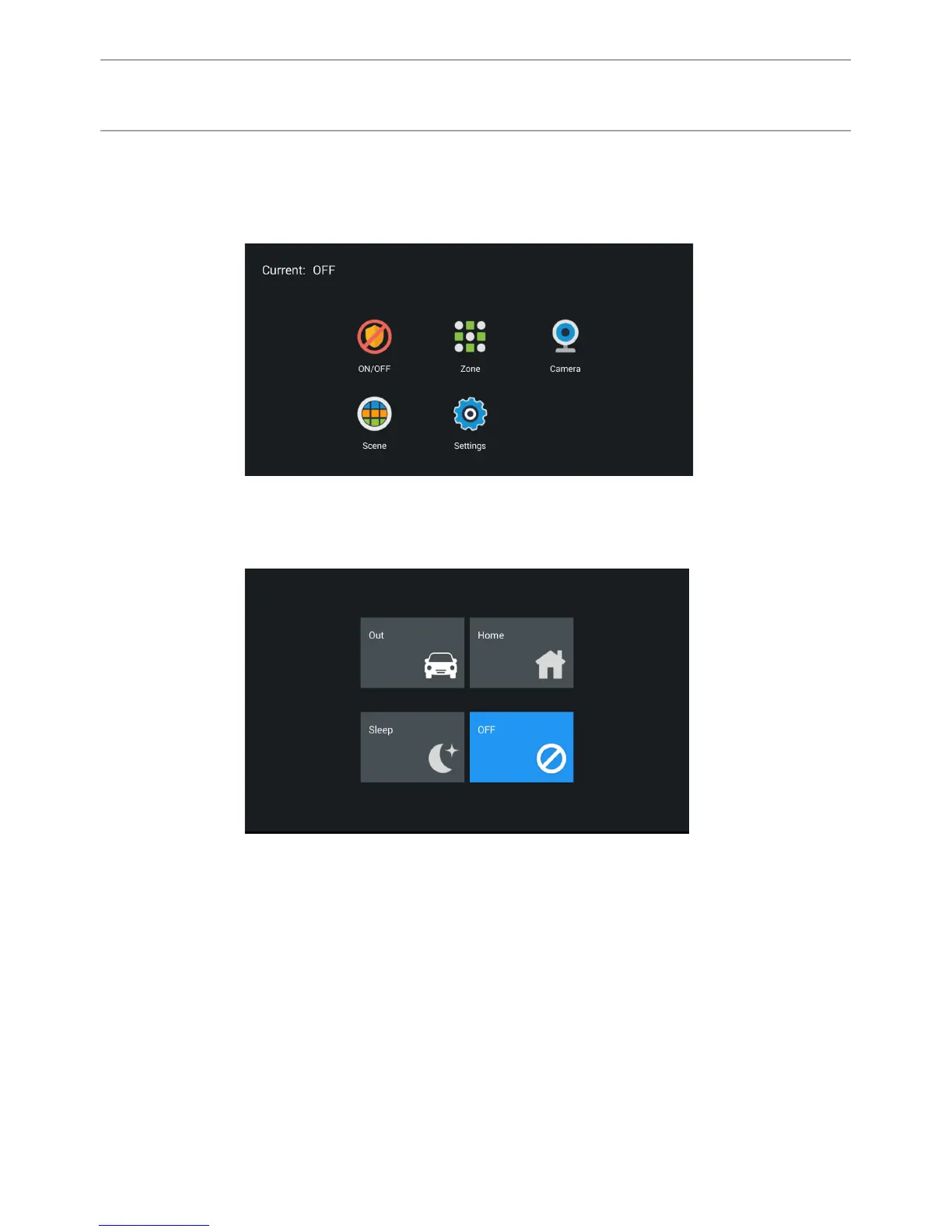
security alarm. Click the “Security” to enter the interface:
Alarms can be set in different modes: “Home”, “Out” and “Sleep”.
1.1 Switching security modes.
1.1.1 Switching security on.
Press the “At home”, “Outside” or “Sleep” mode button to activate the
appropriate protection. During arming, a predetermined time from 0 to 300
seconds, the tone of “beep-beep” will sound, and then the monitor will arm.
1.1.2 Switching the security off.
To stop the armed mode, you must press the “Off” button, then the alarm will be
disabled.
43
CONFIGURATION VIA THE MONITOR’S
GRAPHIC INTERFACE



 To Next Page