2. IP-cameras.
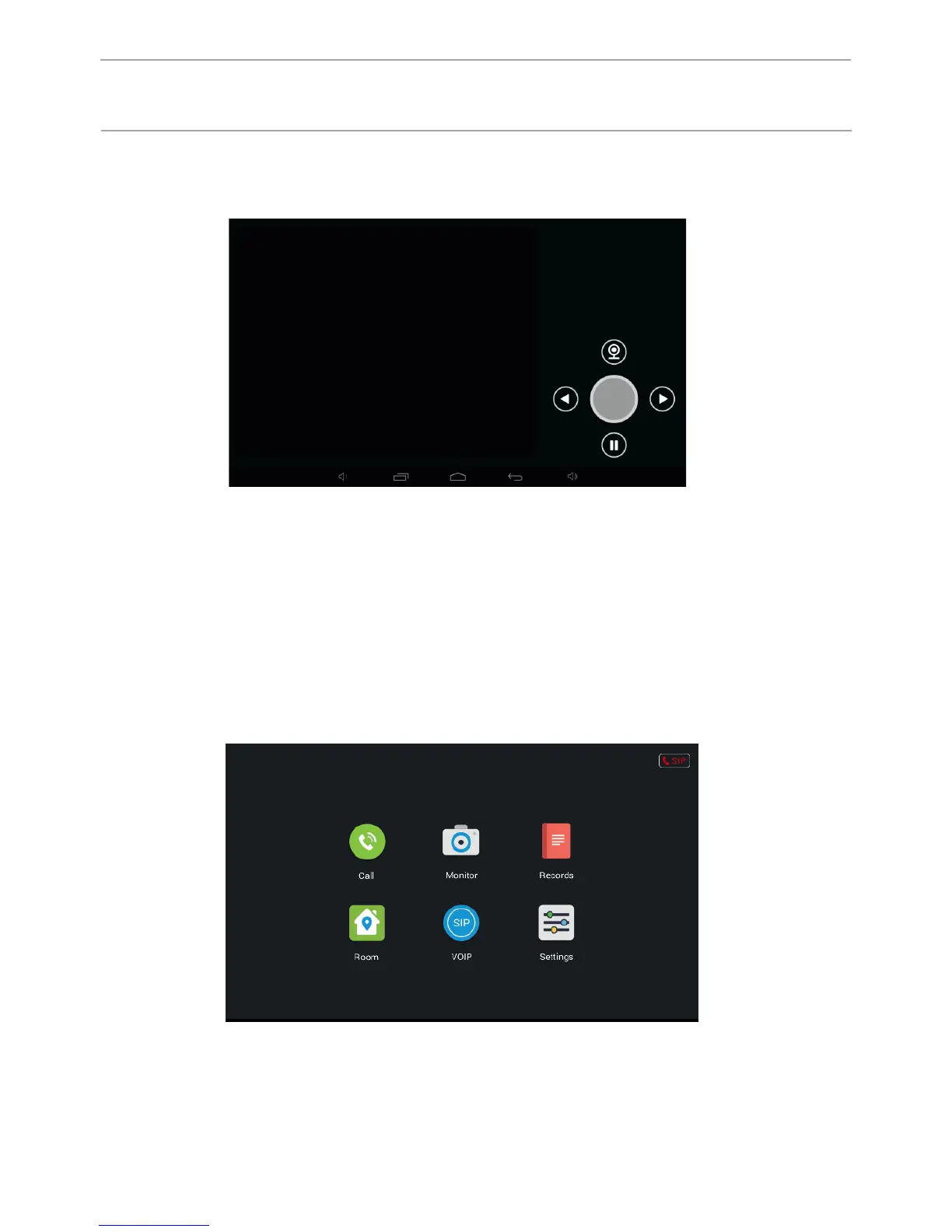
Click the “Camera IP» button to enter the viewing interface IP-based cameras:
Press the “Right” or “Left” button to select the desired camera. Then, press the
camera button to view it and pause button to stop.
3. Communication.
Click “Link” to enter the following interface, consisting of the “Call”, “Browse”,
“Record”, “Address”, “the SIP” and “Settings”.
44
CONFIGURATION VIA THE MONITOR’S
GRAPHIC INTERFACE



 To Next Page