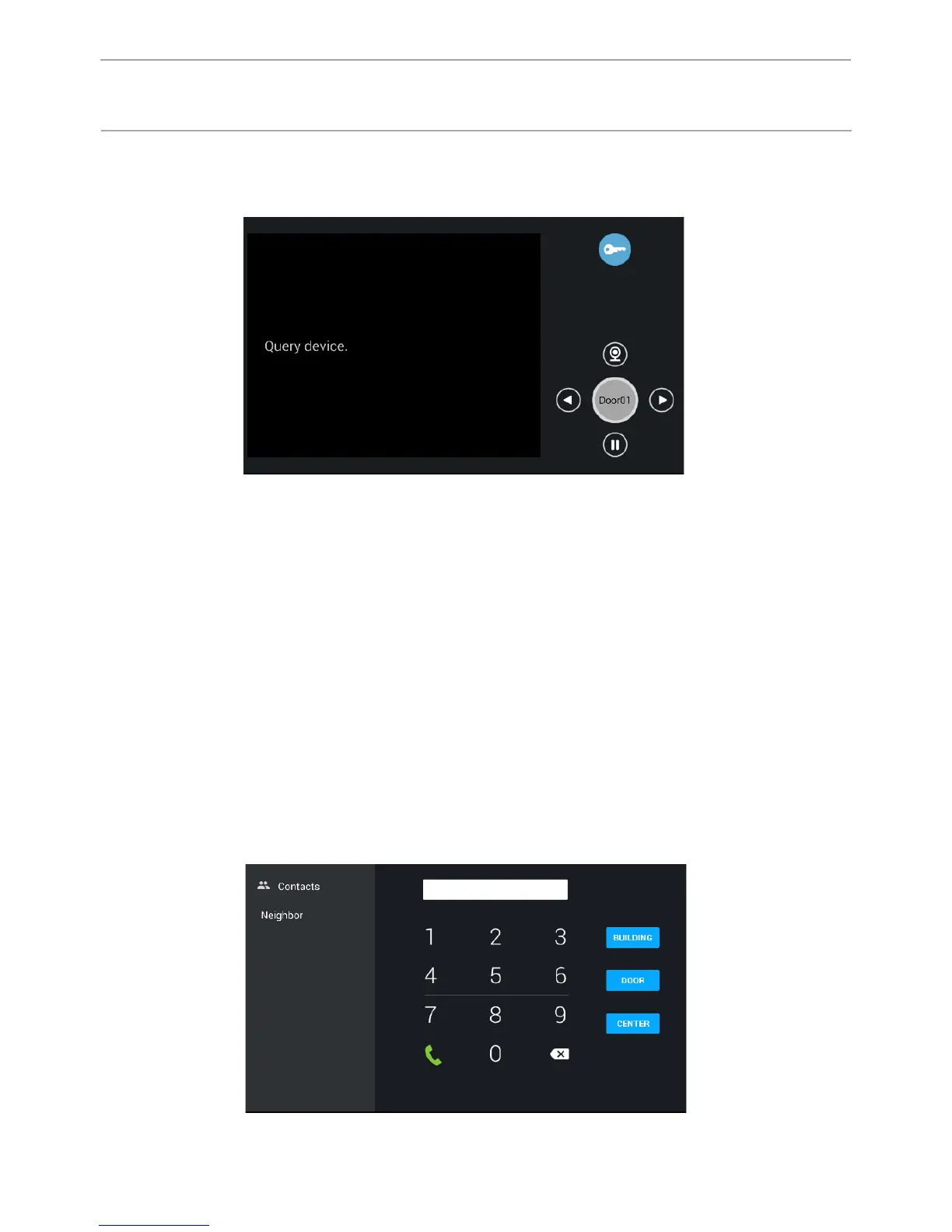
3.1 Wieving outdoor panels.
Push the “Monitor“ button to go to the following interfase.
By clicking on the word “Door01“ you can switch between personal panel and
milti-apartment panel. Use the “Right” and “Left” buttons to choose the number
of multi-apartment and individual panels.To view the selected panel, press the
button “Watch”, and to complete - the button “Pause”. To open the door while
viewing the selected panel, press the “Opening the lock” button.
3.2 Calls.
3.2.1 Calls between internal monitors.
Enter from 1 to 4 digits of the house and click on “Building”, then enter the
2 digits of the front door and press the “door”, then enter 1 to 4 digits of the
apartment and press the call button. To delete a digit entered incorrectly, use the
“Delete” button.
45
CONFIGURATION VIA THE MONITOR’S
GRAPHIC INTERFACE



 To Next Page