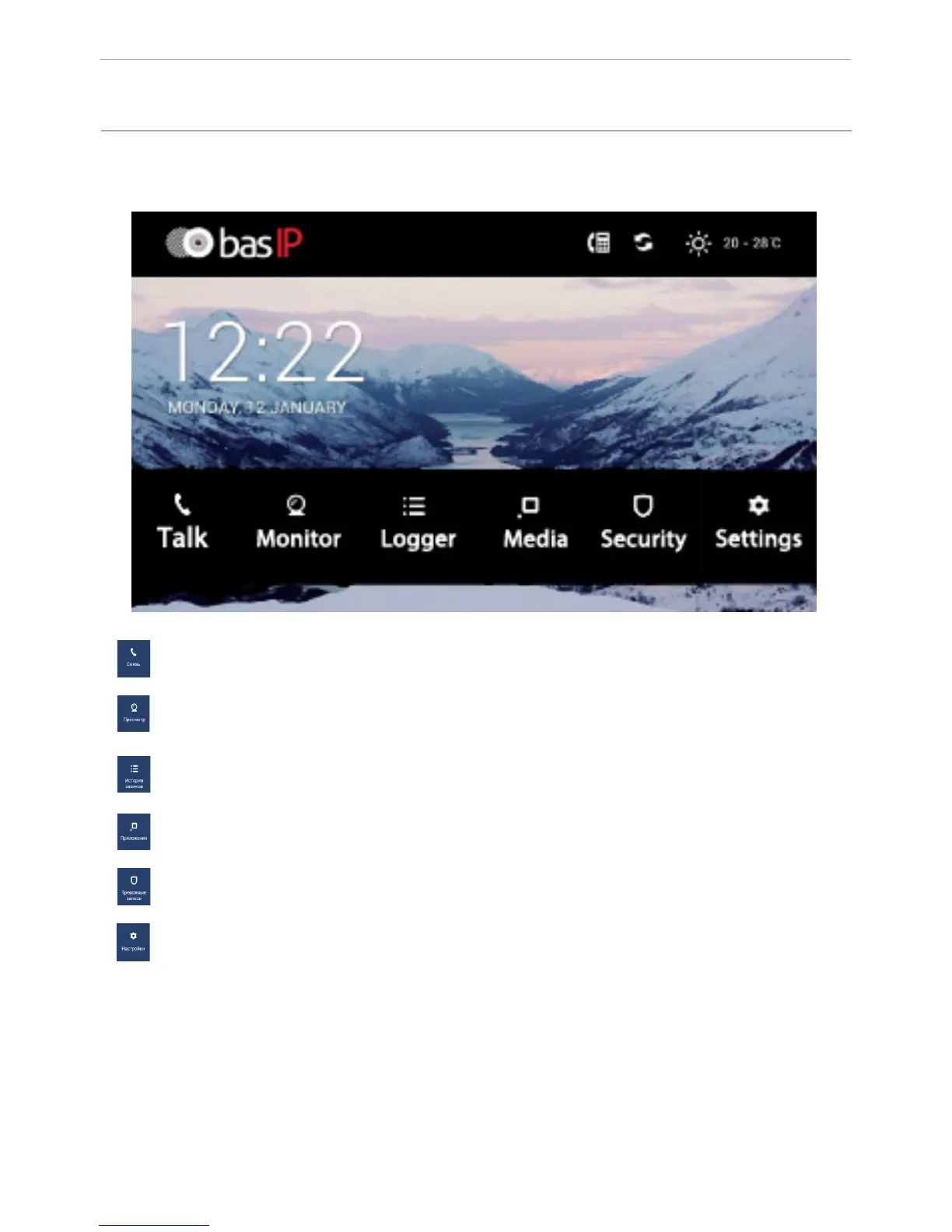
Main screen
Communication: enter the calls menu
View: enter the viewing outdoor panels menu.
Applications: enter the additional functions menu
System settings: access to the setup menu
Call history: view the call history
Alarm records: view alarm messages
54
CONFIGURATION VIA THE MONITOR’S
GRAPHIC INTERFACE



 To Next Page