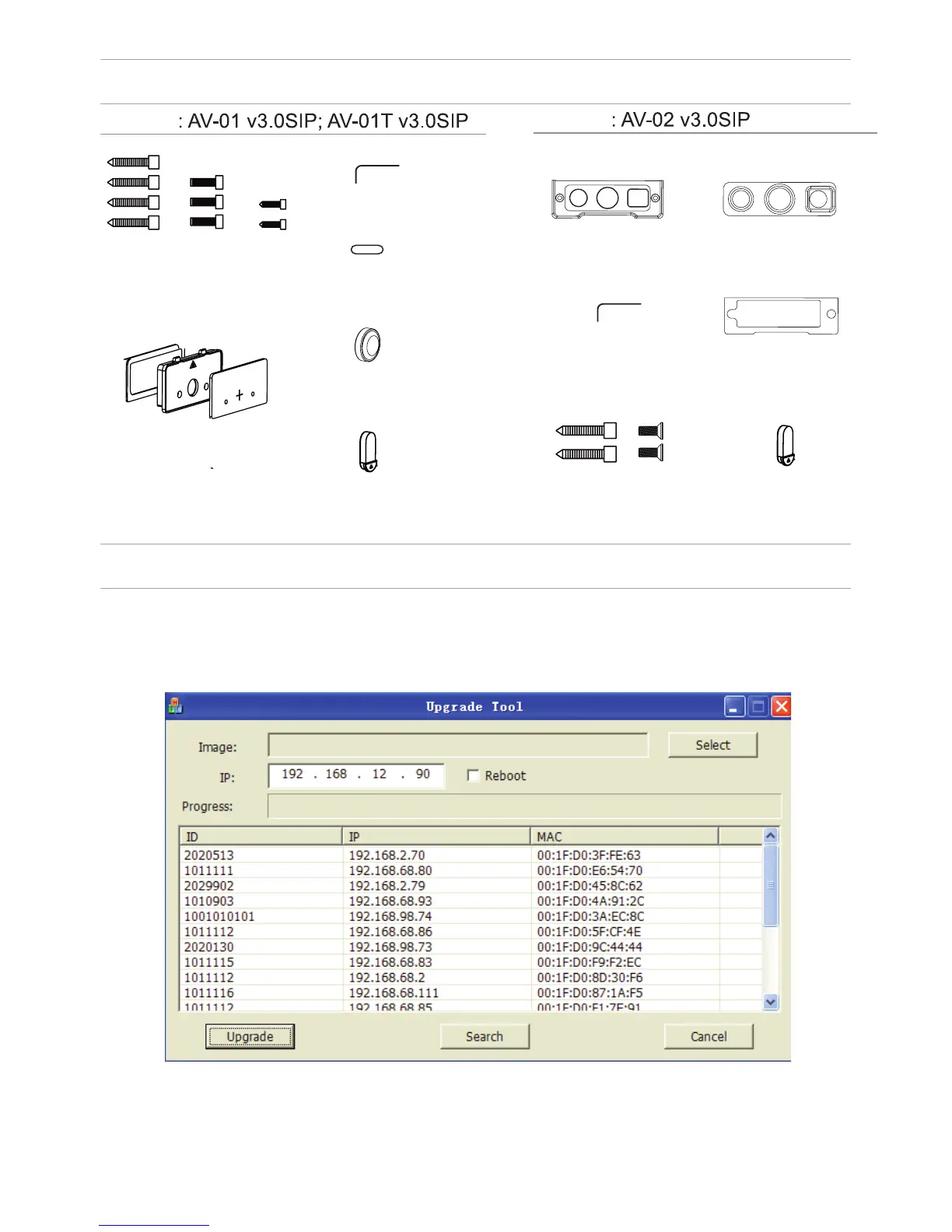
EQUIPMENT
SETTING THROUGH WEB INTERFACE
Search for the IP-address of the outdoor panel.
After you have connected the outdoor panel in the same local area network as
your computer, run the program «Upgrade Tool» to determine the IP-address of
the outdoor panel.
Press the “Search” button and the program window will display the IP-address
of the outdoor panel and any other devices BAS-IP, which are connected to the
local network.
Model
Model
MOUNTING
SCREWS
KEY
PROTECTIVE
COVER
WATERPROOF CAP
AND PROTECTIVE CA-
BLE COVER 1
PROTECTIVE
CABLE COVER 2
PROTECTIVE
CABLE COVER 3
KEY
PROTECTIVE
CABLE COVER 2
MOUNTING
SCREWS
PROTECTIVE
CABLE COVER 3
WATERPROOF CAP
AND PROTECTIVE
CABLE COVER 1
PROTECTIVE CABLE
COVER 1



 To Next Page