SETTING THROUGH WEB INTERFACE
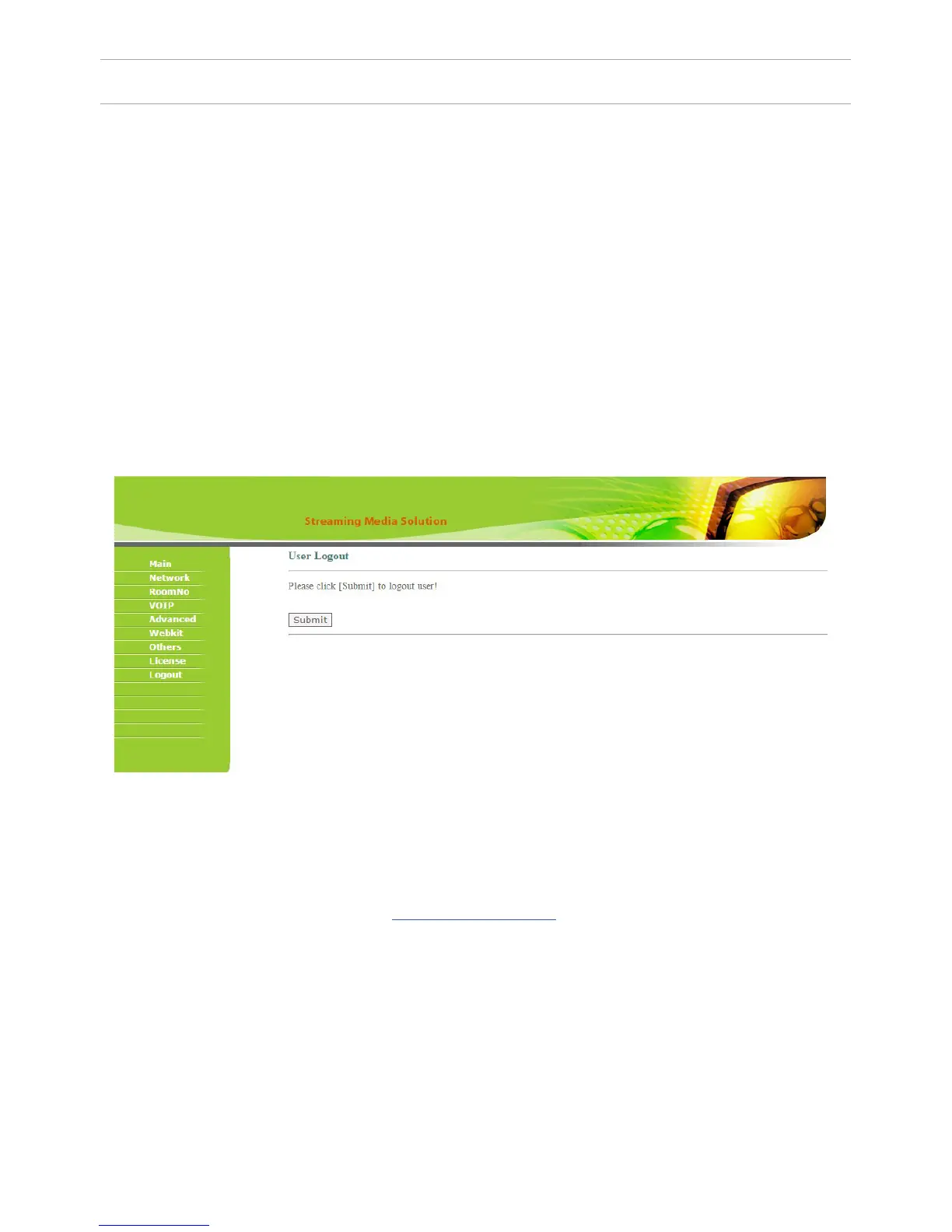
6. Sign Out.
Select «Sign Out» to enter the next interface:
The ONVIF string – should appear automatically as RTSP stream initialization
string. If it does not appear, then the IP camera does not have a ONVIF, or its
ONVIF specication does not meet the standards. In this case, the parameters
must be lled manually, but you do not need to ll in the ONVIF eld.
Name: enter the name of the IP camera.
User: enter the user name for access to the IP camera.
Password: enter the user password to access the IP camera.
CHI: you must enter the IP address of the camera and its RTSP initialization
string.
Click «Apply» button to exit the WEB-interface of the internal monitor.
You can nd more detailed instructions on setting up the internal monitor
functions on our website in the download section.
50



 To Next Page