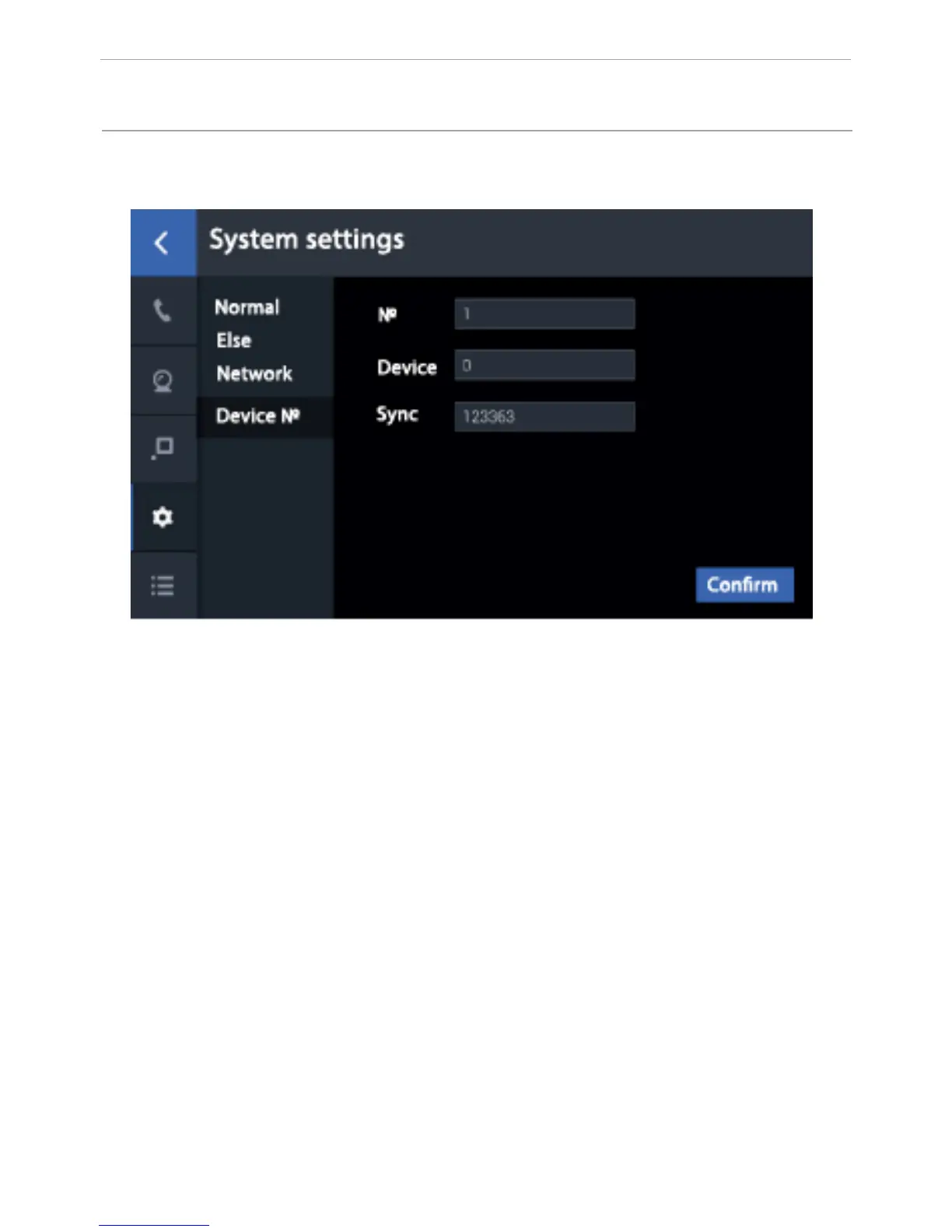
2. Thelogical addresssettings.
1. In the “Building” eld you must enter the logical adress of the concierge
monitor. The IP-Address of the building must correspond to the building logical
adress in the settings of the devices used.
2. Enter 0 in the “Main” eld in the main concierge monitor. For additional
monitors, enter values from 1 to 8.
3. The “Sync” eld should match on the main and additional monitors. Enter
6 digits in this eld that must be identical on the main concierge monitor and
additional monitors. This eld must be lled in order to get calls on the monitors
simultaneously.
4. Conguring the logical adress.
Click «Address» to enter the logical adress conguration interface.
Note: If you do not program the «Call instead concierge» on internal monitors
and multi apartment outdoor panels, this button will call the concierge monitors
with the building number from 1 to 5. So that to internal monitors and outdoor
panels can call the concierge monitor which has the same house number, you
must program the concierge call button in the web interface settings of internal
monitors and outdoor panels!
56
CONFIGURATION VIA THE MONITOR’S
GRAPHIC INTERFACE



 To Next Page