Page 10 For technical questions, please call 1-888-866-5797. Item 59098
SAFETY OPERATION MAINTENANCESETUP
Contact Actuation Mechanism Definition
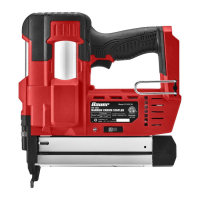
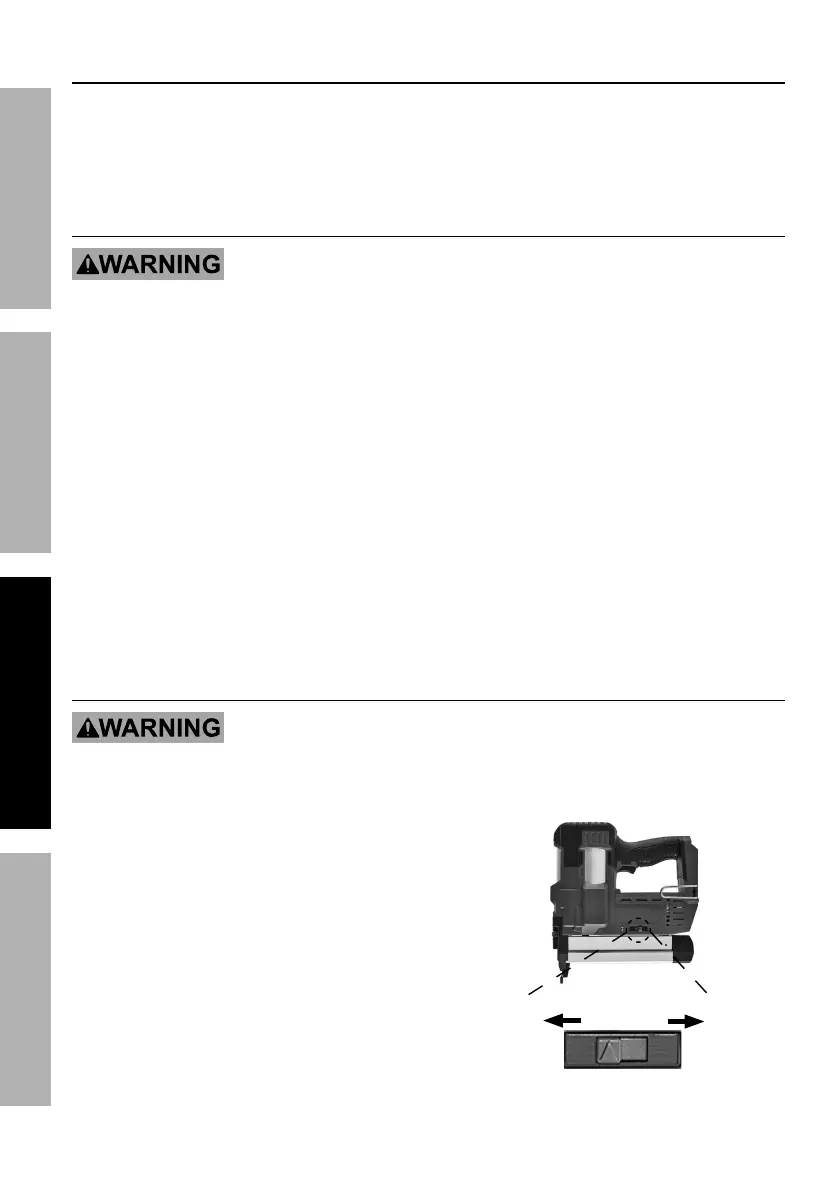
The contact actuation mechanism allows rapid placement of fasteners. Use the switch next to the LED
Indicator to change modes. The tool should only actuate if the Workpiece Contact is pressed against the
workpiece and the Trigger is pulled. It should actuate again if the Trigger is released and pulled OR if the
Workpiece Contact is lifted and pressed against the workpiece again. The tool should not actuate if the
Workpiece Contact is not pressed against an object. Contact Actuation should only be enabled and
used by skilled operators who are aware of the hazards and use proper, safe work practices.
Contact Actuation Mechanism Testing Procedure
TO PREVENT SERIOUS INJURY FROM ACCIDENTAL DISCHARGE:
Point the tool at a piece of scrap wood when testing.
1. Disconnect the Battery Pack from the tool
and empty the Magazine of fasteners.
2. Check that the Trigger moves
freely, without sticking.
3. Replace fasteners in Magazine.
Connect the Battery Pack to the tool
making sure it clicks in place.
4. Set Actuation Switch to the right (contact actuation).
5. Press Tool Power Switch.
6. Test the tool by pressing the Workpiece Contact
against the workpiece without pulling the Trigger.
The tool must not cycle (actuate).
If it cycles (actuates), stop immediately and have
it repaired by a qualified service technician.
7. Hold the tool away, or off of the workpiece.
The Workpiece Contact should return to its original
position. Squeeze the Trigger.
The tool must not cycle (actuate).
If it cycles (actuates), stop immediately and
take the tool to a qualified service technician.
8. Squeeze Trigger and press Workpiece Contact
against the workpiece.
The tool must cycle (actuate) only once.
Release the Trigger, slide the stapler to a fresh
piece of wood, and squeeze it again.
The tool must cycle (actuate) again only once.
With the Trigger depressed, carefully lift the tool
and press it against the workpiece again in a new
location.
The tool must cycle (actuate) again only once.
If it fails to act in the manner explained in bold,
have it repaired by a qualified service technician.
Actuation Mode Switch
TO PREVENT SERIOUS INJURY FROM ACCIDENTAL DRIVING:
• Release Trigger and point tool in a safe direction before changing actuation mode.
• ONLY operate the tool with the Switch fully in one of the actuation mode positions.
1. Slide the Actuation Mode Switch to the
left to enable Single Sequential operation
for precise placement of fasteners.
2. Slide the Actuation Mode Switch to the right to
enable Contact Actuation operation for rapid
placement of fasteners.
Only a skilled operator who is aware of the
hazards and uses proper, safe work practices
should use Contact Actuation operation.
Single Sequential
Contact
Actuation Mode Switch


 To Next Page
 Loading...