8
Unlock Your World with . . .
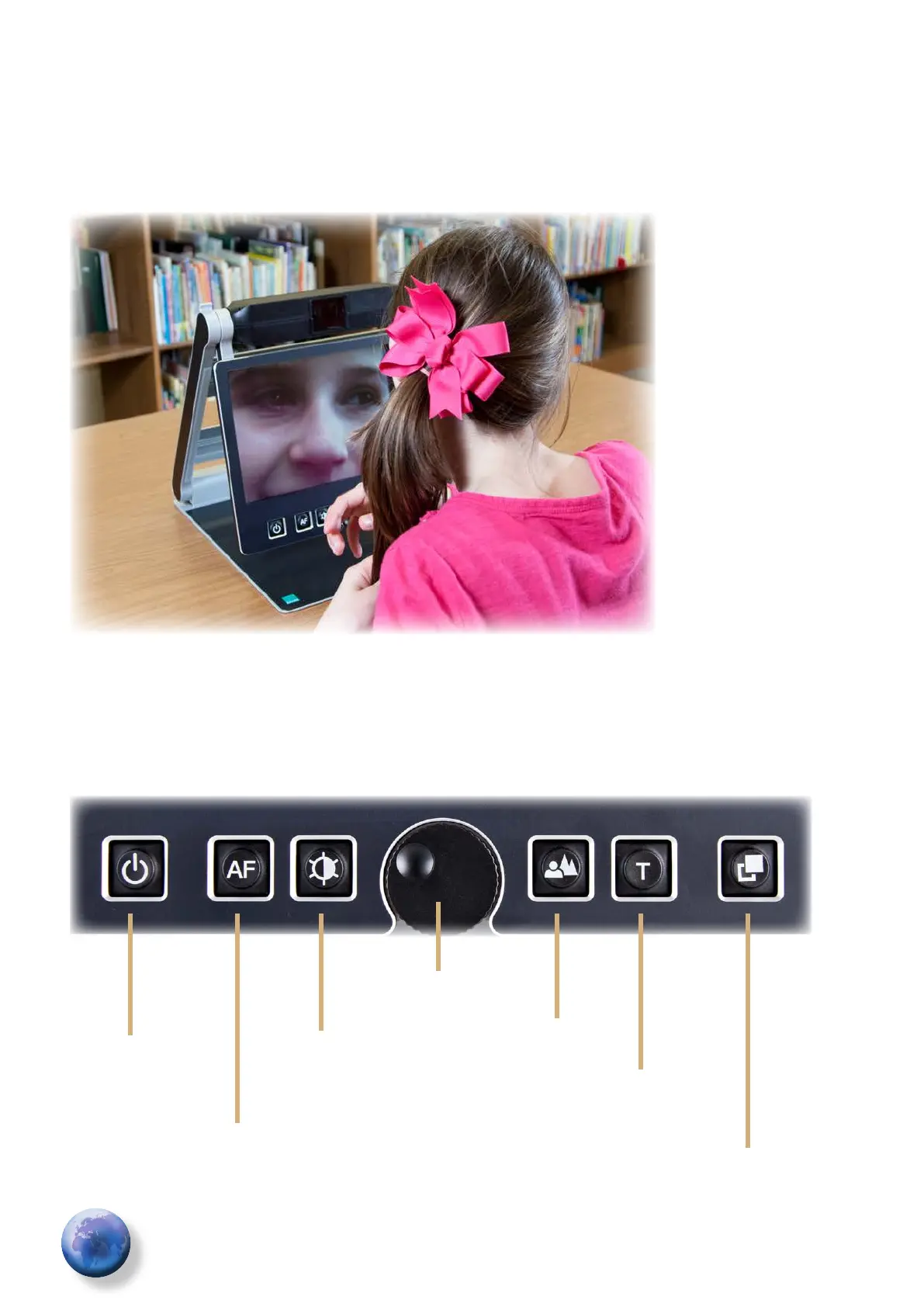
To set the mirror position, pull the display screen
down below the camera and pivot the camera
window toward yourself, so your face will be shown
on the display screen.
It’s a breeze to see your face by using the
mirror function.
Control Panel Buttons - quick reference
Power
Auto-Focus
Image
Optimizer
Zoom
Picture
Text
Color
Alternate
Color


 To Next Page