14
Unlock Your World with . . .
In picture mode, you may toggle white balance
among warm reddish white, neutral white, and cold
bluish white.
To switch off the light
When you read from glossy paper or self-lit displays
such as those on small portable computers,
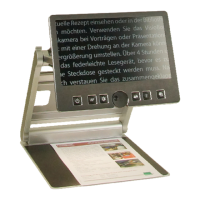
VisioBook
’s light may cause reections or blinding
effects on the camera image. In such cases, you
should switch off the light. A long press on the image
optimizer button will do it. One more long press will
switch the light back on again.
VisioBook Memory
VisioBook remembers the last color settings. If you
switch between text mode and picture mode, then
return to text mode, you will nd the previous colors
there.
VisioBook even remembers the last settings
before it is switched off.
External Connections to VisioBook
VisioBook provides three sockets to connect external
devices: one USB output, a video output, and a video
input. All three sockets are on the back of the display
panel.
• USB output
This mini USB-B socket is used to
connect a personal computer. VisioBook
is recognized as a standard camera device
by Windows XP™, Windows Vista™, and
Windows 7™. No special drivers are
required.


 To Next Page