Manufactured by
11
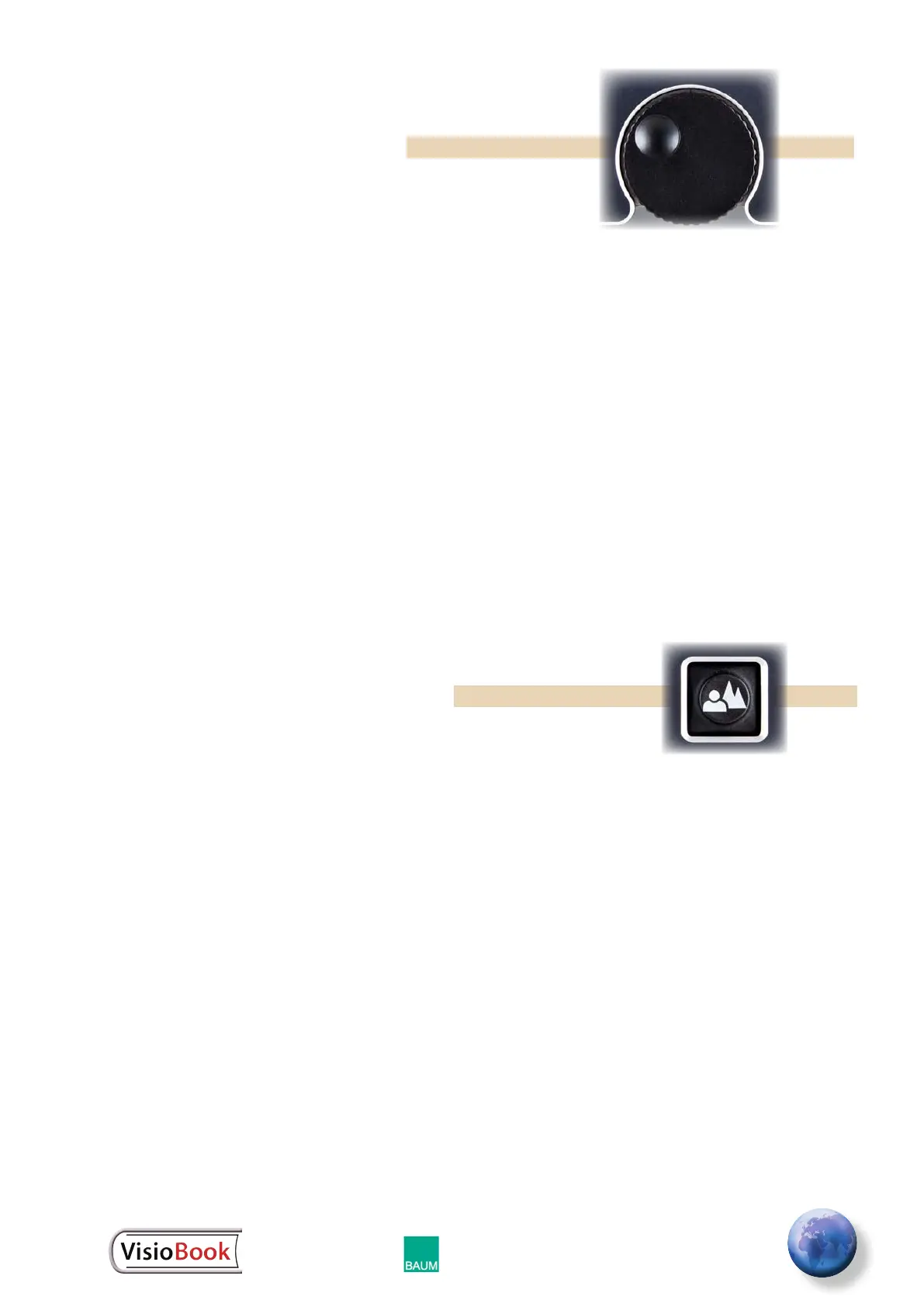
Zoom Wheel
The round zoom wheel is in the middle of the control
panel. This zoom wheel controls magnication for the
text and other items viewed with your VisioBook. Turn
the wheel clockwise to increase magnication. Turn it
counterclockwise to decrease magnication.
Note: The minimum zoom level is not meant for
extended reading. Instead, it provides a better
overview of the document layout. This overview allows
you to easily nd the desired position to view images
at higher magnications.
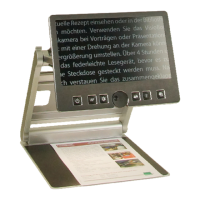
Picture Button
The picture button is located to the right of the
zoom wheel. A press of this button will set VisioBook
to real color or picture mode. This mode is ideal to
view images, to read substandard print, or to write or
ll in forms. Picture button color technology provides
all natural colors in all shades.
Just hold and move the paper on the base plate until
you see one of the images in the document. If the
image is too small, increase the magnication by
turning the zoom wheel clockwise. If you get lost in
the document, move the paper and when the image
is located, increase magnication again.


 To Next Page