5
Manufactured by
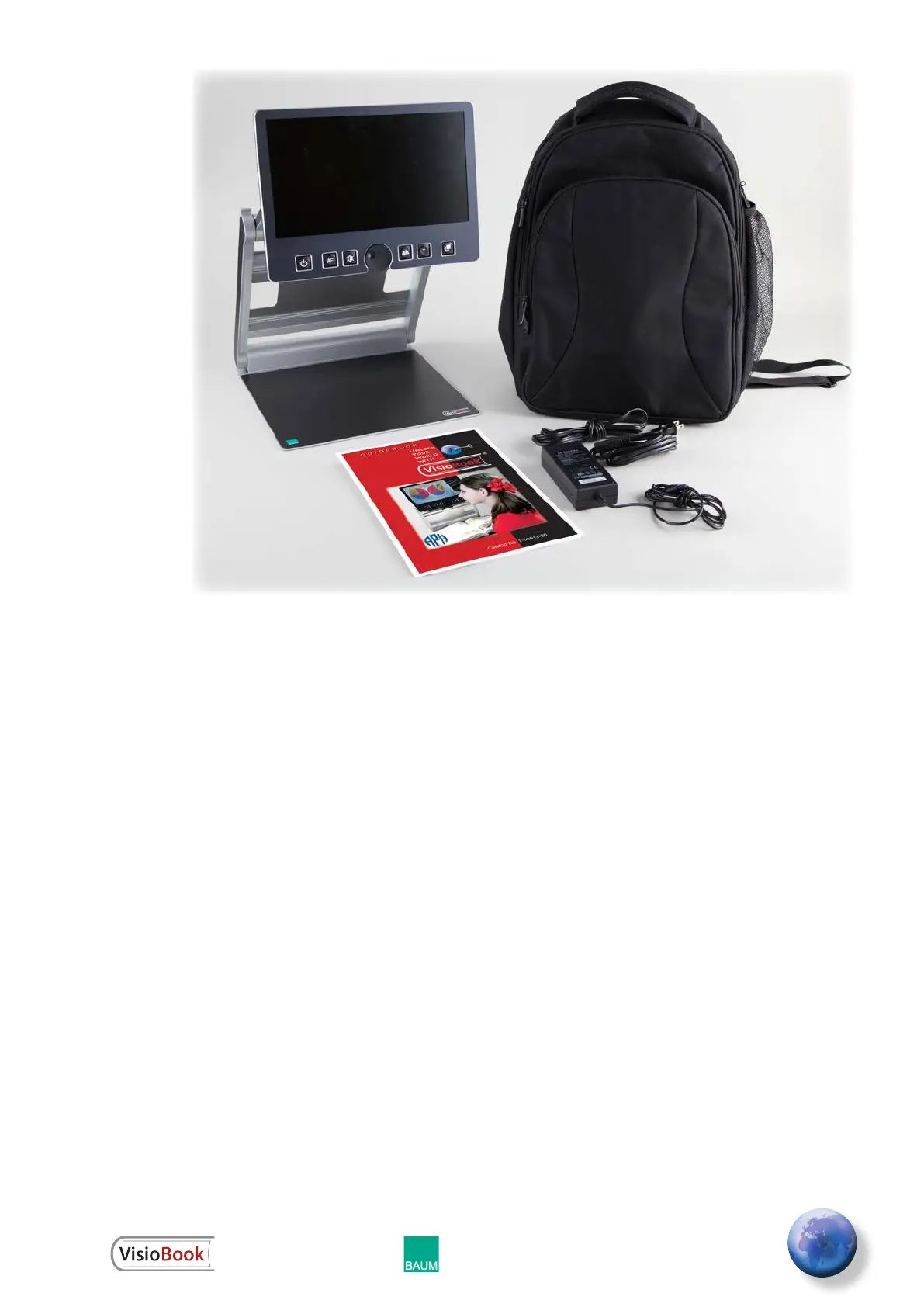
Contents of Your VisioBook Box
1 VisioBook portable video magnier
1 protection bag
1 power supply with cable
1 User Guidebook
1 cleaning cloth for camera window and
display
How to Position VisioBook for Use
Remove VisioBook from the box and place it
on a table with the front edge 3 inches from
the edge of the table. Hold down the base
plate with one hand. With the other hand, grab
one horn of the arms. Lift the arm until it snaps
into position. Now put your hands on both
sides of the display panel and pull the display
Bag Sold
Separately


 To Next Page