Manufactured by
13
through the ve options, the order will start over
again. To reverse foreground and background, just
press the text button. A very bright color set can
be accessed by pressing the picture and text button
simultaneously while powering on.
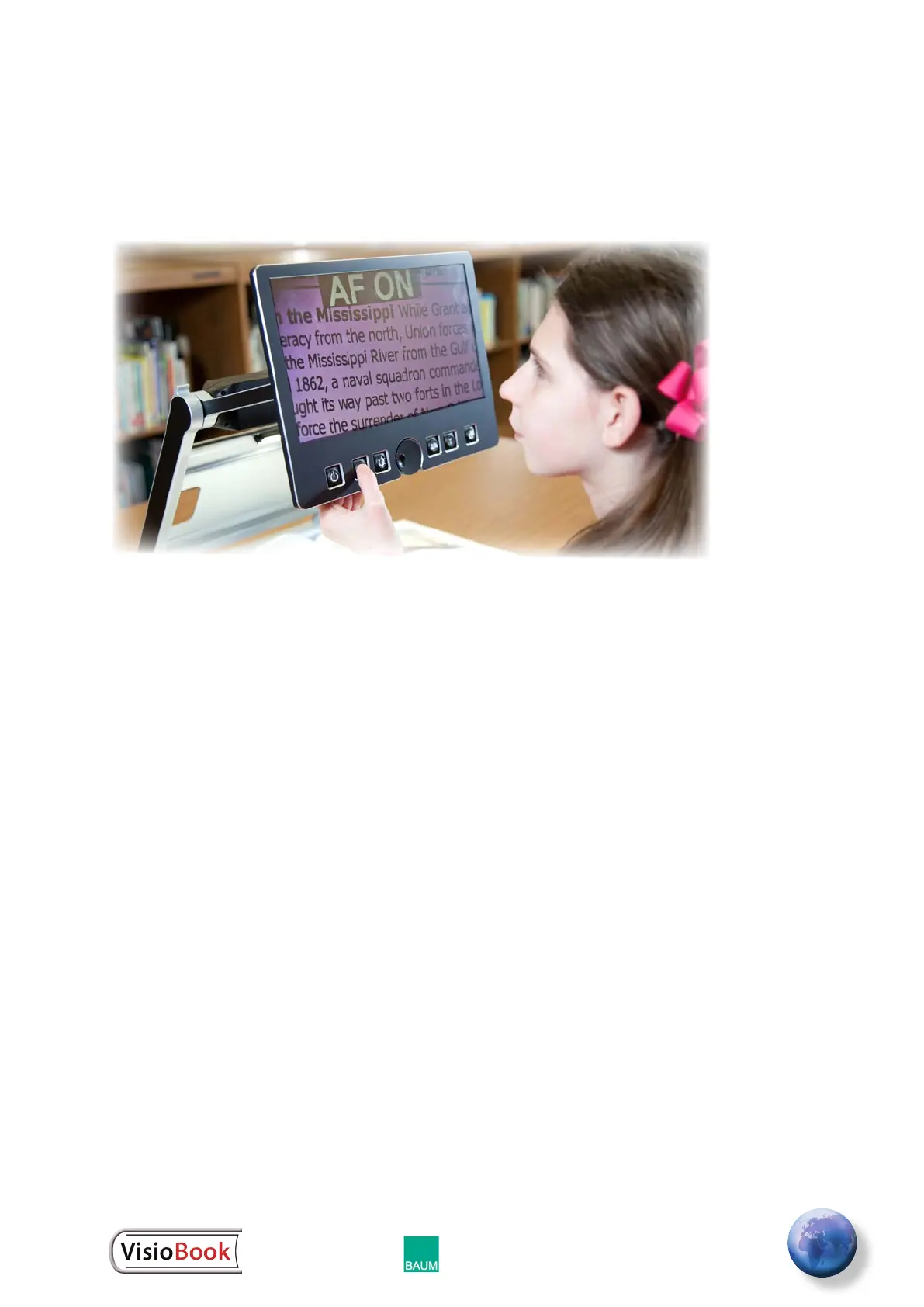
It is easy to select the colors that work best for you.
You can press this button a few times to see the
choices of colors available. You may also switch
between text mode and picture mode to see the
differences. In text mode, letters are much clearer
and brighter and display higher contrast. In picture
mode, you can see all colors and shades of gray.
The 10 available optional color combinations are:
• black with ivory text
• ivory with black text
• primrose yellow with black text
• black with primrose yellow text
• radiant blue with ivory text
• ivory with radiant blue text
• black with soft pink text
• soft pink with black text
• soft peach with black text
• black with soft peach text


 To Next Page