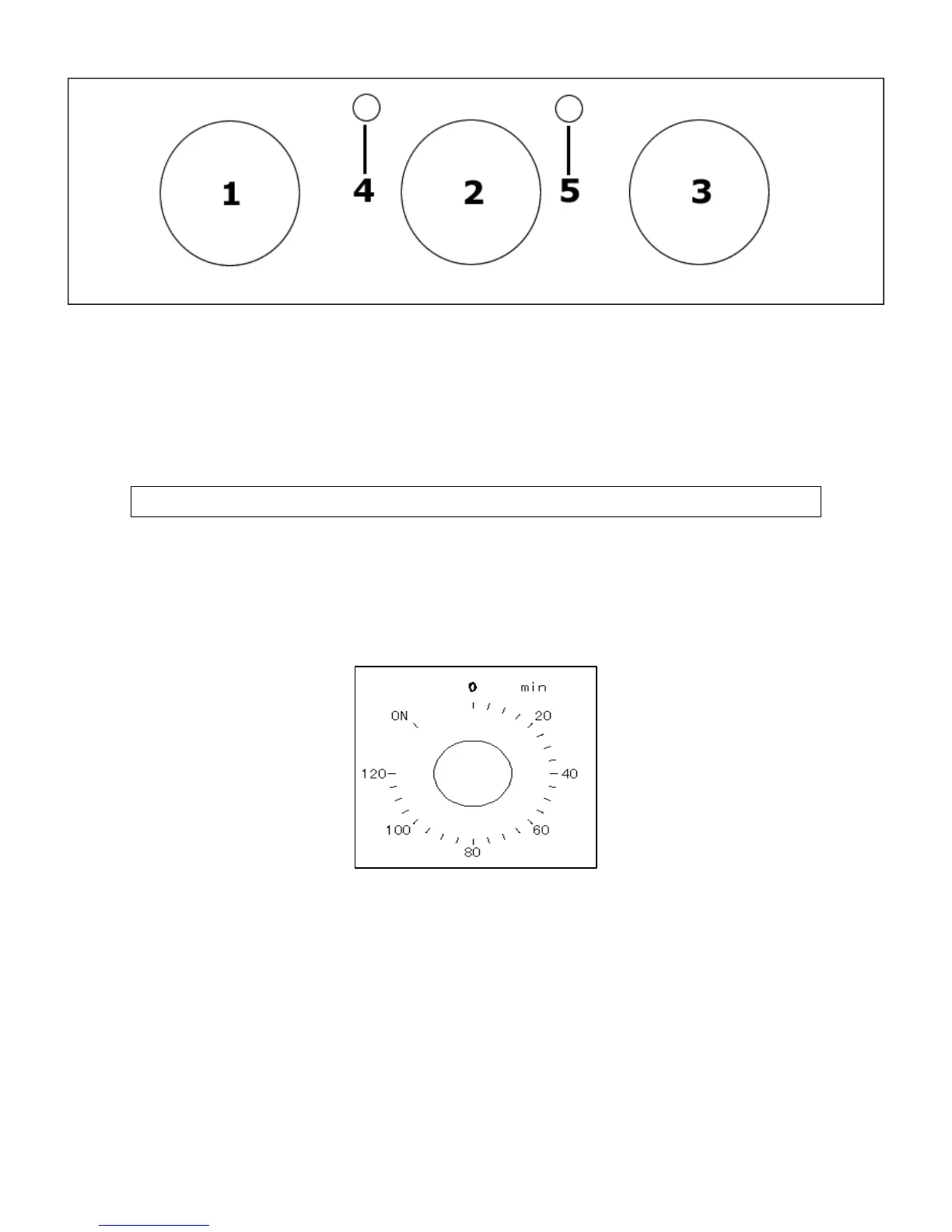
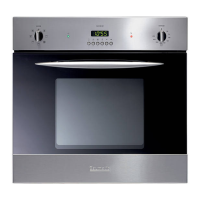
Control Panel
10
ob
knob0
ob
) Power indicator light
) Oven operating light
1) Oven function selector kn
2) Minute minder control
3) Thermostat control kn
4
5
Setting and using the oven
Selecting manual operation mode
Before you can select a cooking function or set a temperature,
ou must set the appliance eration mode.
o Turn the minute minder control knob (2) anti-clockwise, so that
it points at the word ON.
y into manual op



 To Next Page