Selecting a wash program
9 Load your laundry and put detergent in the relevant
compartment of the soap drawer.
9 Close the porthole door firmly.
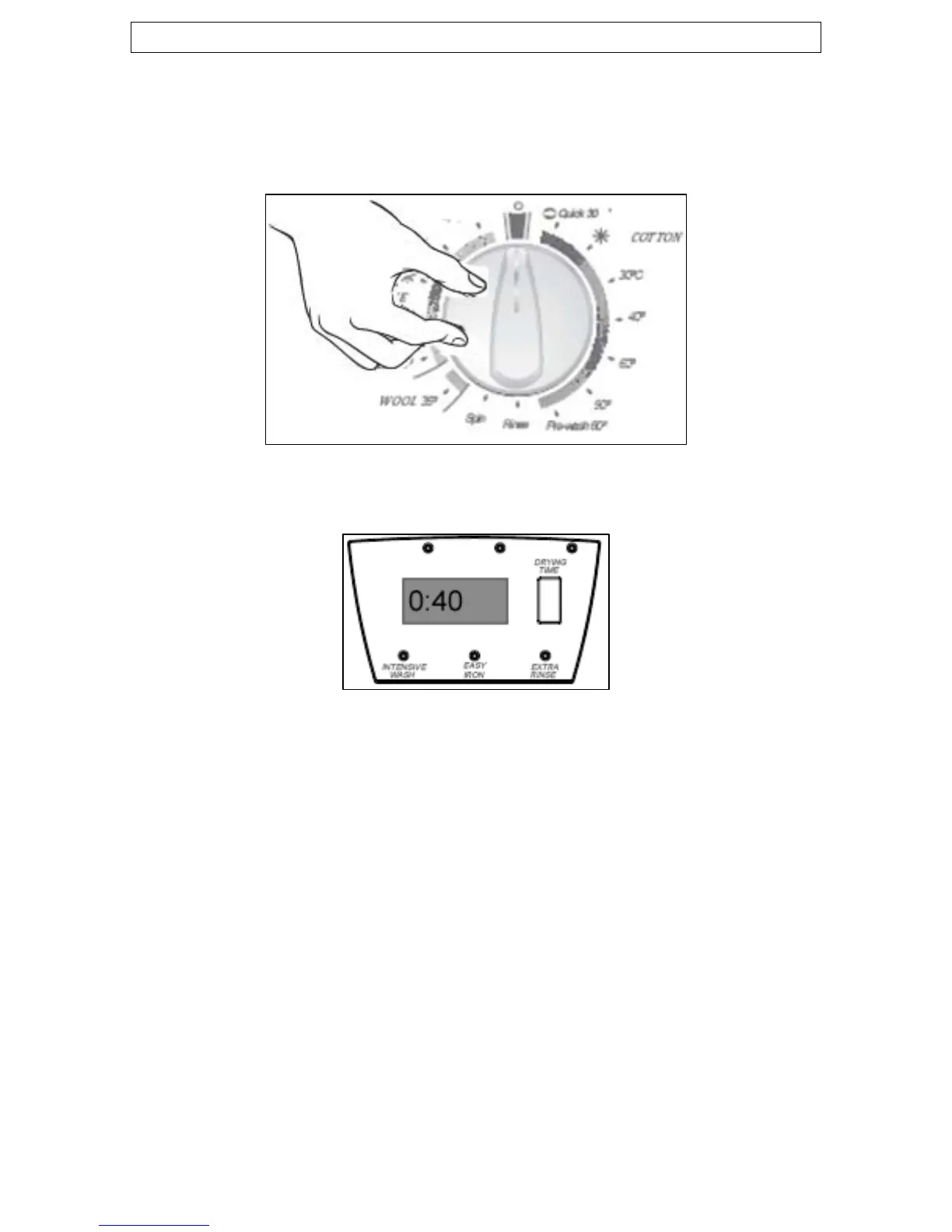
9 Select the most appropriate wash program for the garments that
you are washing, by turning the program selector knob.
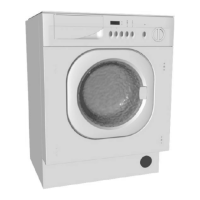
o The LCD display will briefly flash the wash program number that
you have selected and then show the approximate time that it
will take the chosen wash cycle to complete.
9 Select any program options by using the program option buttons
underneath the LCD display (for more information, please refer
to the “setting a program option” section).
o Any program option that you select, will affect the length of time
that the wash cycle will take to complete. The LCD display will
update to reflect this change.
9 Press the Start/Stop button.
o After approximately 5 seconds, you will hear your washing
machine start the wash cycle.
18


 To Next Page