o If there is a power failure or the plug is pulled out of the
socket when a wash cycle is in progress. Once power has
been restored, the wash program will continue.
o Whilst the wash program is in progress, the time remaining to
the end of the wash cycle will appear on the display.
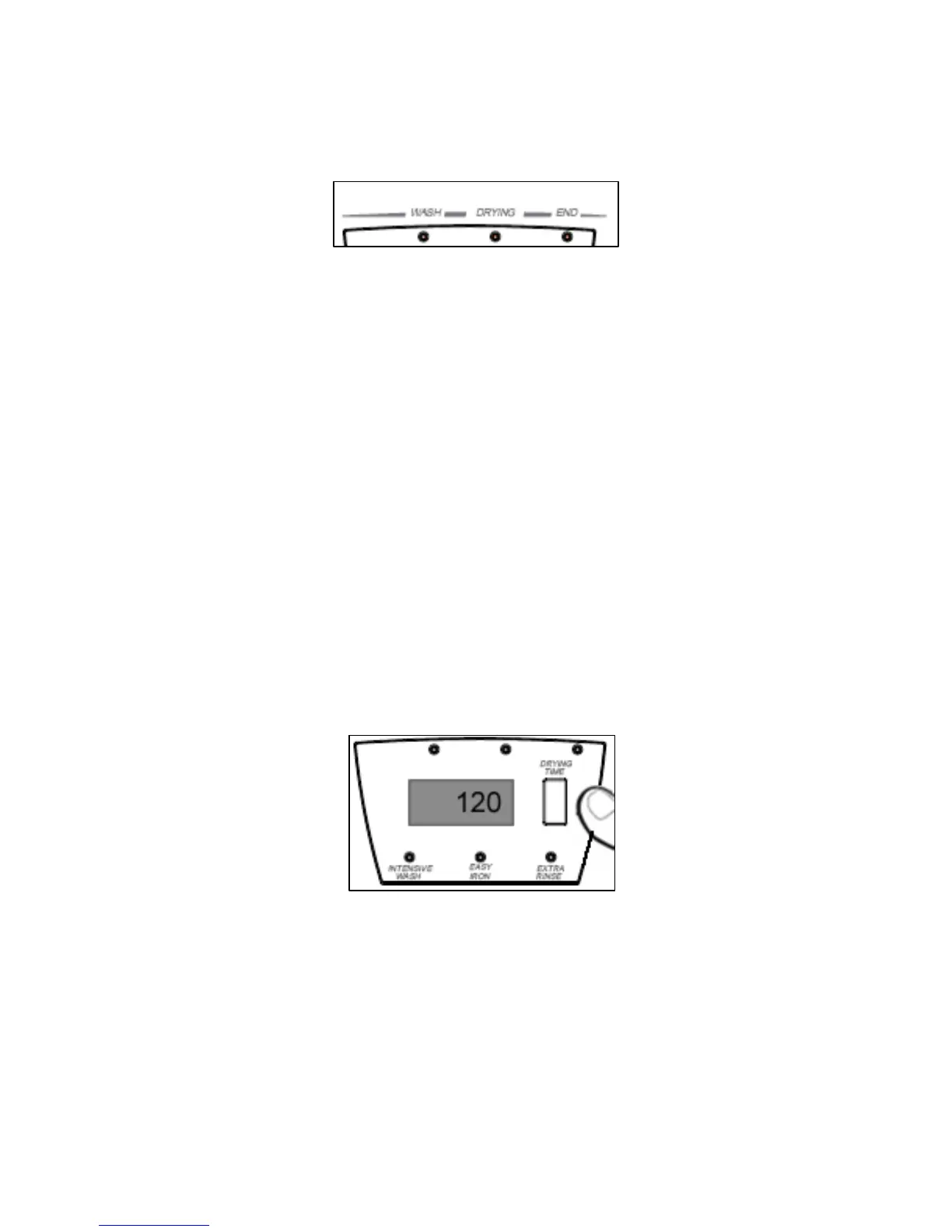
o The active phases will appear at the top of the display, as the
wash program progresses. The time remaining until the end of
the program will update throughout the wash cycle. Please note
that it does not count down in “real time”.
o Any program option can be selected once the wash cycle is
already in progress, providing that the stage in the wash cycle
that the option will affect has not already passed. (E.g. you
cannot select an intensive wash, once the machine has reached
the rinse stage of the wash cycle).
Selecting a separate drying program
o Select the most appropriate drying cycle for the garments
that you wish to dry, by turning the program selector knob.
o IMPORTANT: Please take note of the maximum size of
load that you can dry in this appliance. This information
is contained in the program chart.
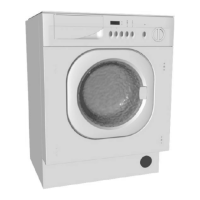
o Select the drying time in minutes, by using the drying time
button.
o The drying time will appear on the LCD display and will increase
each time the drying time button is pressed.
o Press the START/STOP button to get the drying cycle to
commence.
19


 To Next Page