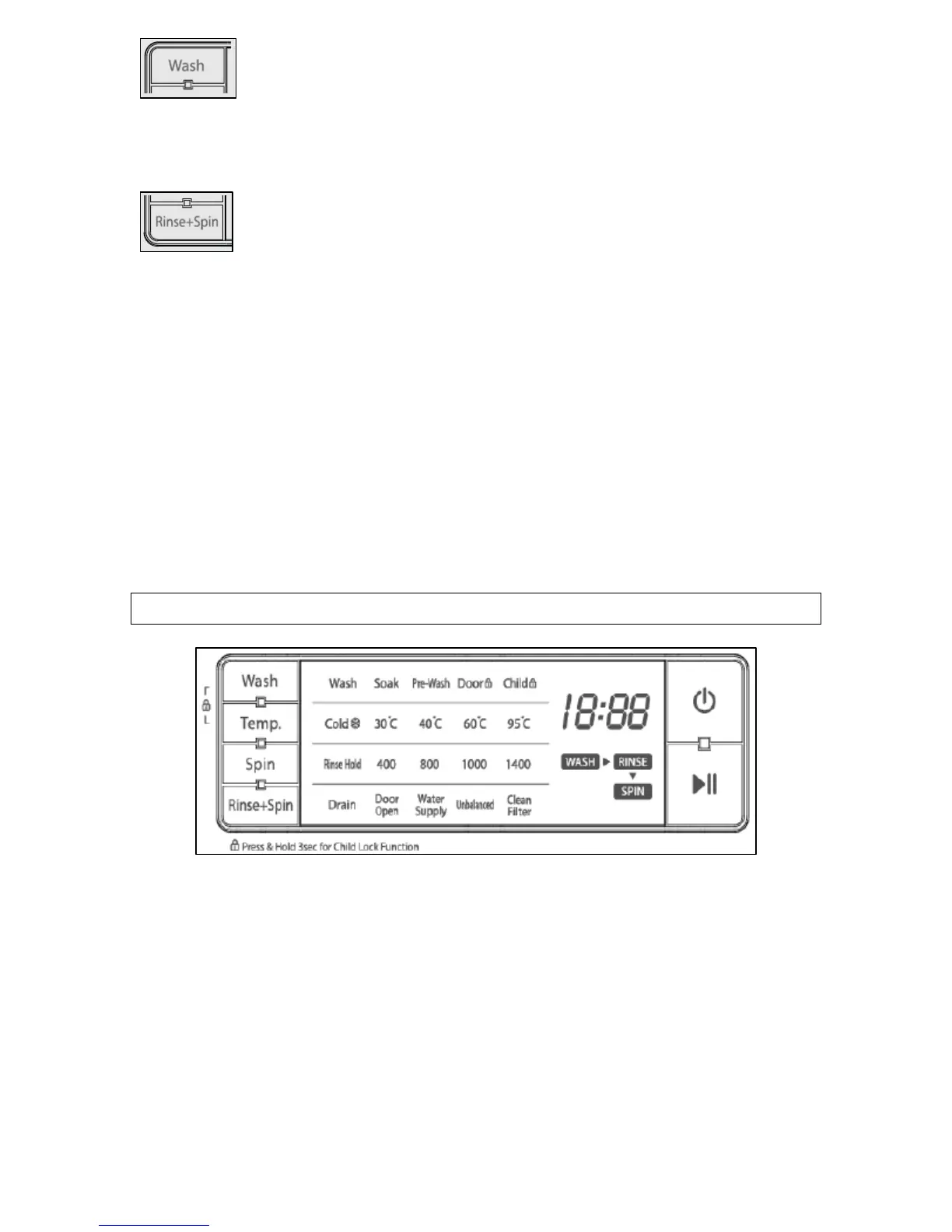
6) Wash button. You can select the cycle you want by
using this button. The light of the chosen cycle will glow
after selection. As the button is pressed, the wash cycle is
chosen through the following options:
Wash
Æ
Soak
Æ
Pre-wash
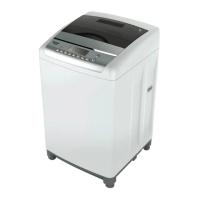
7) Rinse + Spin button. You can select the rinse and
spin cycle by pressing this button.
8) Water + button. You can press this button to add an extra 6 litres
of water to the rinse section of any wash cycle, to increase the rinse
performance without lengthening time it takes to complete.
9) Delay start button. This button can be used to delay the start of
the wash cycle from between 1 – 12 hours.
10) Memory button. You can use this button to recall a cycle that you
have previously programmed the washing machine to remember.
11) Rinse + button. You can press this button to introduce an
additional rinse, which will help to remove traces of detergent residue.
LCD display
Wash cycle progress indicator
This lights when a wash cycle is in progress, to indicate what stage of
the wash cycle the appliance has reached from:
Wash
Æ
Rinse
Æ
Spin
Wash display
This lights the wash functions that have been selected such as a pre-
wash or a soak.
Wash program temperatures
This light indicates which wash temperature has been selected.
10


 To Next Page