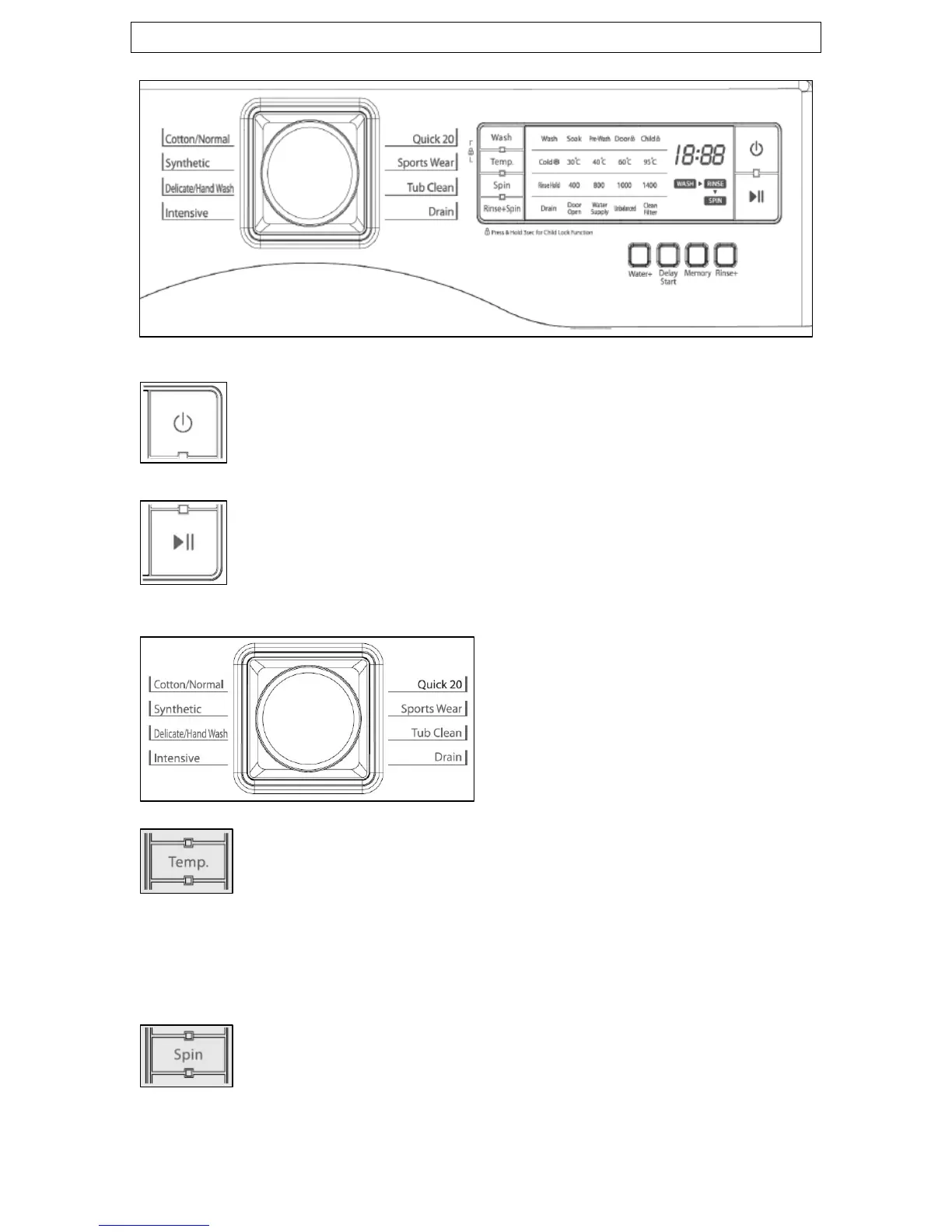
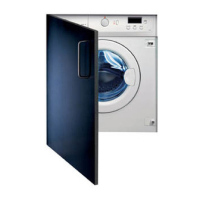
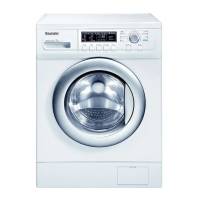
Control panel
1) Power button. Press this button to turn the power on or
off.
2) Start/pause button. Operation and temporary stop is
repeated as it is pressed. When you want to change a
program while it is in use, press this button, then select the
program you want to change to, and then press this button
again.
3) Wash program selection
knob. You can select the cycle
you want by rotating the knob to
choose from 8 options around the
outside.
4) Temperature button. This button can be used to
adjust the temperature of the water according to the type
of load that needs cleaning. As the button is pressed, the
temperature of the water can be selected through the
following options:
Cold
Æ
30°C
Æ
40°C
Æ
60°C
Æ
95°C
5) Spin button. By pressing this button, the spin speed
can be chosen. You can set the spin speed by rpm through
the following options:
Rinse Hold
Æ
400
Æ
800
Æ
1000
Æ
1400
9


 To Next Page