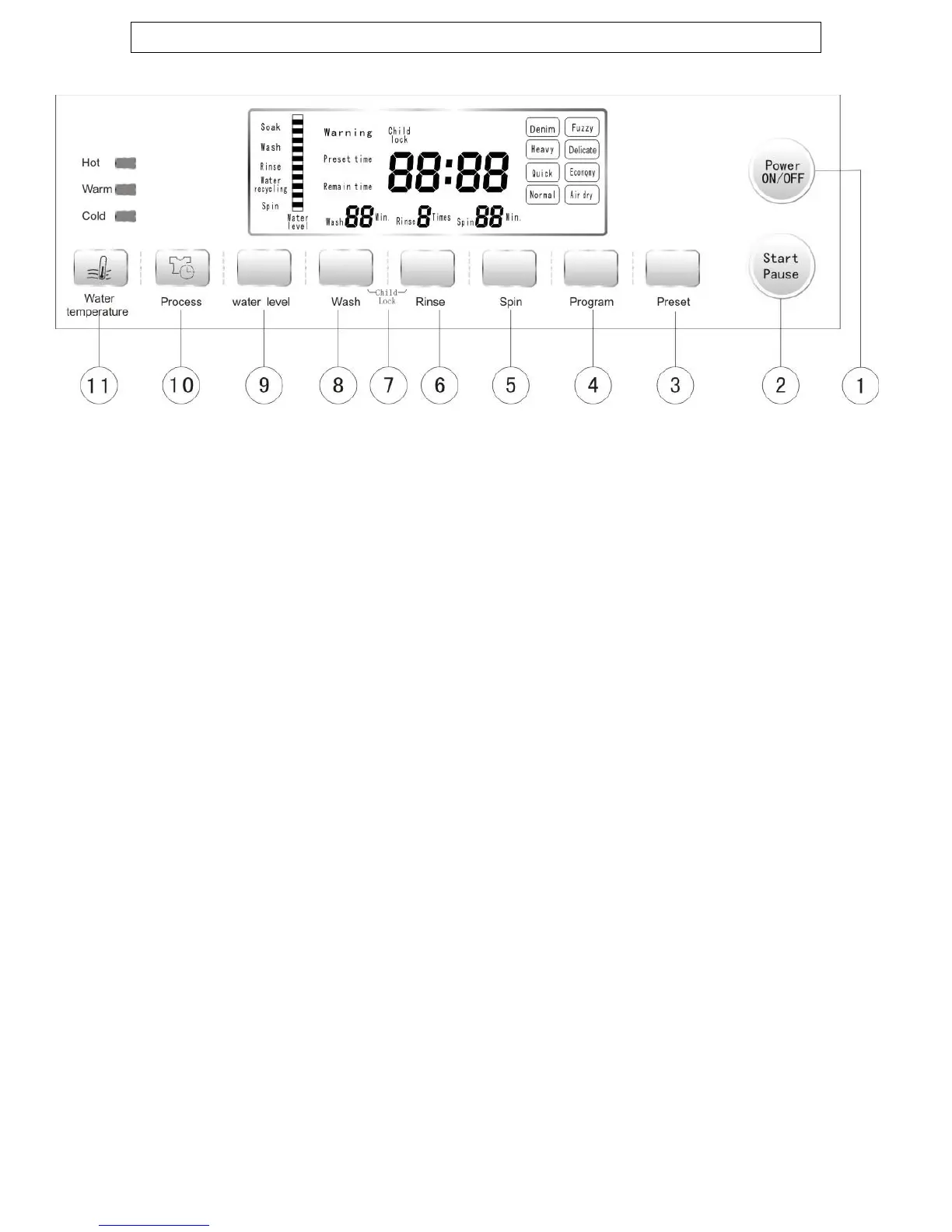
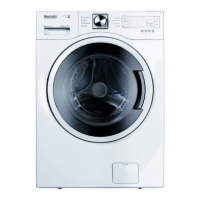
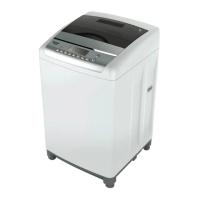
Control panel
1) Power ON / OFF button: Use this button to turn the washing
machine on and off. If a program is not set within 5 minutes of
turning the machine on, it will switch off automatically.
2) Start / pause button: Press this button to begin a wash
program, or to pause / resume a program that is currently in
progress.
3) Preset button: Use this button to program a delayed start to
the wash cycle.
4) Program button: Press this button repeatedly to set the
desired wash program. You can choose from the following
options.
DENIM
FUZZY
HEAVY
DELICATE
QUICK
ECONOMY
NORMAL
AIR-DRY
5) Spin button: Use this button to adjust the spin time.
6) Rinse button: Use this button to adjust the rinse time.
7) Child lock buttons: Use these buttons (Wash & Rinse)
simultaneously to activate and deactivate the safety lock.
8) Wash button: Use this button to adjust the wash time.
9) Water level button: Use this button to select the appropriate
water level according to the volume of laundry.
10


 To Next Page