Choosing a wash program
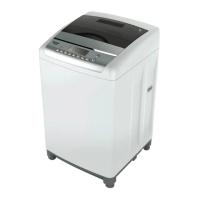
o Place the laundry into the washing machine and close the lid.
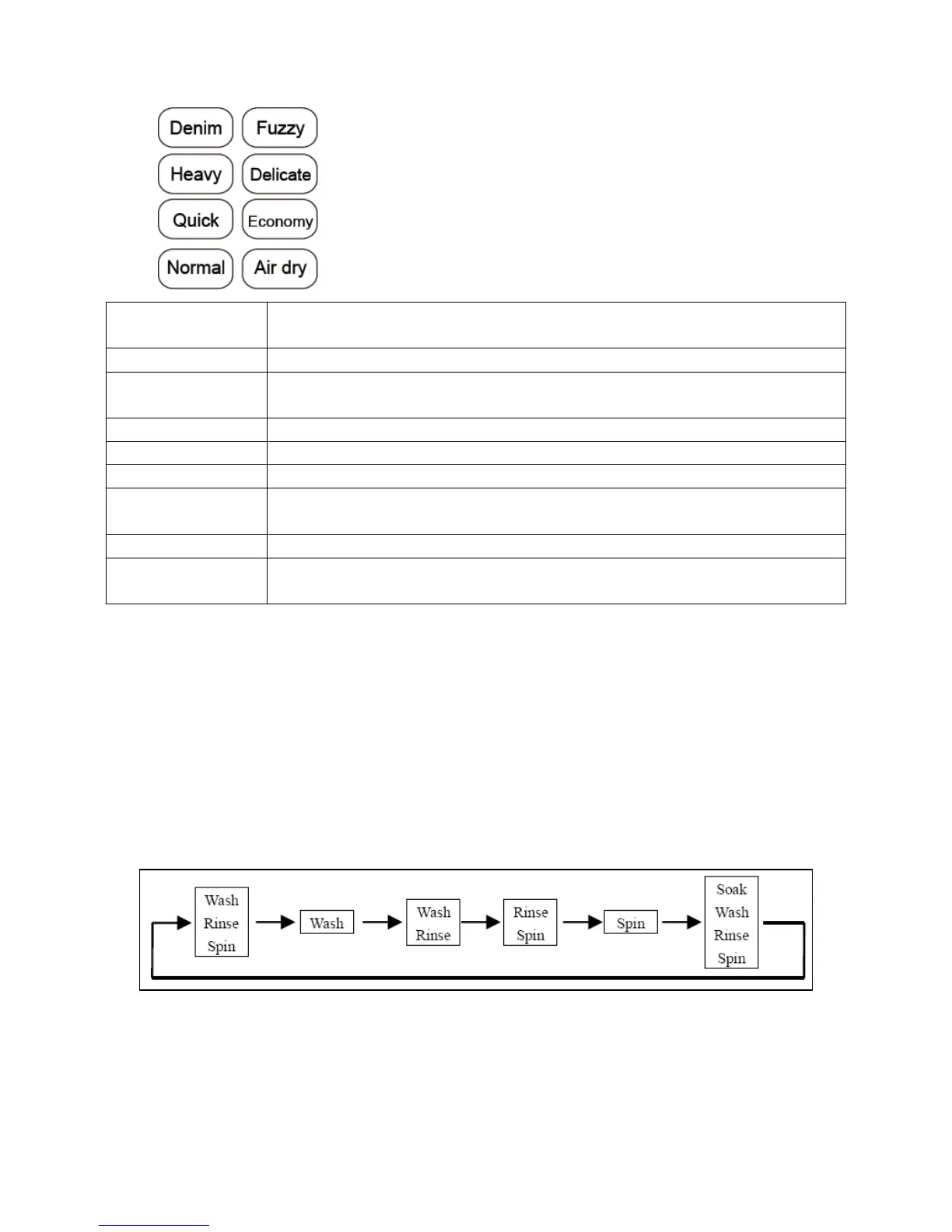
o Use the program button (4) to select the most
appropriate wash program for your laundry.
Please see the table below for a general guide:
16
Wash
program
Recommended laundry
DENIM To wash heavy duty clothes like Denim and work uniforms.
FUZZY This program automatically adjusts the water level
according to the weight of the laundry.
HEAVY To wash coats, Denim and other big clothes.
DELICATE For washing wool or underwear or other delicate items.
QUICK To wash only slightly dirty clothes.
ECONOMY Reduces the wash times and amount of water to reduce
energy consumption
NORMAL Regular washing.
AIR DRY Allows airflow to the drum during the spin cycle, helping to
speed the drying of the laundry.
IMPORTANT: A NORMAL cold wash setting should be used for
lightly soiled loads, and for normally soiled full loads a NORMAL
warm wash setting should be used.
Setting the program features
o The machine will automatically set a default wash cycle that
consists of a wash, rinse and then drain. If you wish to program
alternative wash features, you can use the process button (10) to
choose from the following options:
NOTE: If you select the “Delicate” wash program, the option of
“Soak, Wash, Rinse, Spin” is not available.
NOTE: If “Quick” or “Air-Dry” programs have been selected,
then the process button will not operate as these cycles can not
be modified.


 To Next Page